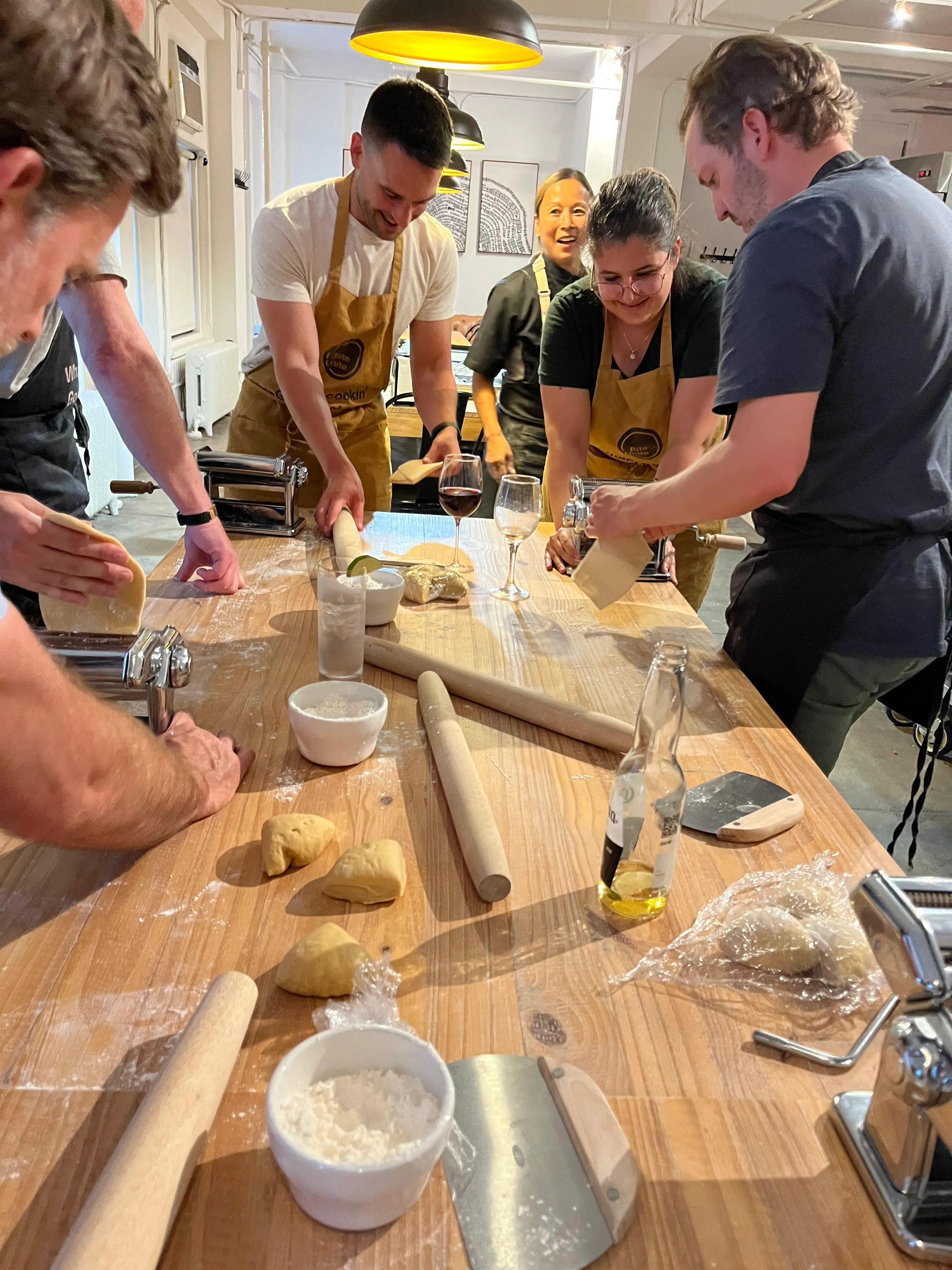
The Best Remote Team Bonding Activities for 2026

Start this week with three activities that actually move the needle. For a quick 5-minute energizer, run an emoji check-in: everyone drops one emoji in the chat that captures their current mood, then the host reads a few aloud. It builds warmth and takes zero prep. For a 20-minute collaborative challenge, try a virtual scavenger hunt where teammates race to find household items matching a theme — great for sparking laughter and light competition. And for a deeper 45–60 minute session, a virtual escape room puts the whole team in problem-solving mode together, which is one of the fastest ways to build psychological safety across a distributed group. According to Harvest’s guide to remote team building, low-friction activities like these reliably increase rapport in 15 minutes or less.
- Emoji check-in (5 min): Host runs it in Slack or the video chat; no extra tools needed. Outcome: warmth and a read on team energy.
- Virtual scavenger hunt (20 min): Host shares a list in the chat; anyone can facilitate. Outcome: laughter, light collaboration.
- Virtual escape room (45–60 min): Use a platform like Escape Room Guys or Teambuilding.com; a co-facilitator helps manage breakout rooms. Outcome: psychological safety through shared problem-solving.
Copy this into your next meeting invite: “We’re starting with a 5-minute emoji check-in — drop one emoji that describes your week, and I’ll read a few aloud before we get into the agenda.”
Pro Tip: Keep the energizer at the top of an existing meeting rather than scheduling a standalone event. Fewer calendar conflicts means higher attendance.
Key Takeaways
Frequency beats intensity: short weekly rituals compound team connection far more reliably than infrequent large events, and the best programs combine both.
| Point | Details |
|---|---|
| Weekly micro-ritual | Run a 5–10 minute activity (emoji check-in, gratitude round) inside an existing meeting every week. |
| Monthly deeper session | Schedule a 30–60 minute dedicated session (trivia, escape room, skill swap) once a month. |
| Quarterly hosted experience | Budget for a facilitated event (cooking class, art workshop) quarterly for stronger shared memories. |
| Measure participation | Track attendance and run a 3-question pulse check after monthly sessions to catch engagement dips early. |
| Biteunite for hosted events | Biteunite’s chef-led cooking classes (online and in-person in New York, San Francisco, and Hong Kong) are a high-impact option for quarterly deep experiences. |
Table of Contents
- The best remote team bonding activities, grouped by goal
- Which activities fit your time window and group size?
- How to run activities across time zones without burning people out
- How to run a virtual bonding session that doesn’t feel awkward
- Match activities to goals, then measure what changes
- When to hire a hosted experience versus running it yourself
- Two ready-to-copy agendas you can use this week
- What actually works and what doesn’t, from experience
- Biteunite’s hosted culinary experiences for remote teams
- Sources
The best remote team bonding activities, grouped by goal
The most effective approach to virtual team building is matching the activity to what your team actually needs right now, whether that’s a quick laugh, a creative outlet, or a real conversation. Achievers’ curated list of virtual activities makes the case that a mix of quick wins and immersive experiences builds the strongest connection over time.
Games and challenges
These work best when energy is low or you need a fast reset.
- Trivia quiz: Run via Kahoot or Mentimeter. Works for 6–200+ people. 15–30 min. Free/low cost. Tip: use a mix of pop culture and company-specific questions.
- Virtual scavenger hunt: Participants find items at home matching a theme. Best for teams under 40. 15–25 min. Free. Tip: give a 60-second countdown per item to keep pace.
- Two Truths and a Lie: Each person shares three statements; the group guesses the lie. Best for small teams (6–15). 10–20 min. Free. Tip: go in alphabetical order so no one gets skipped.
- Online Pictionary: Use Skribbl.io. Works for 6–30. 20–30 min. Free. Tip: use custom word lists tied to your industry for extra laughs.
- Virtual escape room: Facilitated platforms handle the puzzles. Best for 8–50 in breakout groups. 45–60 min. Paid. Tip: assign one “captain” per breakout to keep communication flowing.
- GIF battle: Post a prompt in Slack; everyone replies with a GIF. Async-friendly. Any size. 5 min. Free.
Social and connection
These slow things down and let people actually talk.
- Show and Tell: Each person shares one object from their desk or home that means something to them. Best for small to mid-size teams. 20–30 min. Free. Tip: send the prompt 24 hours ahead so people can think.
- Virtual coffee roulette: Pair teammates randomly for 15-minute 1:1 video chats. Any size. Async-compatible. Free via Donut (Slack app). Tip: rotate pairs monthly.
- “Where in the world” photo share: Everyone posts a photo of their view or neighborhood. Async. Any size. Free. Tip: use a dedicated Slack channel to keep it ongoing.
- Team playlist: Each person adds 2–3 songs to a shared Spotify playlist. Async. Any size. Free. Tip: theme it by mood or decade for more conversation.
- Remote happy hour: Unstructured video call with a loose theme (cocktail/mocktail of the week). Best for teams under 20. 30–45 min. Free. Tip: keep it optional and camera-optional.
Creative and skill-sharing
These create a shared artifact the team can reference later, which deepens memory.
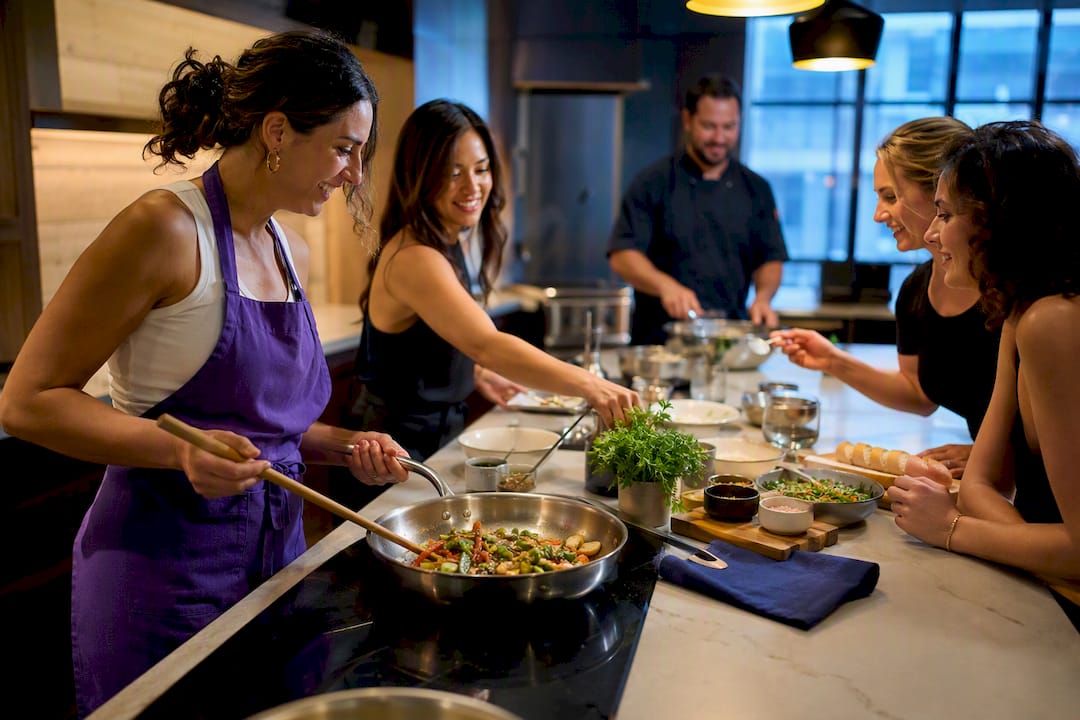
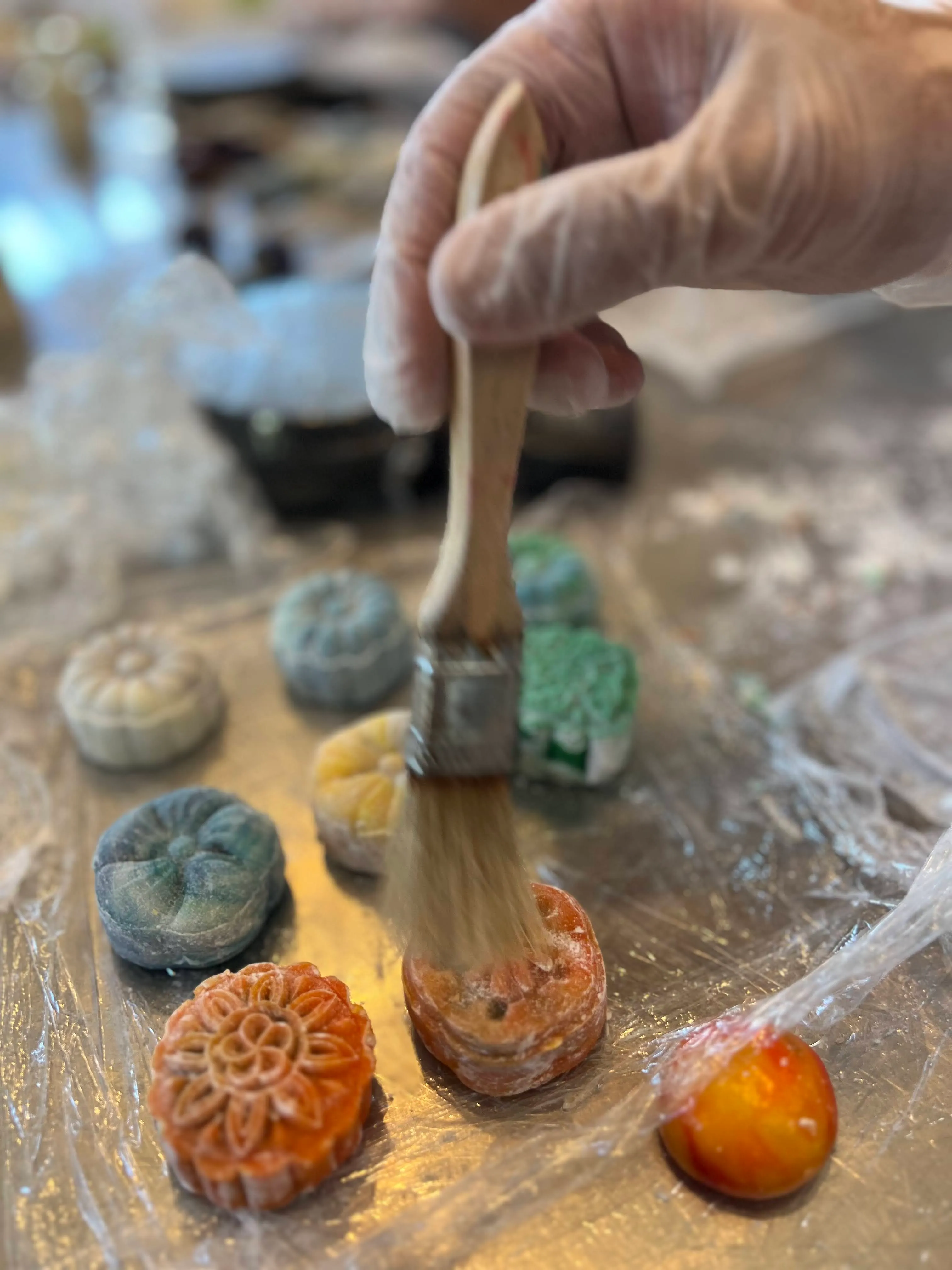
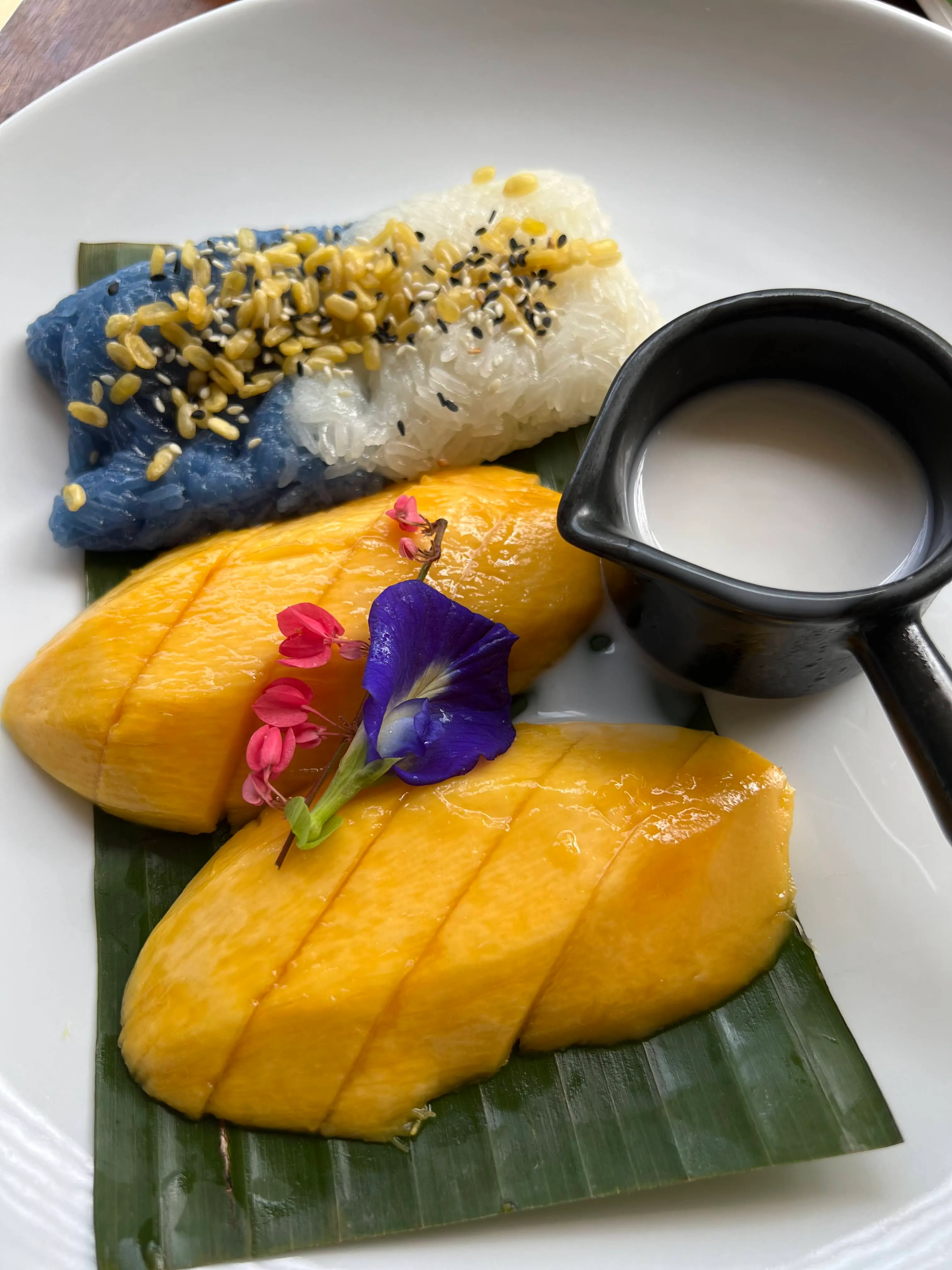
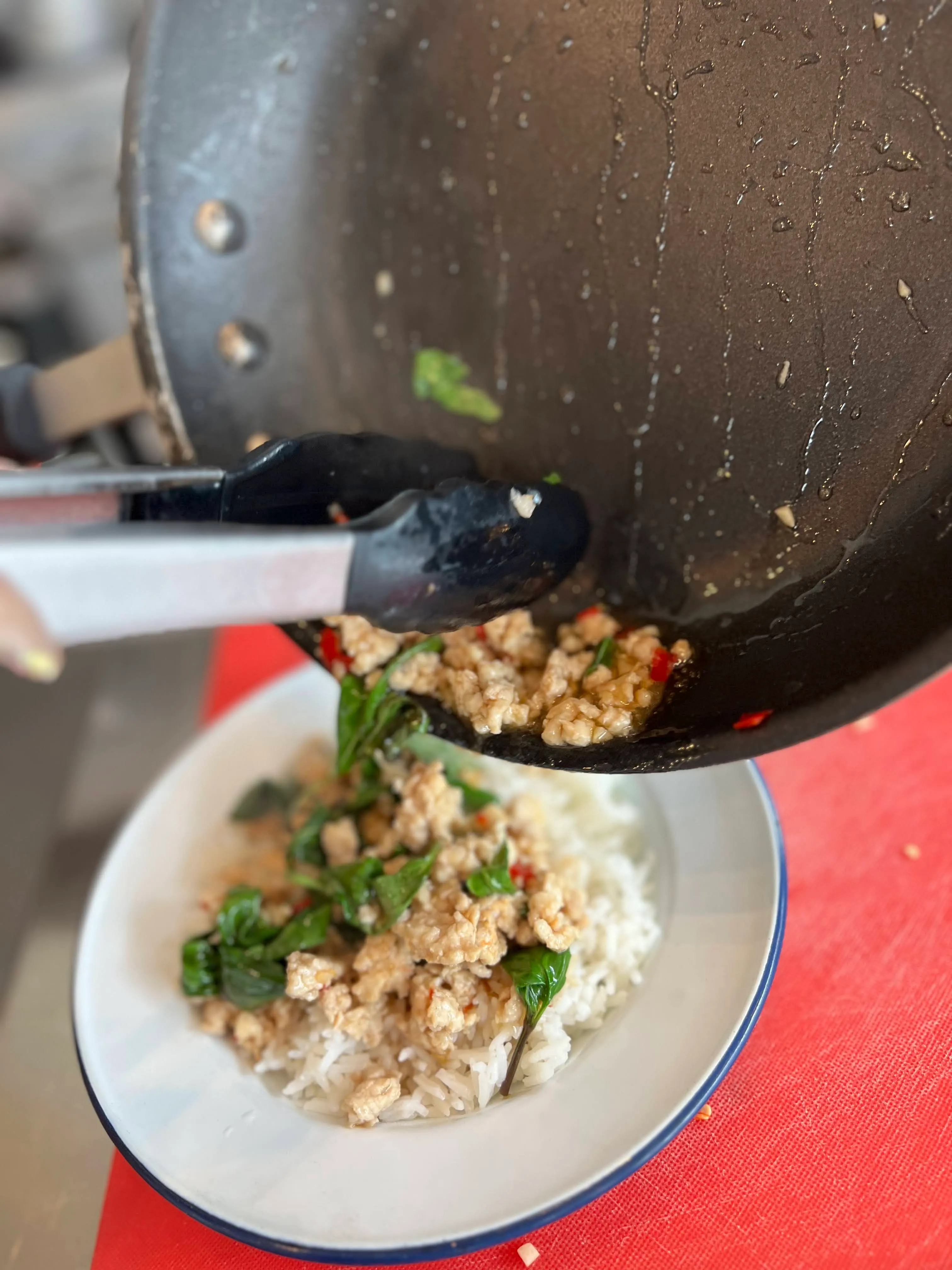
- Virtual cooking class: A chef-led session where everyone cooks the same dish together. Best for 8–50. 60–90 min. Paid (or DIY with a recipe kit). Tip: send ingredients lists one week ahead.
- Online art or craft workshop: Watercolor, origami, or candle-making kits shipped to participants. Best for 10–40. 60 min. Low/paid. Tip: making art together has documented cognitive and social benefits that help teams bond through shared creativity.
- Skill swap session: One teammate teaches a 10-minute mini-lesson on anything they know (sourdough, Excel shortcuts, guitar chords). Any size. 30–45 min. Free. Tip: rotate the teacher each month.
- Virtual book or podcast club: Async discussion in Slack, with a 20-minute live debrief. Any size. Free. Tip: keep the reading short — one article or one podcast episode per month.
Well-being and mindfulness
These work especially well at the start or end of a long sprint.
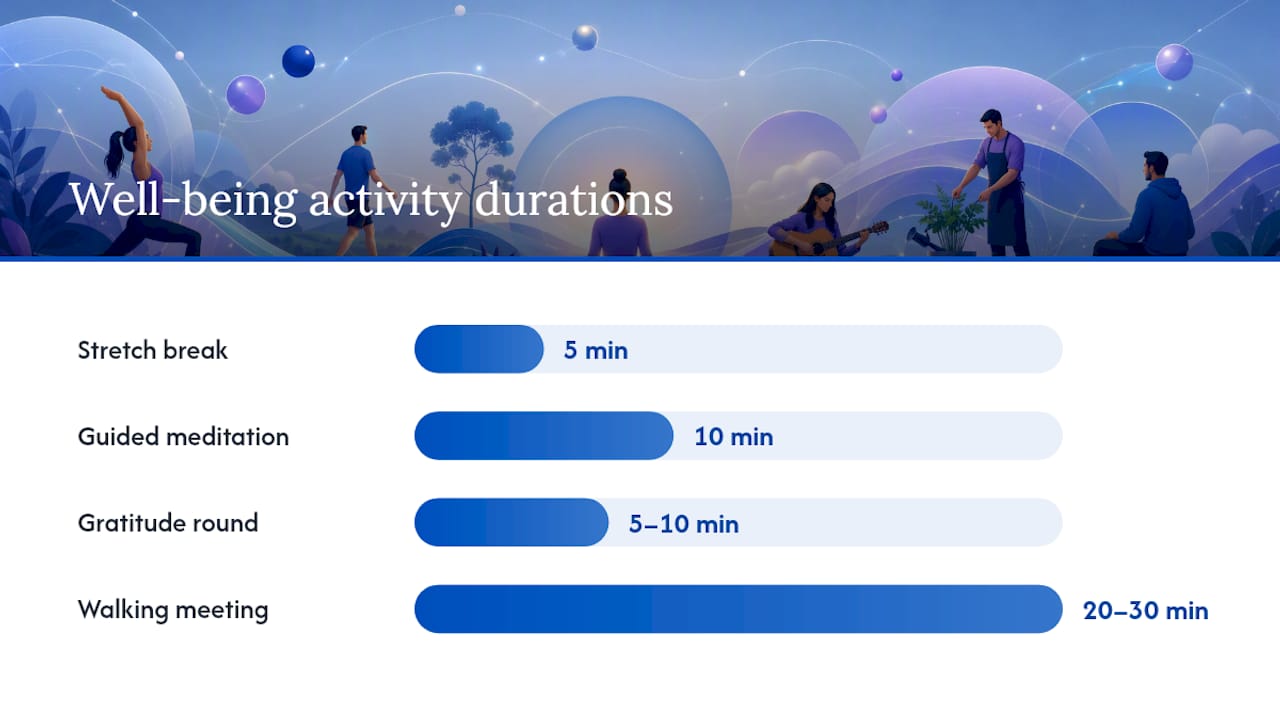
- Guided meditation or breathwork: A 10-minute facilitated session via YouTube or a wellness app. Any size. Free/low cost. Tip: frame it as optional and record it for async access.
- Stretch break: A 5-minute guided stretch at the top of a long meeting. Any size. Free. Tip: rotate who leads it.
- Gratitude round: Each person names one thing they’re grateful for this week. Best for small teams. 5–10 min. Free. Tip: start with the host to model vulnerability.
- Walking meeting: Async audio-only call while everyone walks. Best for 1:1s or groups under 8. 20–30 min. Free. Tip: no slides, no screen share — just conversation.
Pro Tip: Pair one quick social activity with one well-being activity each month. The combination signals that the team cares about both connection and people’s energy levels.
| Activity | Best for (size) | Time | Cost |
|---|---|---|---|
| Trivia quiz | 6–200+ | 15–30 min | Free/low |
| Virtual scavenger hunt | 6–40 | 15–25 min | Free |
| Two Truths and a Lie | 6–15 | 10–20 min | Free |
| Virtual escape room | 8–50 | 45–60 min | Paid |
| Show and Tell | 6–30 | 20–30 min | Free |
| Virtual coffee roulette | Any | Async | Free |
| Virtual cooking class | 8–50 | 60–90 min | Paid |
| Online art workshop | 10–40 | 60 min | Low/paid |
| Skill swap session | Any | 30–45 min | Free |
| Guided meditation | Any | 10 min | Free/low |
| Gratitude round | 6–15 | 5–10 min | Free |
| GIF battle | Any | 5 min | Free |
For more ideas on how modern team-building activities can replace tired formats, Biteunite’s blog covers several approaches employees actually enjoy.
Which activities fit your time window and group size?
Matching the activity to your meeting window is half the battle. A 90-minute escape room dropped into a 30-minute standup slot kills the experience before it starts.
Short activities (5–15 minutes)
These slot into existing meetings with zero schedule disruption.
- Emoji check-in: Drop in chat; host reads a few aloud. Works in any standup.
- One-word weather report: Each person describes their week as a weather pattern. Fast, visual, memorable.
- Gratitude round: One thing each person is grateful for. Cap at 10 people or it runs long.
- GIF battle: Post a prompt; everyone replies. Async-compatible.
- Stretch break: 5-minute guided movement. Works best mid-meeting.
- Two Truths and a Lie: Keep to 5–6 people per round for the 15-minute window.
For standups, the cleanest format is: 2 minutes for the activity, then straight into the agenda. No preamble.
Medium activities (20–45 minutes)
These need a dedicated block but don’t require a full event.
Breakout rooms are your best friend here. Split into groups of 3–5, run the activity in parallel, then bring everyone back for a 5-minute share-back. Trivia works well in this format — TriviaMaker notes that trivia-style formats scale from small teams to thousands and are easy to run without a professional facilitator. Virtual scavenger hunts and Pictionary also land well in this window. The key facilitation move: assign a breakout lead in each room so the host isn’t managing five conversations at once.
Long activities (45–90+ minutes)
Reserve these for monthly or quarterly slots, not weekly meetings.
Virtual escape rooms, cooking classes, and skill-share workshops all need this kind of time to breathe. The payoff is proportionally higher: shared artifacts, real conversations, and memories that stick. Schedule these on a Friday afternoon or a dedicated team day rather than bolting them onto a regular meeting.
Scaling by group size
- Under 8 people: Almost any format works. Keep it conversational and unstructured.
- 8–30 people: Use breakout rooms for anything interactive. Bring groups back together for debrief.
- 30+ people: Run parallel sessions, use leaderboards for competitive formats, or go async. TriviaMaker recommends parallel sessions and leaderboards for groups of 50 or more so everyone participates without waiting.
How to run activities across time zones without burning people out
Synchronous events across multiple time zones are genuinely hard to get right. Someone is always at 7 AM or 10 PM, and resentment builds fast when the same region always draws the short straw.
Async-friendly activities that actually feel inclusive
- Photo challenge: Post a weekly prompt in Slack (“show us your workspace view” or “best thing you ate this week”). Participants post anytime within 48 hours. Reactions and comments keep the thread alive.
- Shared playlist: A running Spotify or YouTube playlist anyone can add to. Async, zero pressure, and it sparks real conversations.
- Slack icebreaker prompts: Tools like Donut or a simple weekly Slack post (“What’s one thing you learned this week?”) create ongoing connection without a meeting.
- Async trivia: Post questions in Slack on Monday; reveal answers Friday. Keeps engagement spread across the week.
- Team newsletter or “wins” thread: A weekly Slack thread where anyone can share a win, a funny moment, or a recommendation.
Flat separates one-off events from persistent engagement infrastructure — channels, prompts, and always-on spaces that keep connection alive between scheduled activities.
Rules for synchronous cross-time-zone events
Rotate the meeting window every quarter so no region always takes the inconvenient slot. Keep live sessions to 45 minutes or under when spanning more than three time zones. Use async pre-work (a short video, a Slack prompt, or a shared doc) so the live time is spent on interaction, not setup. Record highlights and post them within 24 hours for anyone who couldn’t attend.
Pro Tip: Make async participation visible. When someone posts a great photo or a funny Slack answer, shout them out in the next team meeting. Small public recognition turns a quiet async channel into a place people actually check.
How to run a virtual bonding session that doesn’t feel awkward
The difference between a virtual activity that lands and one that dies in silence usually comes down to preparation and facilitation, not the activity itself. Zoom’s facilitation guidance points to breakout rooms, polls, and shared whiteboards as the core tools that prevent awkwardness during virtual events.
Pre-run checklist
- Set a clear objective. Know whether you’re building rapport, celebrating a milestone, or resetting energy after a hard sprint.
- Assign roles. Host (runs the activity), timekeeper (keeps things moving), breakout leads (one per room for larger groups).
- Test your tech. Run through the platform, breakout room setup, and any shared docs or whiteboards 15 minutes before the session.
- Send a prep note. A one-line Slack message the day before (“Tomorrow we’re starting with a 10-minute trivia round — no prep needed, just show up”) sets expectations and reduces anxiety.
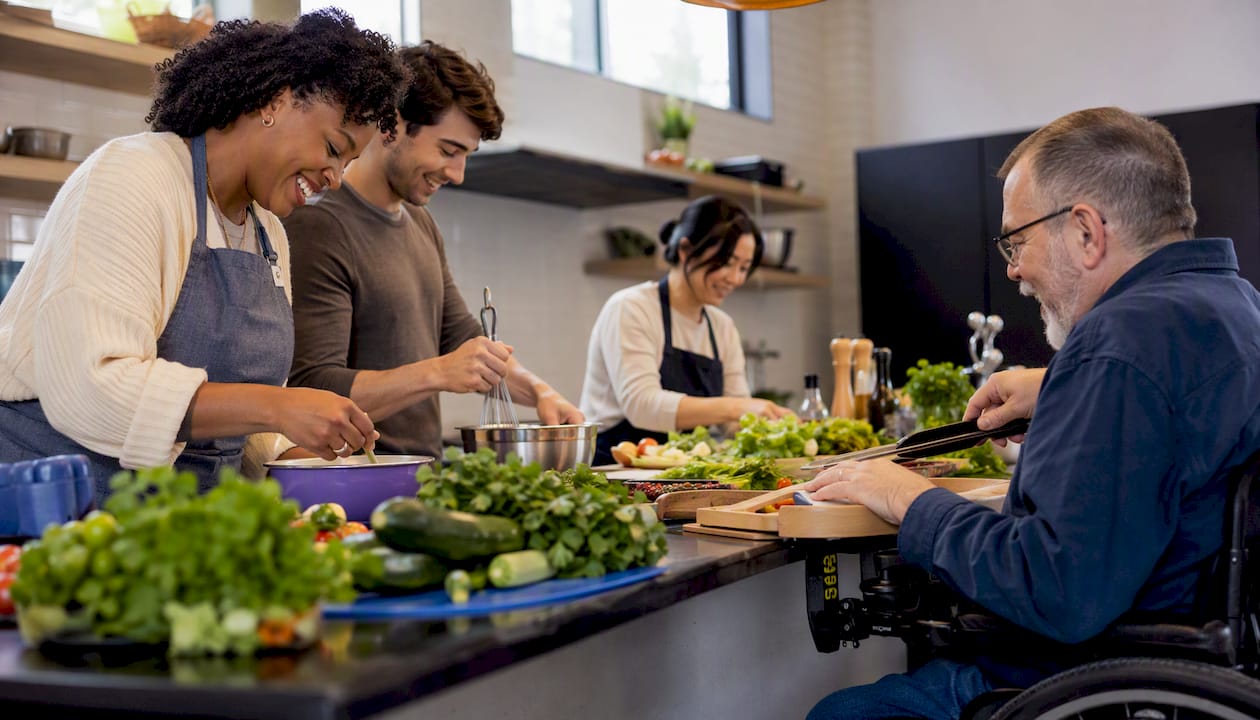
- Check accessibility. Enable captions, confirm the platform works on mobile for participants without laptops, and have a text-based fallback for anyone with connectivity issues.
- Make it optional. Deel’s guidance on virtual team activities is direct: mandatory participation often backfires and reduces long-term engagement. Frame every activity as a welcome addition, not a requirement.
Facilitation during the session
Open with a low-stakes prompt — not “introduce yourself” (people hate that), but something specific: “Drop your current mood as a weather report in the chat.” It gets everyone typing immediately, which breaks the silence. Use polls to gather input without putting anyone on the spot. When running breakout rooms, give each room a specific task and a time check at the halfway point. For non-participants, never call them out directly; instead, invite contribution with “Anyone else want to add something?” and move on if there’s silence.
Accessibility and inclusion
Use auto-captions on Zoom or Google Meet. Keep language simple and avoid idioms that don’t translate across cultures. Offer a cameras-off option — some people participate more freely when they’re not on screen. For activities with a cultural element (food, music, holidays), ask the team for input rather than assuming a shared reference point. Atlassian’s playbook for virtual team building emphasizes matching format to team needs, which includes cultural and accessibility fit, not just logistics.
Pro Tip: Use a shared Google Doc or Miro board as a “parking lot” during the session. Participants who are quieter on camera often contribute more in writing, and it gives everyone something to reference afterward.
Match activities to goals, then measure what changes
Every activity should map to a specific outcome. Running trivia for the sake of running trivia is fine once, but it won’t build a culture of connection on its own.
Activity-to-goal mapping
- Trivia quiz: Quick engagement, energy reset, light competition.
- Virtual escape room: Collaborative problem-solving, psychological safety.
- Show and Tell: Rapport, personal connection, seeing teammates as whole people.
- Cooking class or art workshop: Shared creative experience, memorable artifact, deeper bonding.
- Emoji check-in / gratitude round: Emotional awareness, psychological safety, team pulse.
- Skill swap: Knowledge sharing, respect for individual expertise, cross-functional connection.
- Coffee roulette: 1:1 relationship building, reducing silos.
How to measure whether it’s working
You don’t need a formal survey after every 10-minute check-in. But for monthly or quarterly sessions, a 3-question pulse check takes 90 seconds and gives you real signal:
- “On a scale of 1–5, how connected do you feel to the team right now?”
- “Did today’s activity feel worth your time? (Yes / Somewhat / No)”
- “One word that describes the team’s energy this week.”
Track participation rate over time. If it drops, the format or frequency needs adjusting, not the concept. For ongoing rituals, watch whether people start the activity themselves without being prompted — that’s the clearest sign it’s become part of the culture.
TriviaMaker’s guidance on virtual team building makes the case that frequency beats intensity: short rituals integrated into existing meetings compound engagement over time far more reliably than infrequent large events. Teams that pair weekly micro-rituals with monthly deeper sessions tend to see better sustained engagement than those relying on one-off events.
When to hire a hosted experience versus running it yourself
DIY activities are great for weekly rituals. But there are moments when spending budget on a facilitated experience is the smarter call.
Signs it’s time to hire a hosted experience
- Your team is 15+ people and a DIY format will require one person to manage logistics instead of participating.
- You’re marking a milestone (a product launch, a team anniversary, an end-of-year celebration) and want something memorable.
- You’ve run the same internal formats for three months and participation is dipping.
- You want a shared artifact — a dish everyone cooked, a piece of art everyone made — that people will actually talk about afterward.
- Your team spans multiple cultures and you want a professional facilitator to handle inclusion gracefully.
DIY vs. hosted: the honest tradeoffs
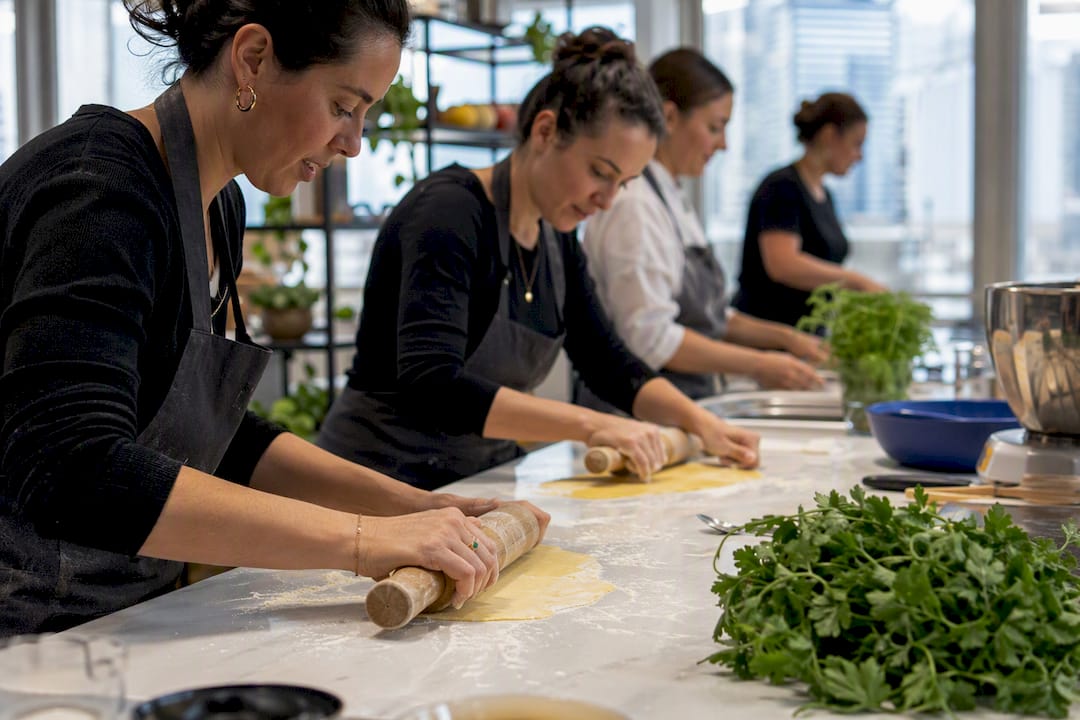
DIY activities are free or near-free, flexible, and easy to run on short notice. The tradeoff is that the host is also a participant, which splits attention and often means the activity feels less polished. Hosted experiences cost more per person, require advance booking, and need coordination around kits or platform access. The payoff: a professional facilitator handles the energy, the pacing, and the awkward silences so your team just shows up and has fun. QuestWorks’ analysis of virtual team-building programs finds that well-run facilitated experiences create stronger memories and shared artifacts than ad-hoc DIY games.
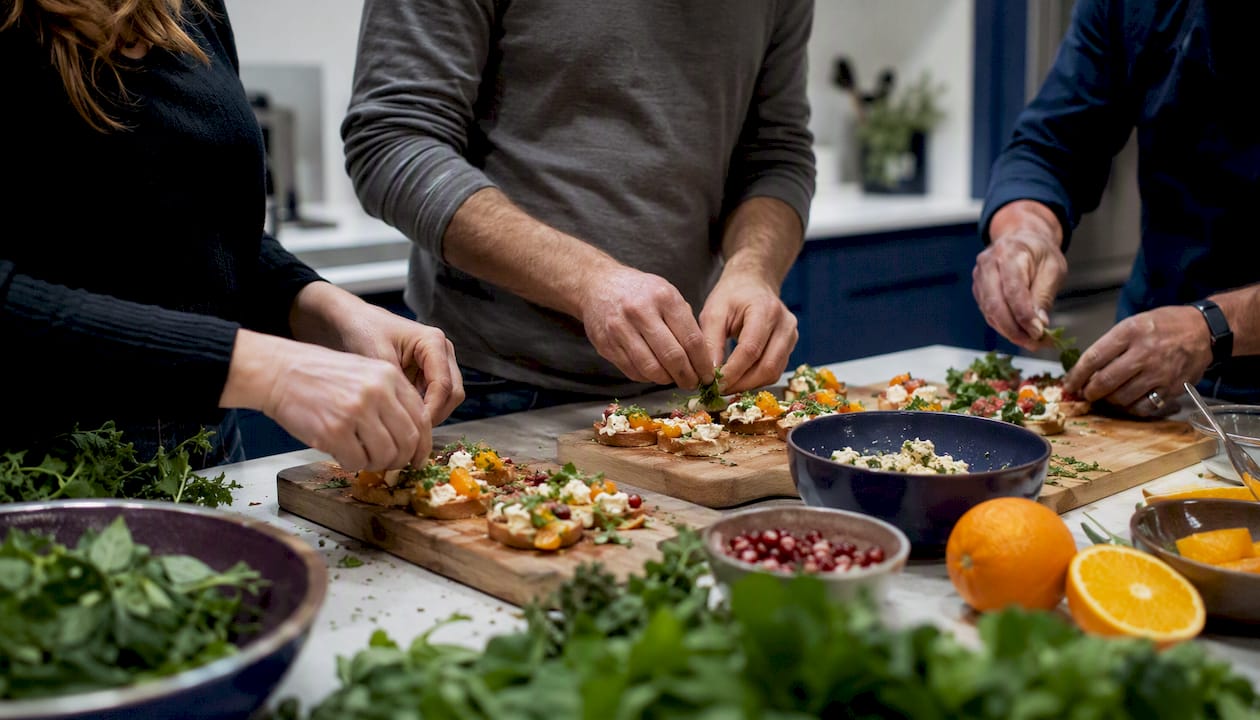
Pro Tip: A hosted culinary experience hits differently than a trivia night because everyone leaves with something tangible: a dish they made, a technique they learned, a story they’ll tell. That shared artifact is what makes the memory stick weeks later. Read more about how cooking classes boost team morale to see the specific outcomes teams report.
Two ready-to-copy agendas you can use this week
30-minute virtual bonding session
| Time | Activity | Role | Tech needed |
|---|---|---|---|
| — | Welcome + emoji check-in | Host reads responses aloud | Chat (Zoom/Slack) |
| — | Main activity (trivia or scavenger hunt) | Host runs; timekeeper tracks | Kahoot or chat |
| — | Breakout rooms: 2–3 people, share one highlight from the week | Breakout leads facilitate | Zoom breakouts |
| — | Share-back: one highlight per group | Host collects | Main room |
| — | Closing ritual: one-word round (“How are you leaving this call?”) | Host | Chat or verbal |
Pre-event prep: Send a one-line Slack message the day before. No materials needed. Test breakout room assignments 10 minutes before.
60-minute virtual bonding session
| Time | Activity | Role | Tech needed |
|---|---|---|---|
| — | Welcome + icebreaker (Two Truths and a Lie) | Host | Chat or verbal |
| — | Extended icebreaker or warm-up game (Pictionary or trivia) | Host + timekeeper | Skribbl.io or Kahoot |
| — | Main collaborative activity (escape room or skill swap) | Host + breakout leads | Platform-specific |
| — | Share-back + reflection: “What surprised you? What did you learn?” | Host facilitates | Main room |
| — | Closing ritual + next steps (announce next session date) | Host | Chat |
Pre-event prep: Send agenda and any materials (recipe list, reading, or prompt) 48 hours ahead. Assign breakout leads in advance. Record the session for async access.
- Keep breakout groups to 3–5 people for maximum conversation.
- Assign a specific task to each breakout room, not just “chat.”
- Post a summary or highlights doc in Slack within 24 hours of the session.
What actually works and what doesn’t, from experience
Most remote team leaders start with the wrong assumption: that a bigger, more elaborate event will fix a disconnected team. It rarely does. What tends to work is the opposite — smaller, more frequent moments that don’t feel like an obligation.
The activities that consistently fall flat are the ones that feel mandatory and performative. A 90-minute “fun Friday” that everyone is required to attend, with no clear purpose, generates more eye-rolls than connection. The fix isn’t a better activity; it’s making participation genuinely optional and keeping the format short enough that people want to come back next week.
On the other hand, a 10-minute emoji check-in at the top of a Monday standup, run consistently for two months, does something surprising: it becomes the part of the meeting people actually look forward to. The ritual itself becomes the signal that the team cares about each other, not just the work.
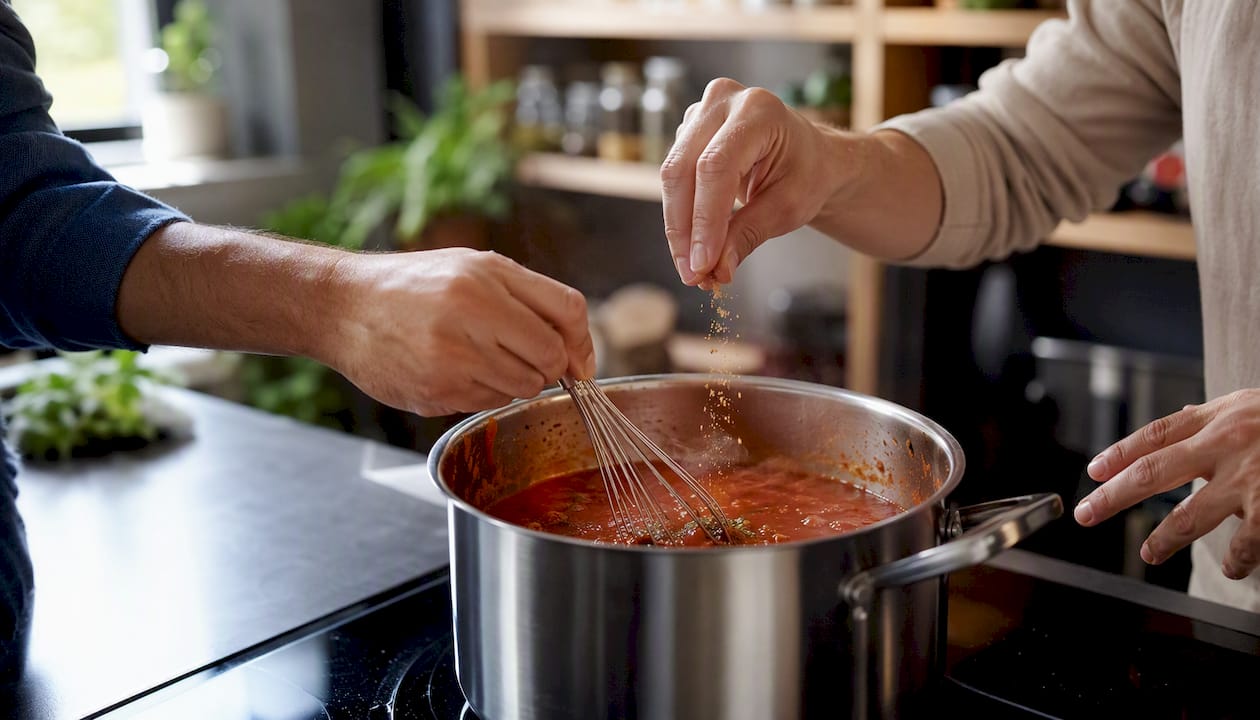
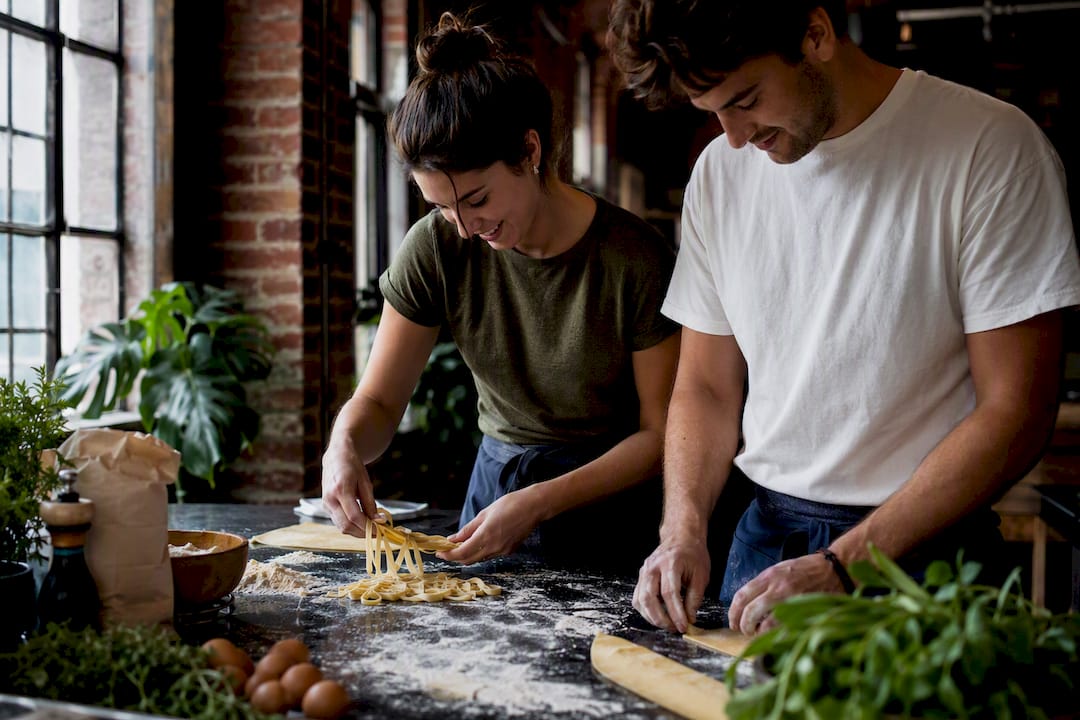
The one format that tends to outperform everything else for deeper bonding is a shared creative experience — cooking, making something, building something together. It works because it gives people something to talk about that isn’t work. The conversation that happens while you’re both trying to get a sauce right is different from any icebreaker question. And that conversation is where real connection happens.
Biteunite’s hosted culinary experiences for remote teams
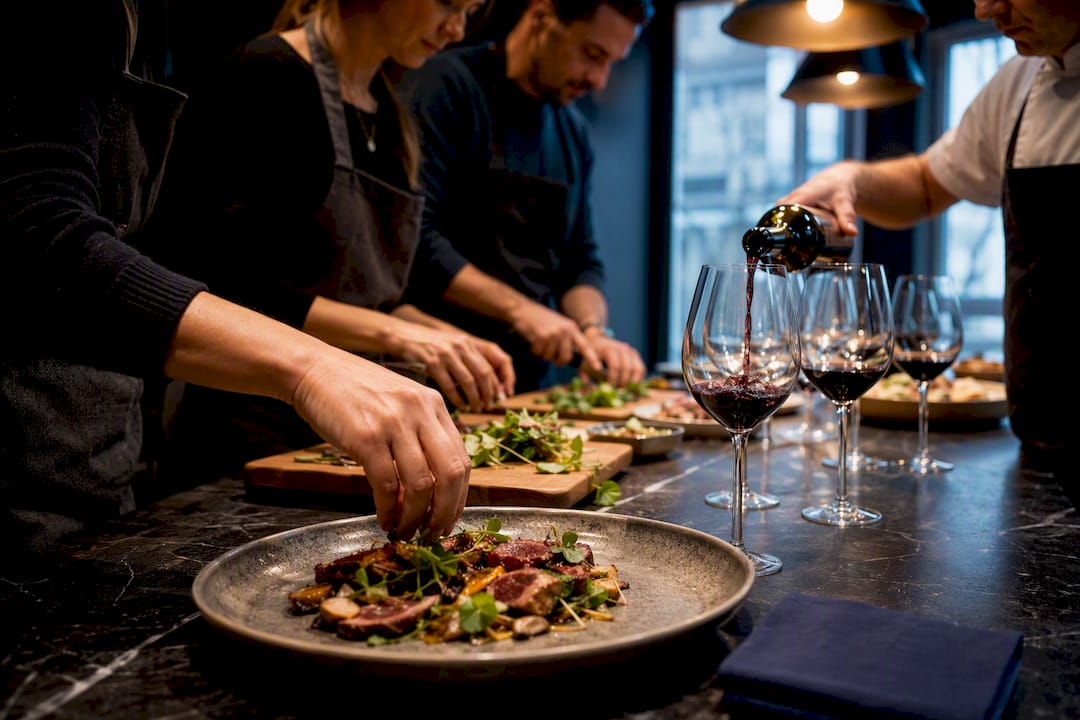
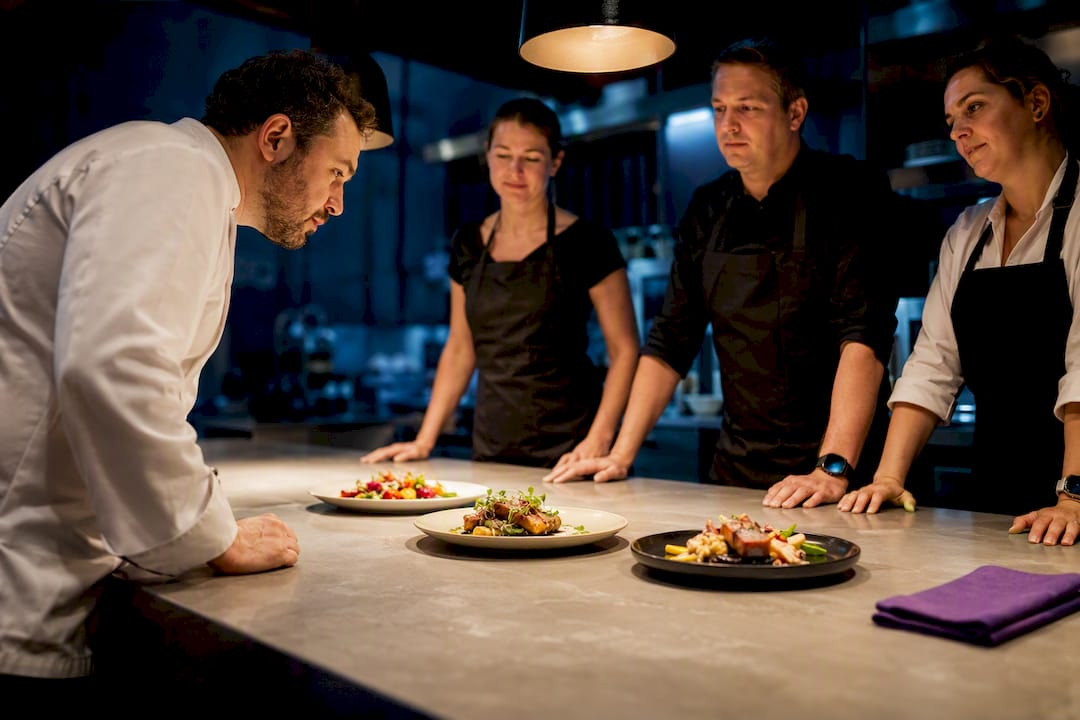
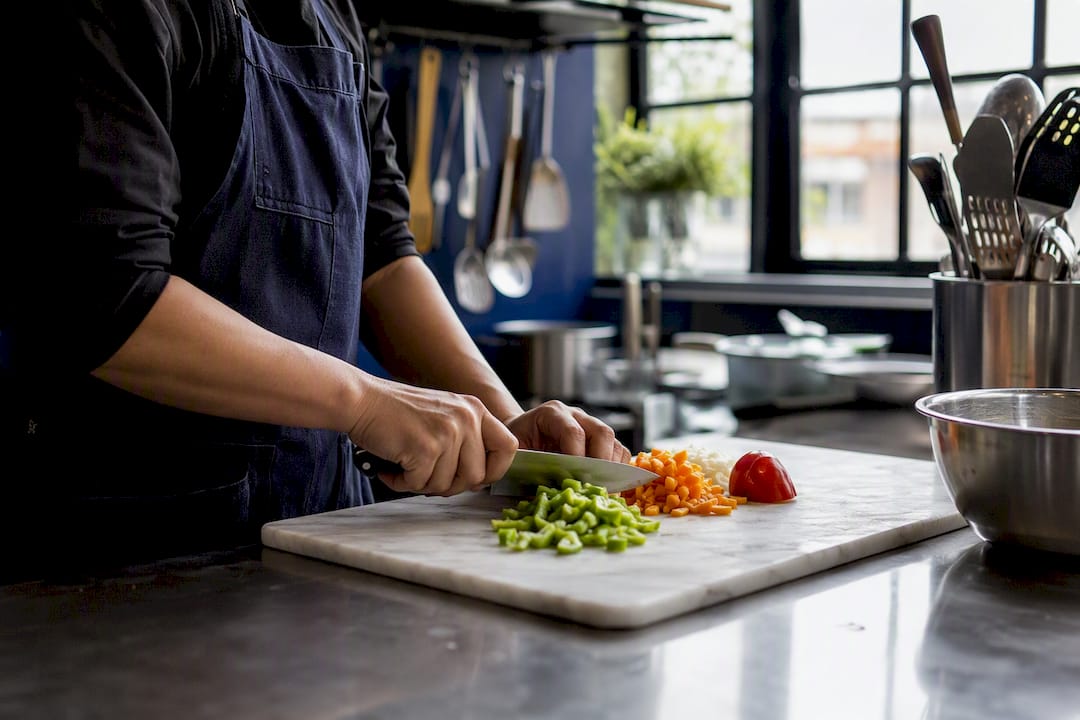
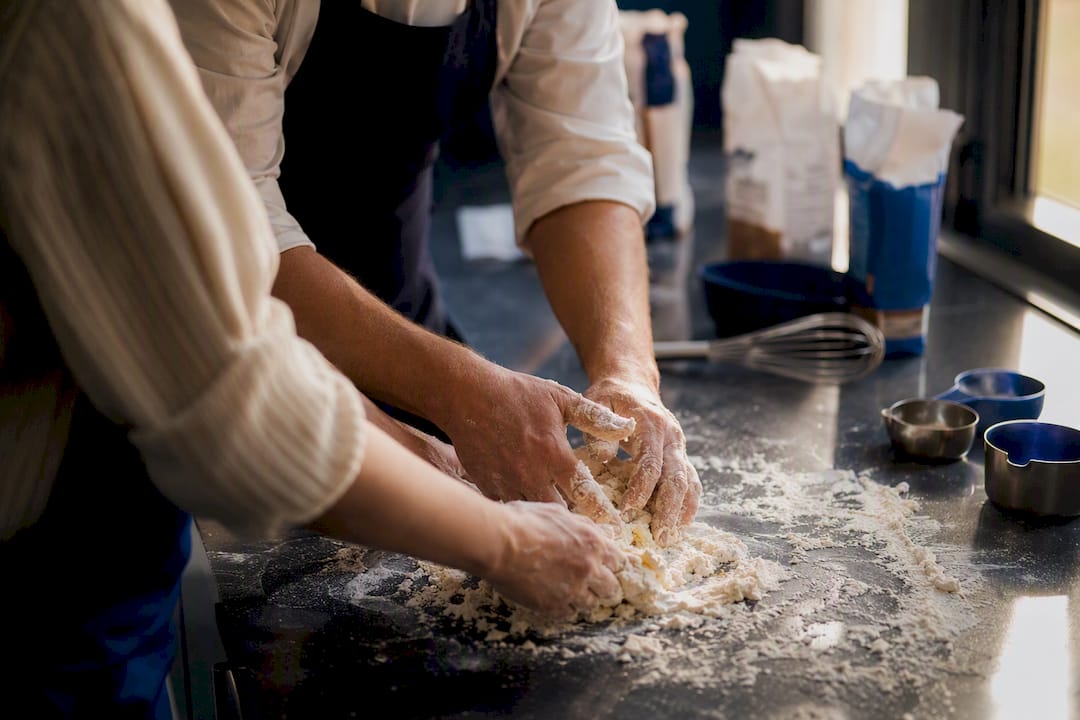
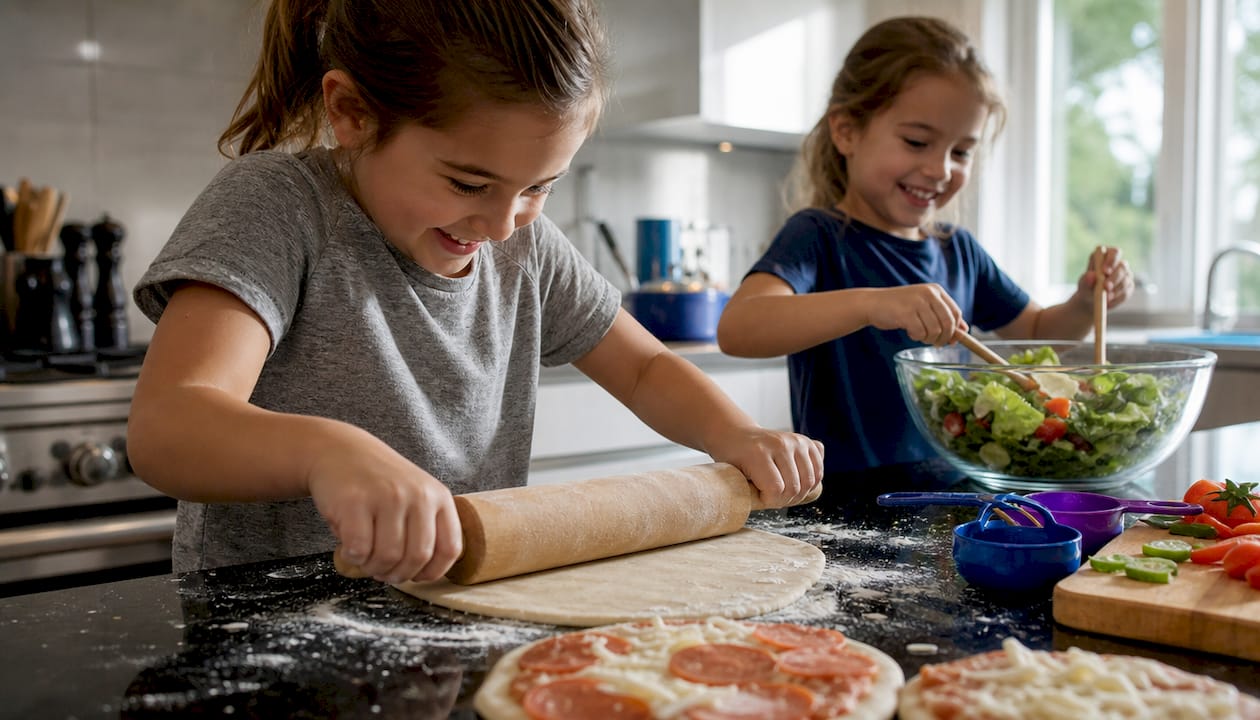
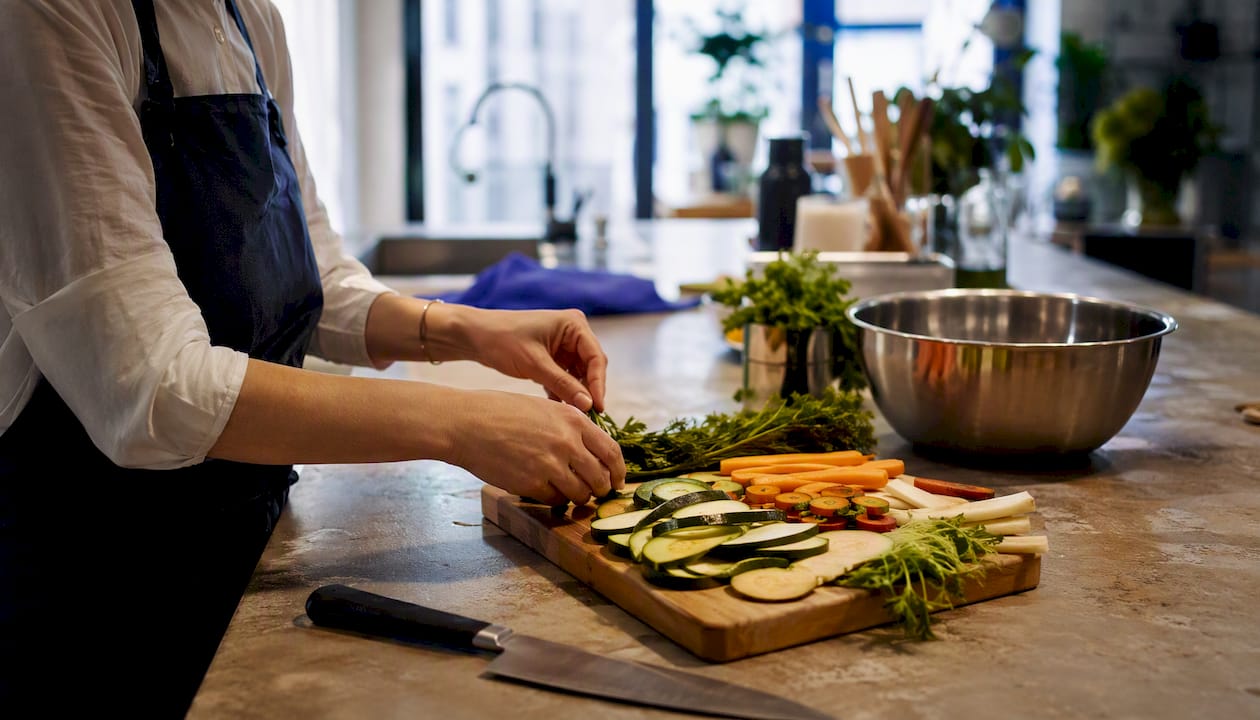
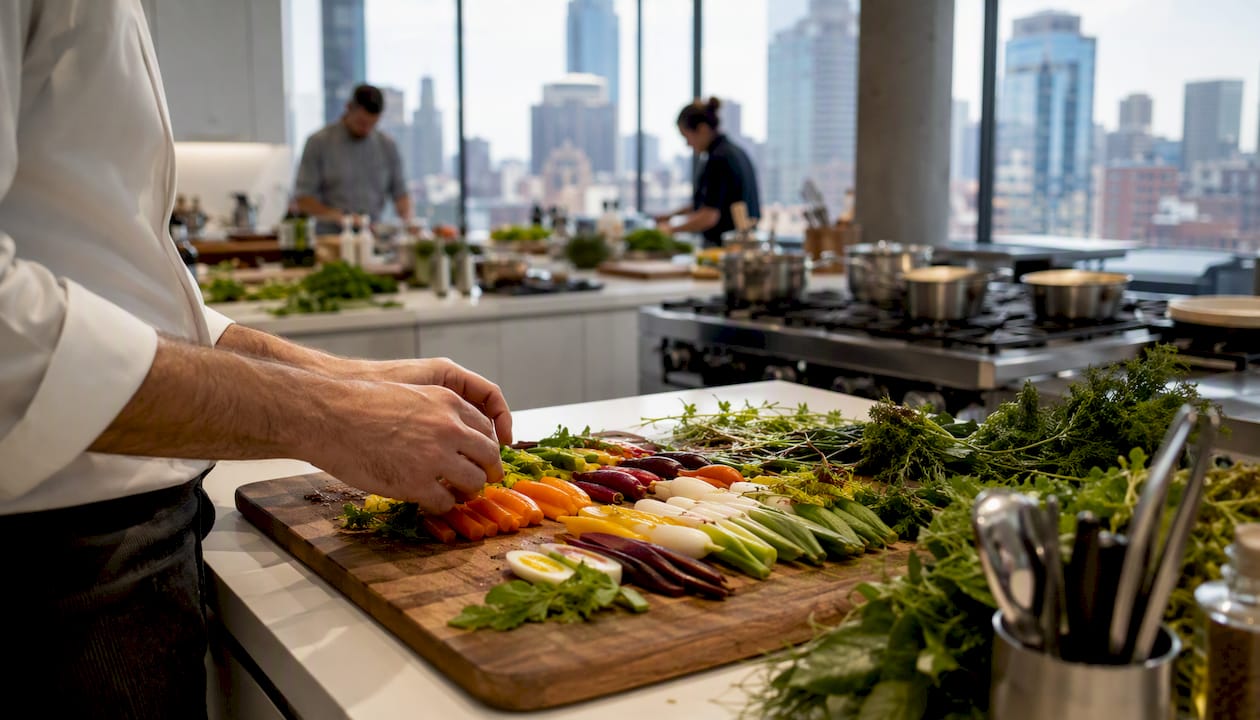
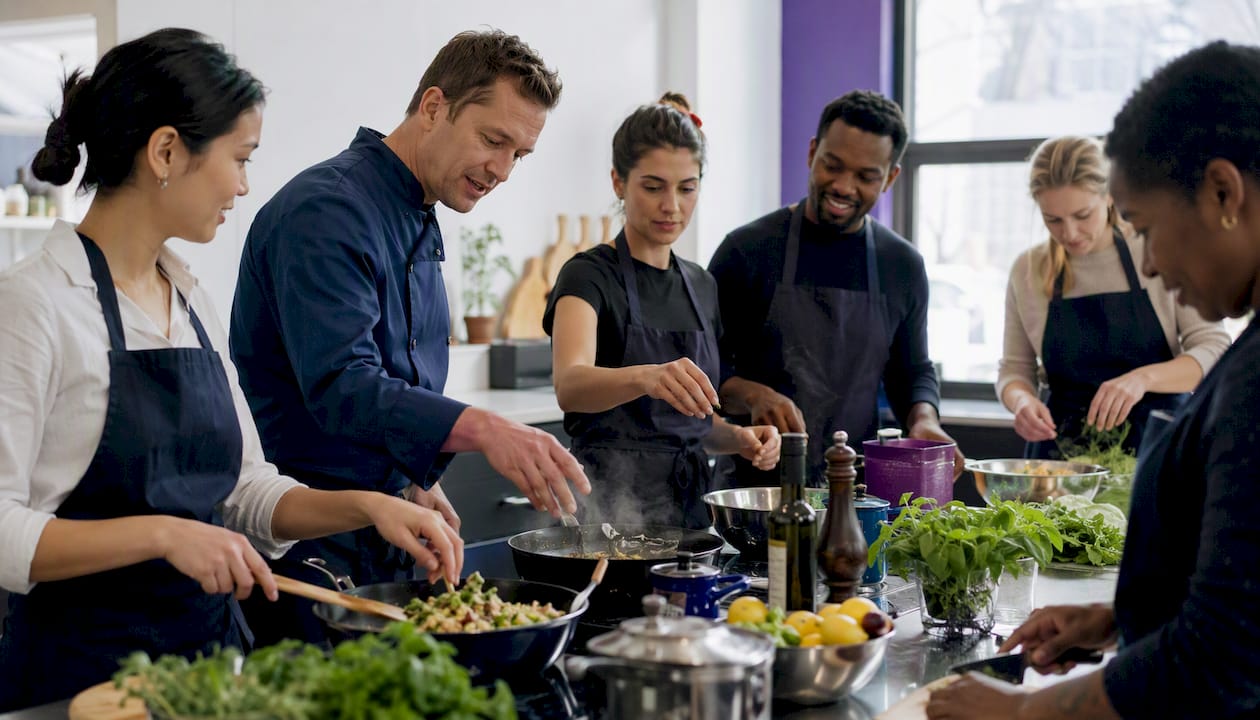
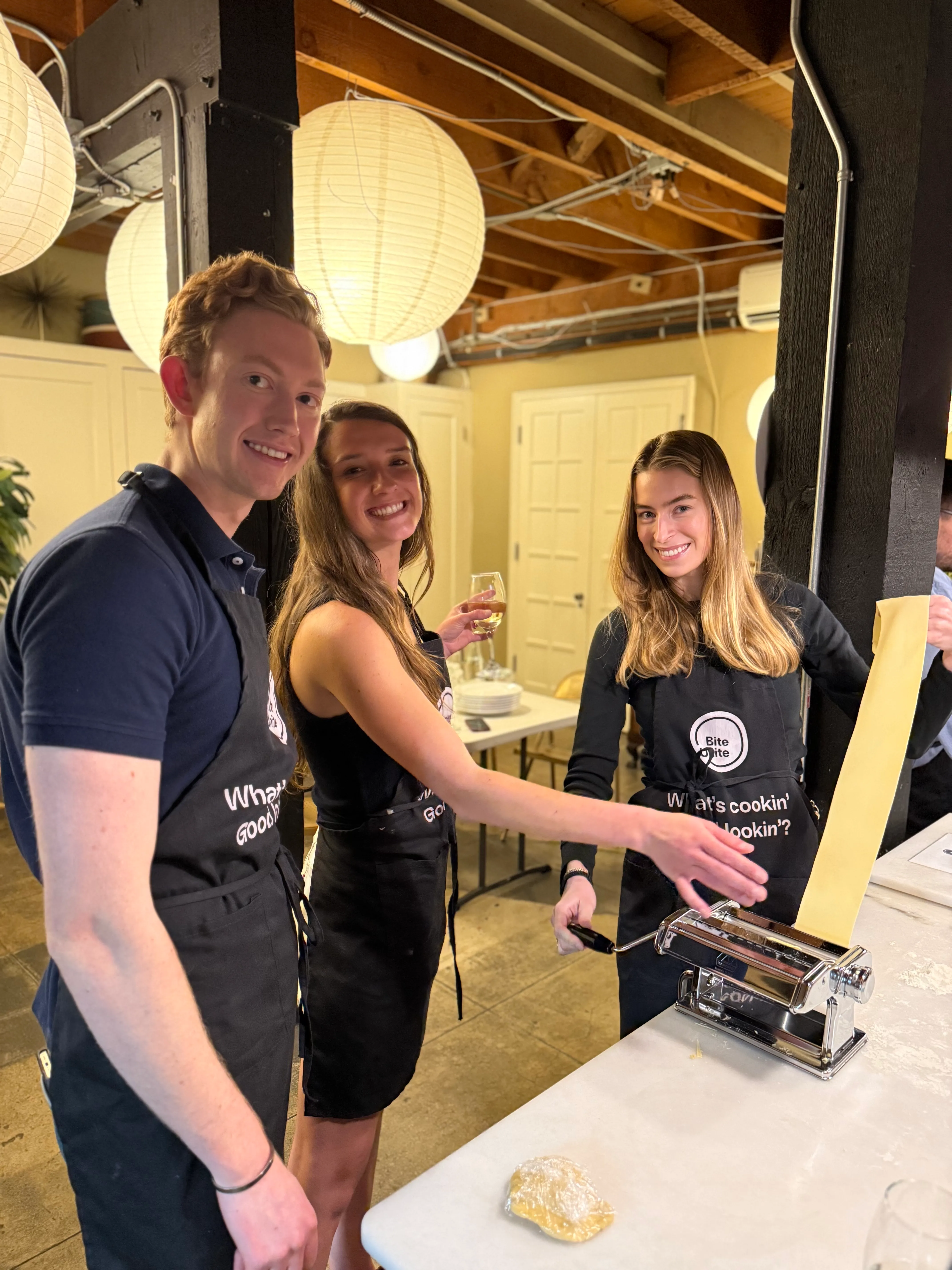
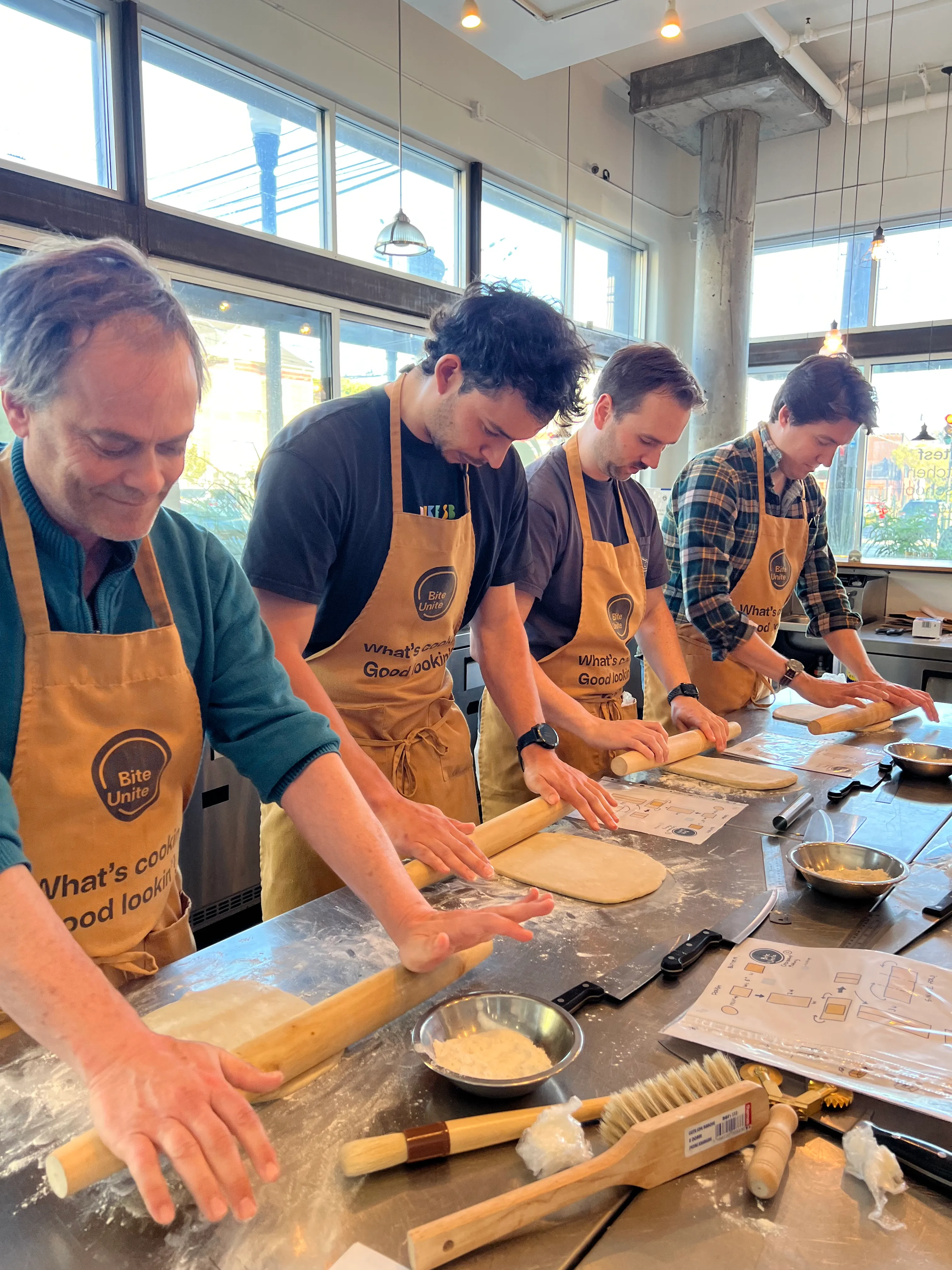
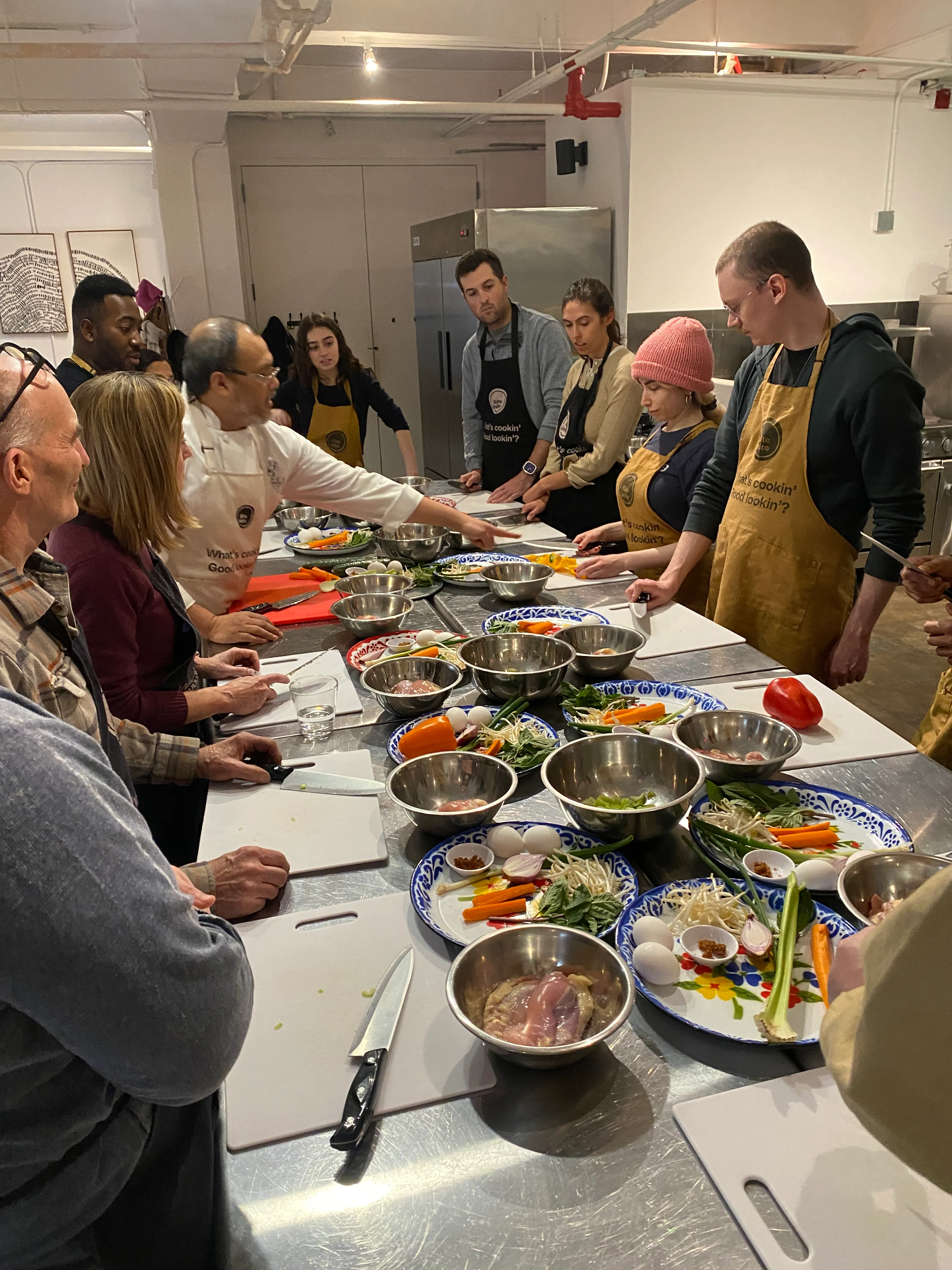
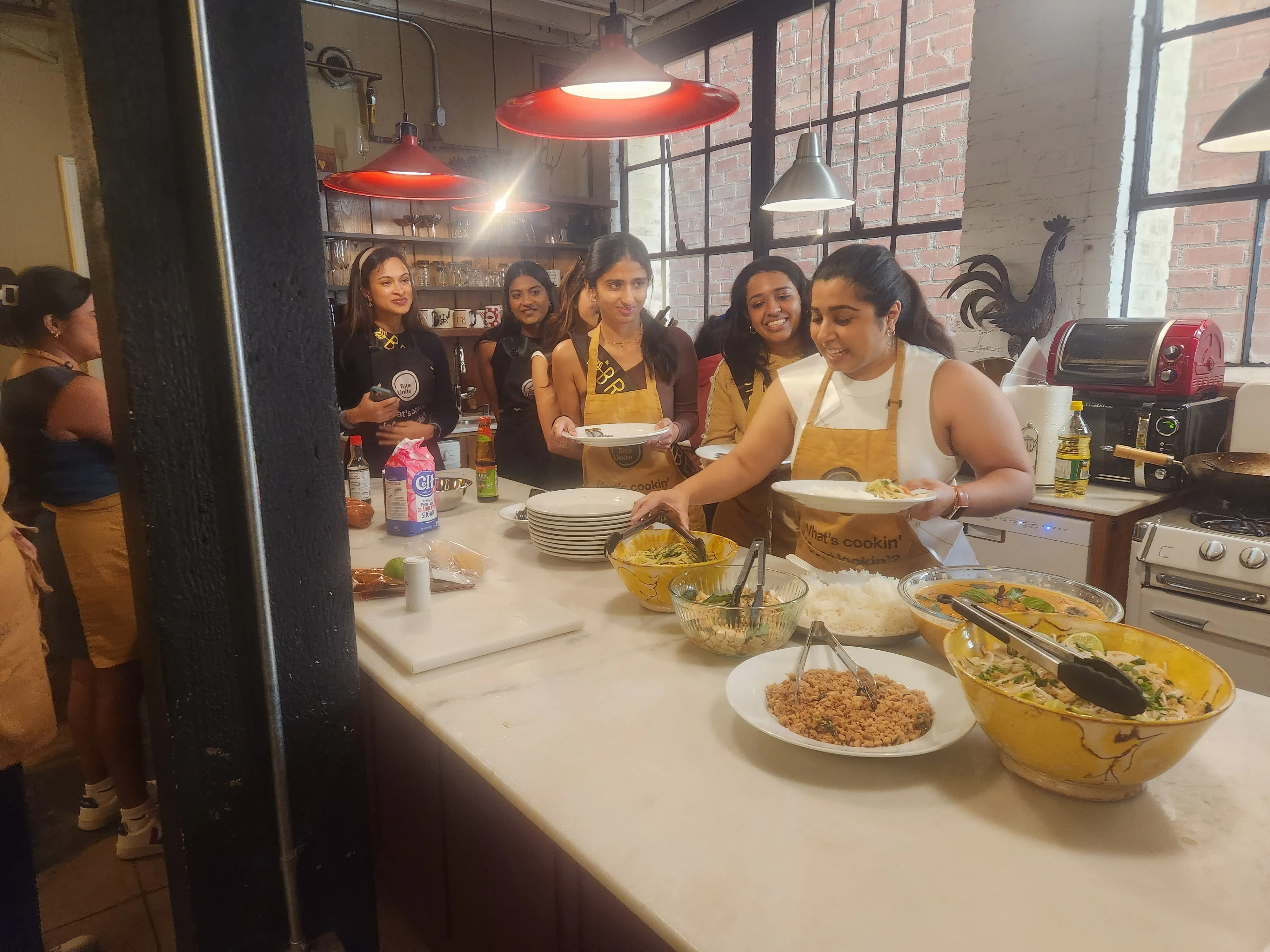
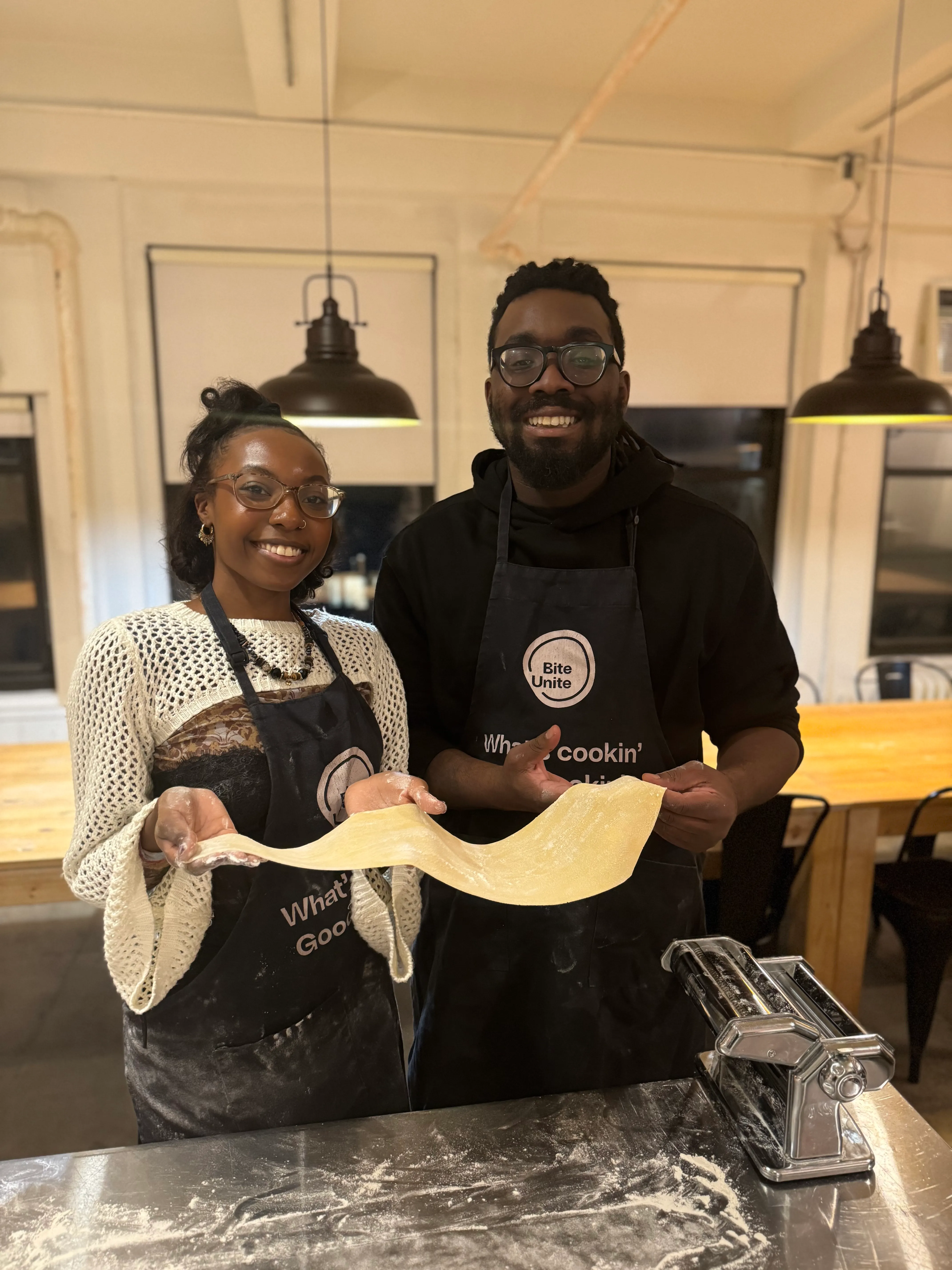
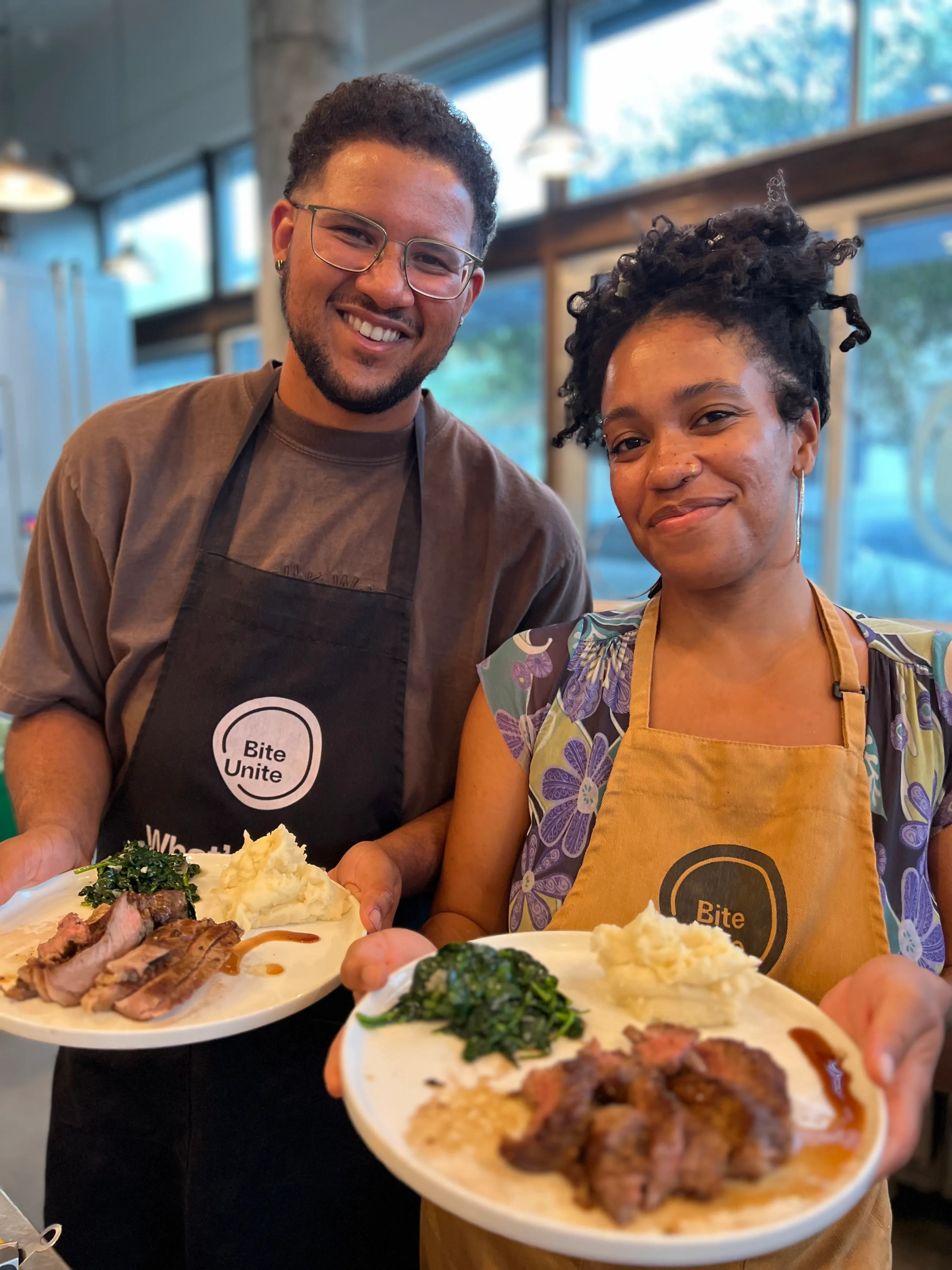
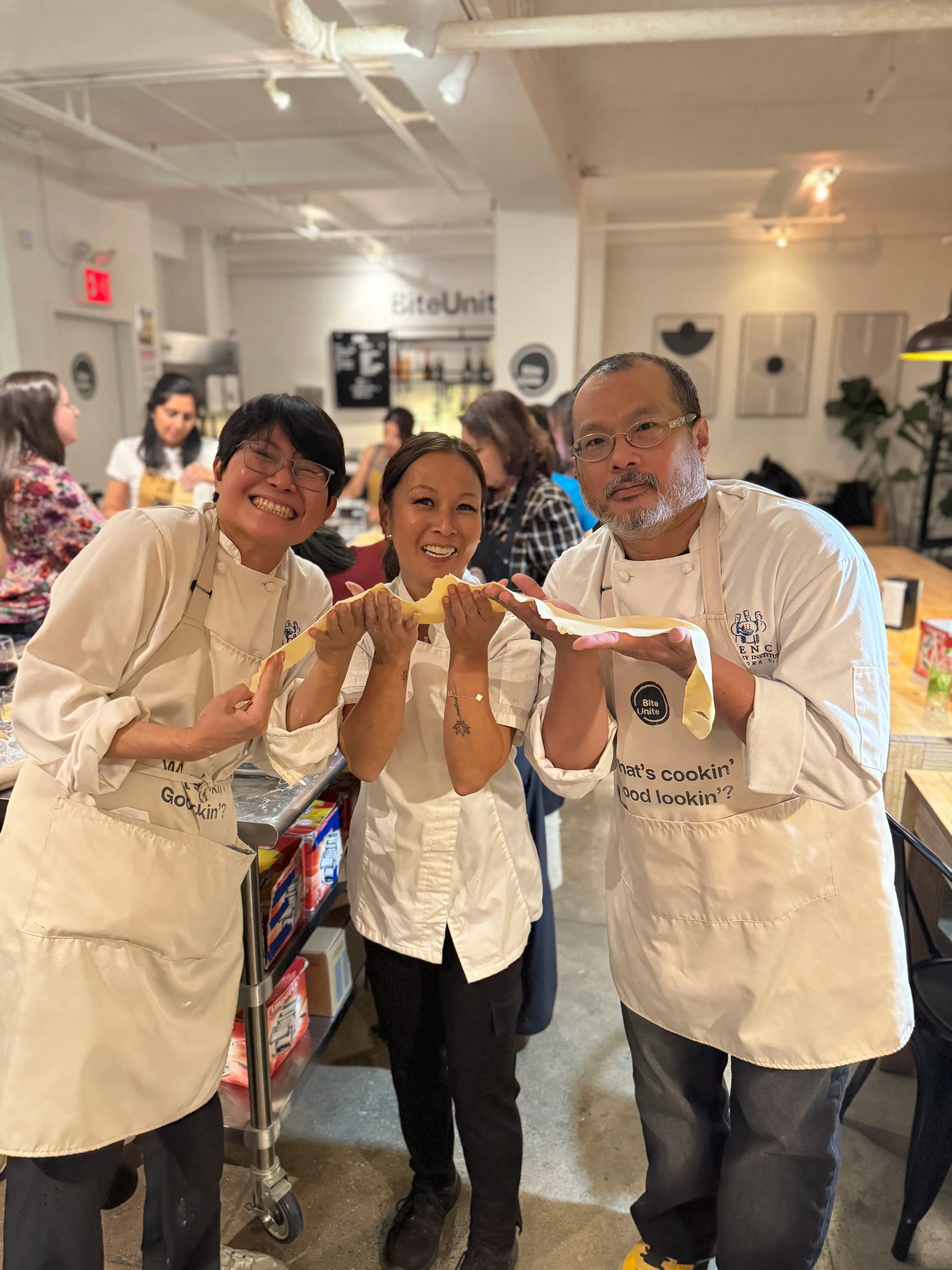
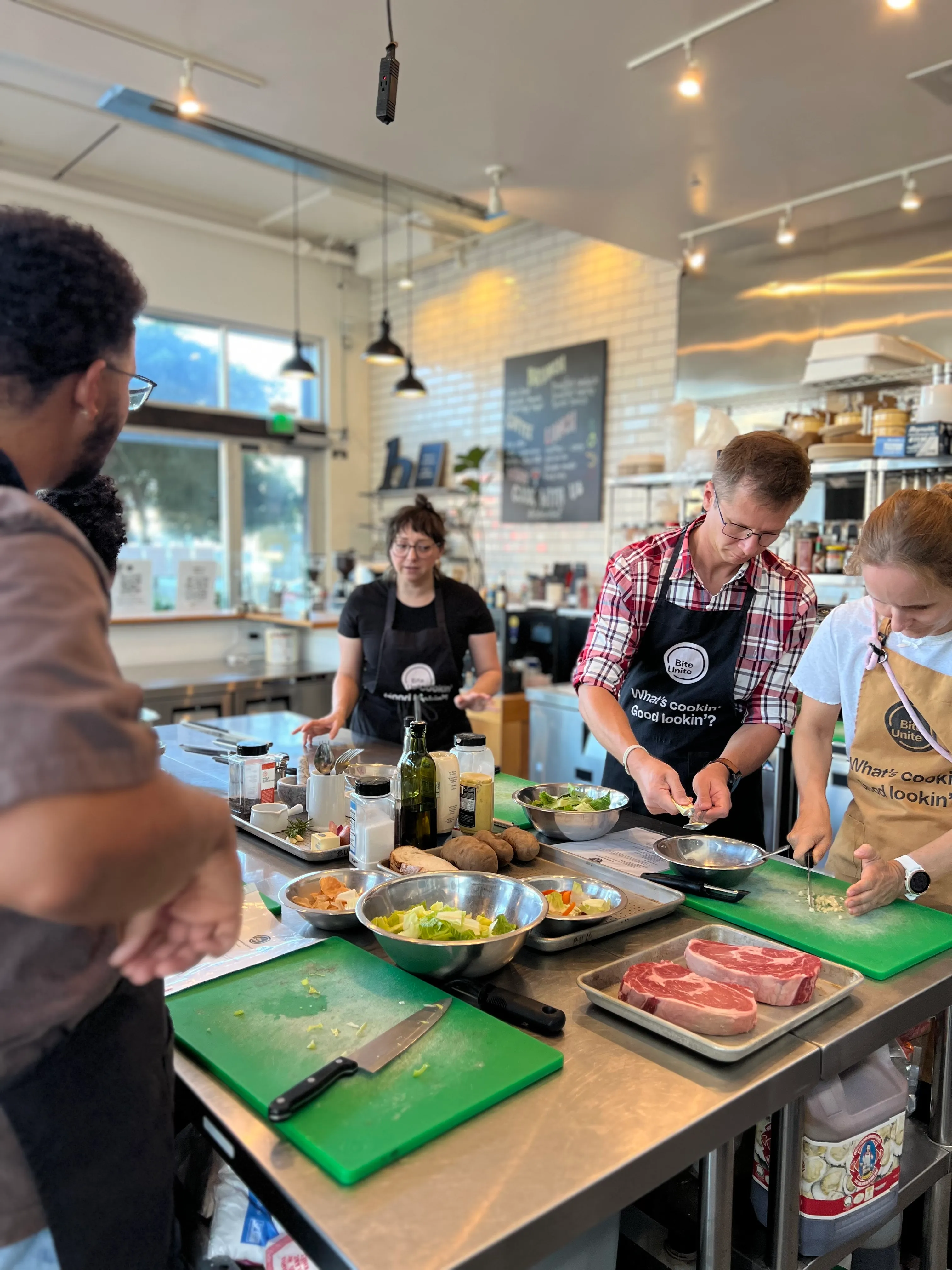
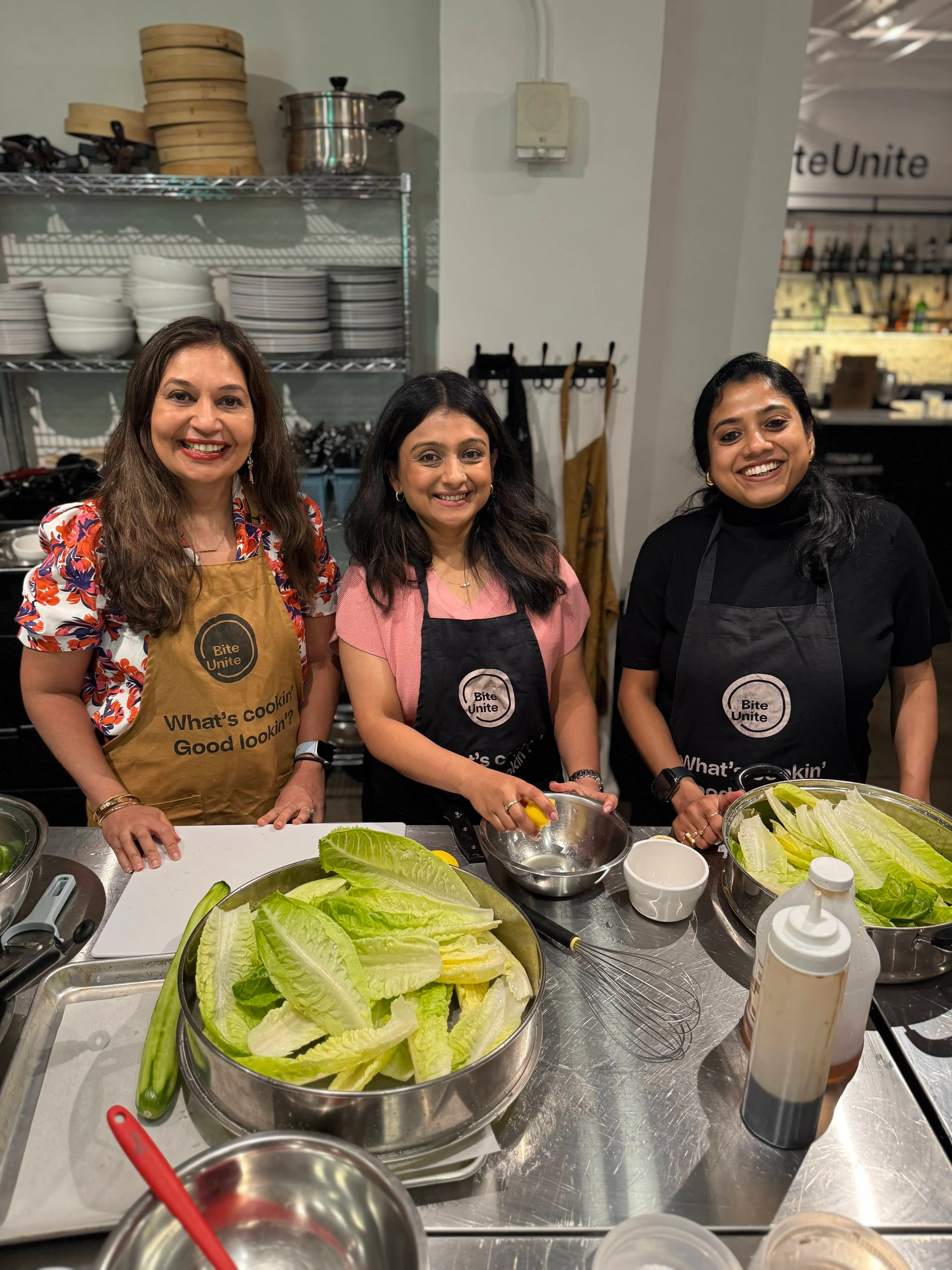
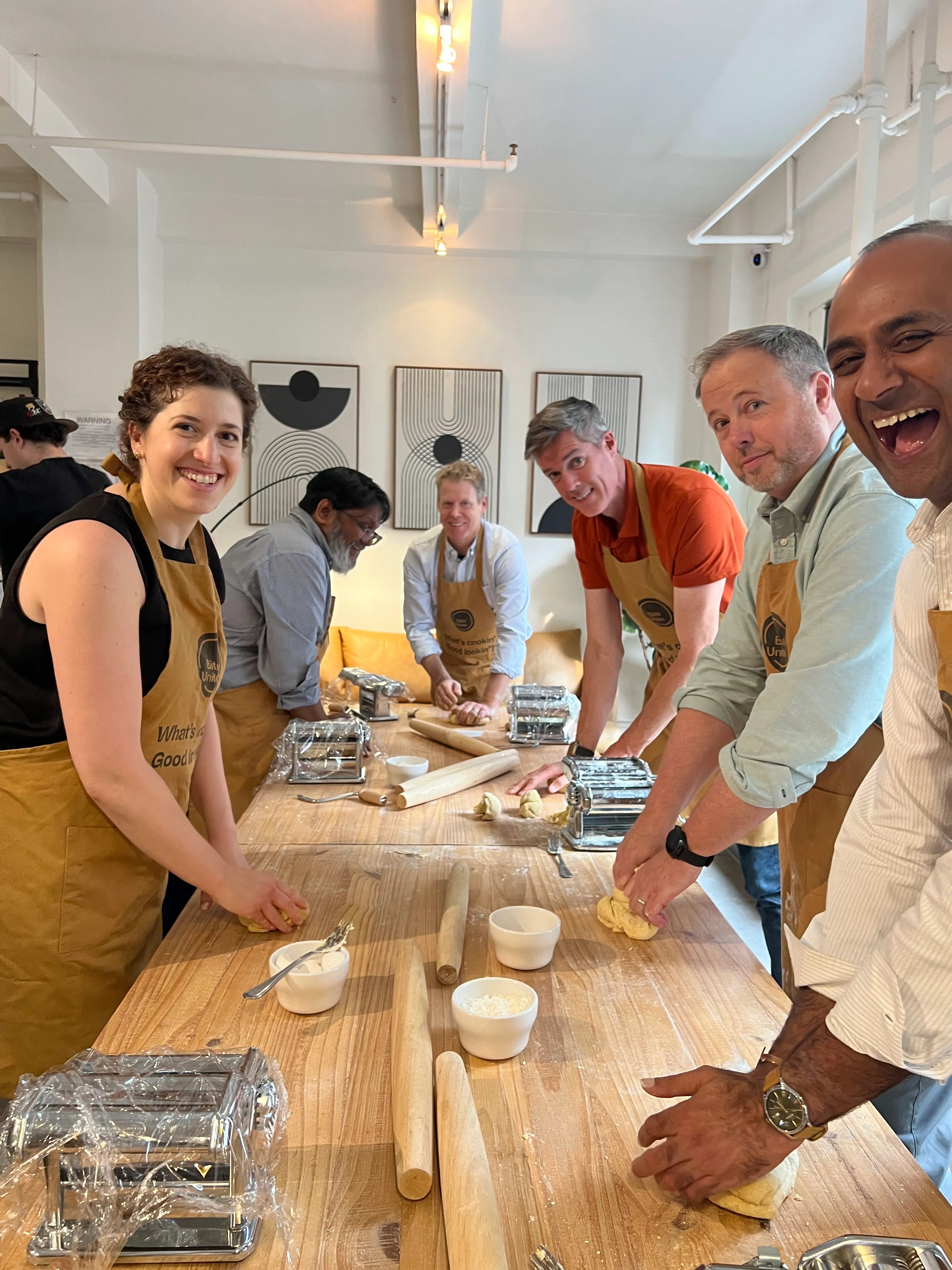
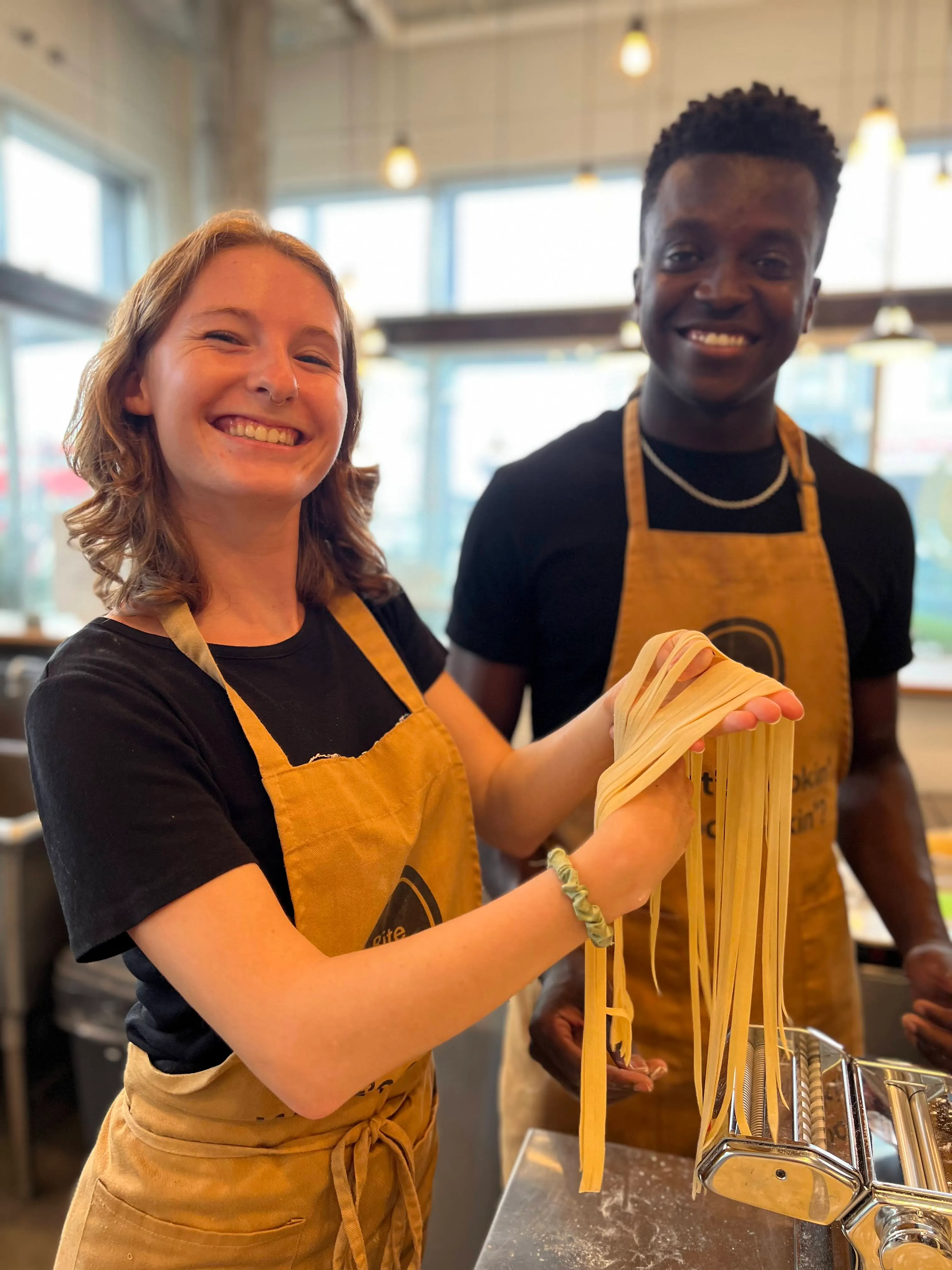
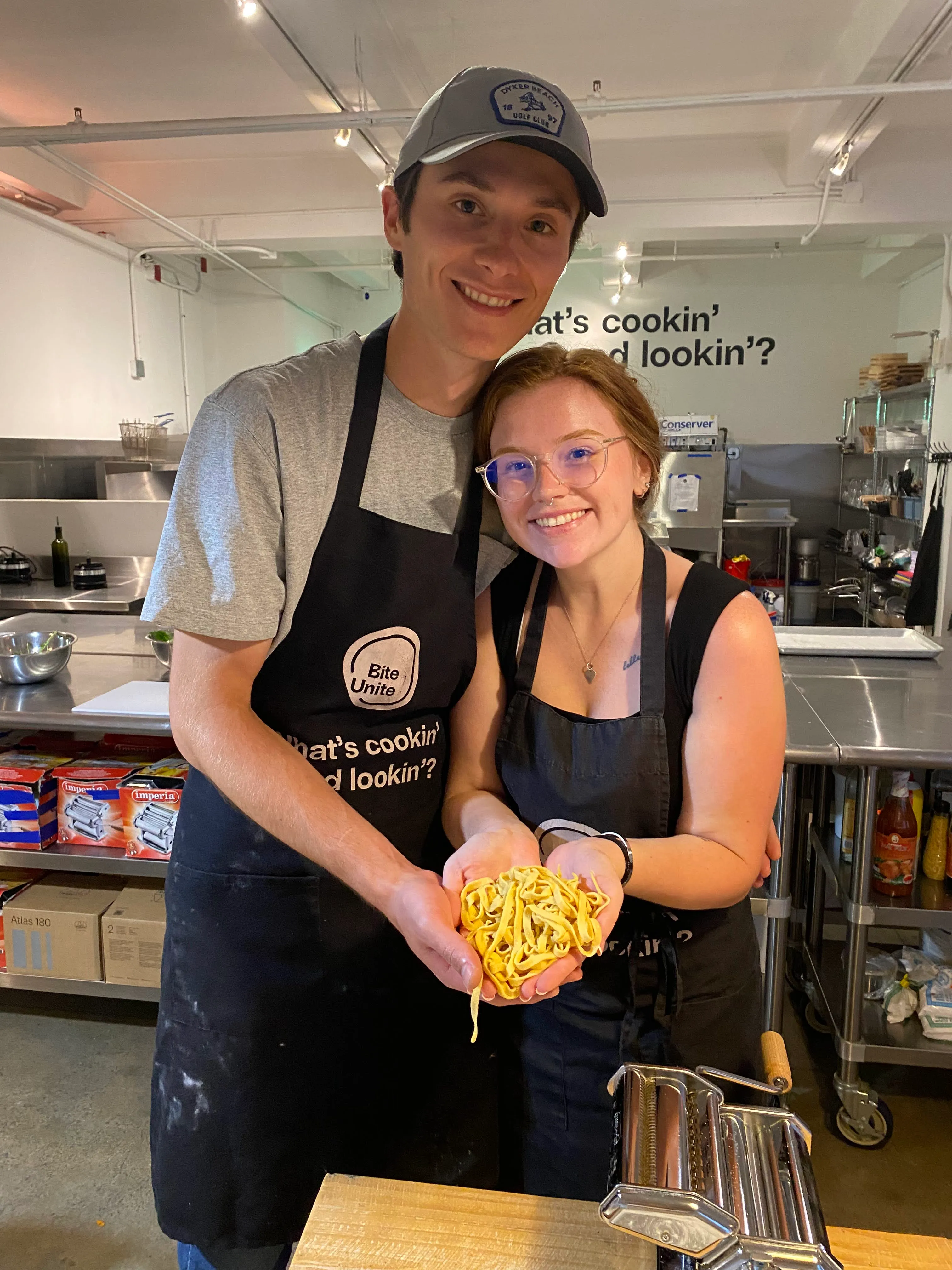
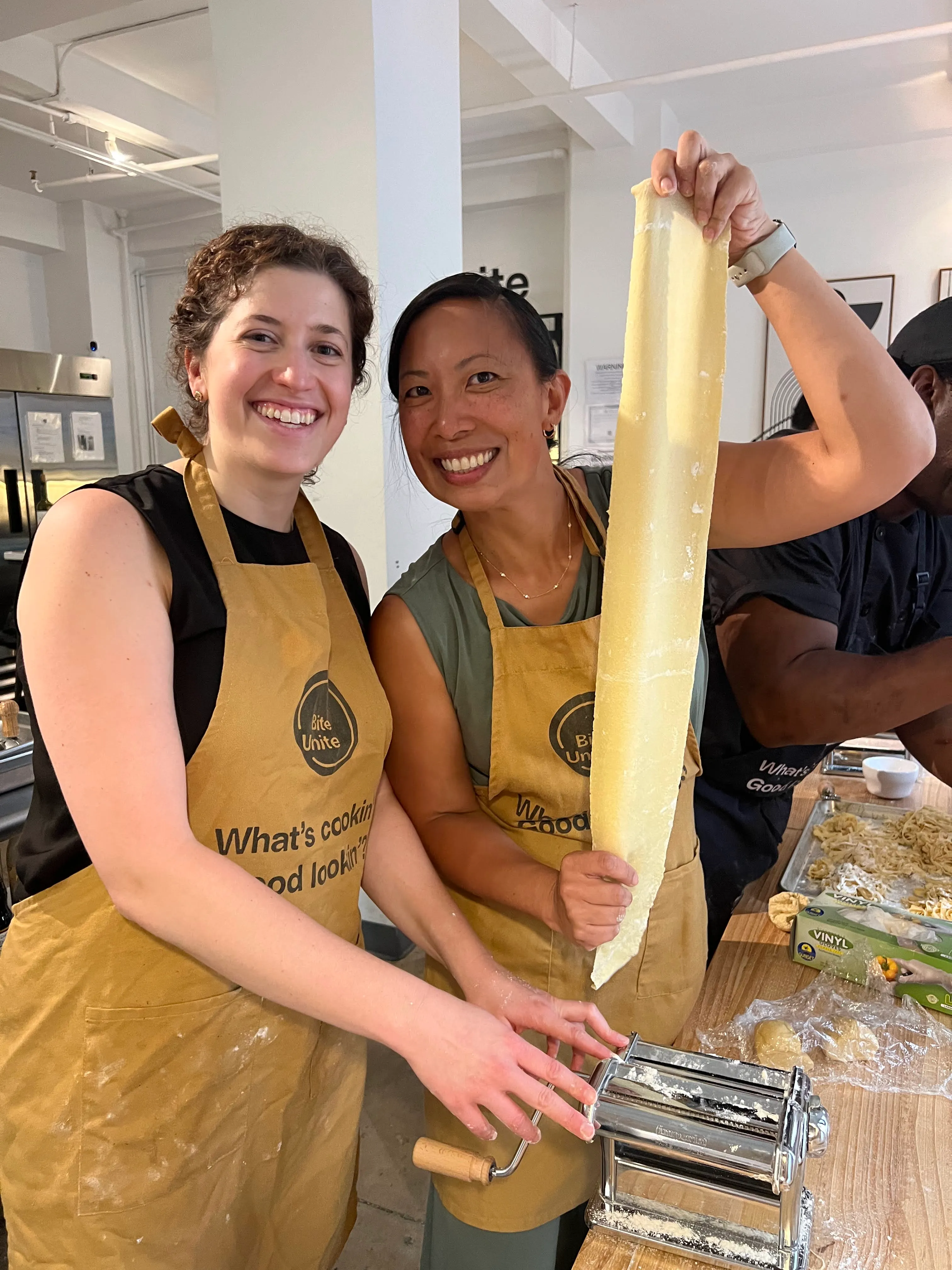
When you’re ready to go beyond a trivia night and give your team something genuinely memorable, a facilitated culinary experience is one of the highest-impact options available. Biteunite runs hands-on cooking classes led by expert chefs in New York, San Francisco, and Hong Kong, as well as online sessions that work for fully distributed teams anywhere in the world.
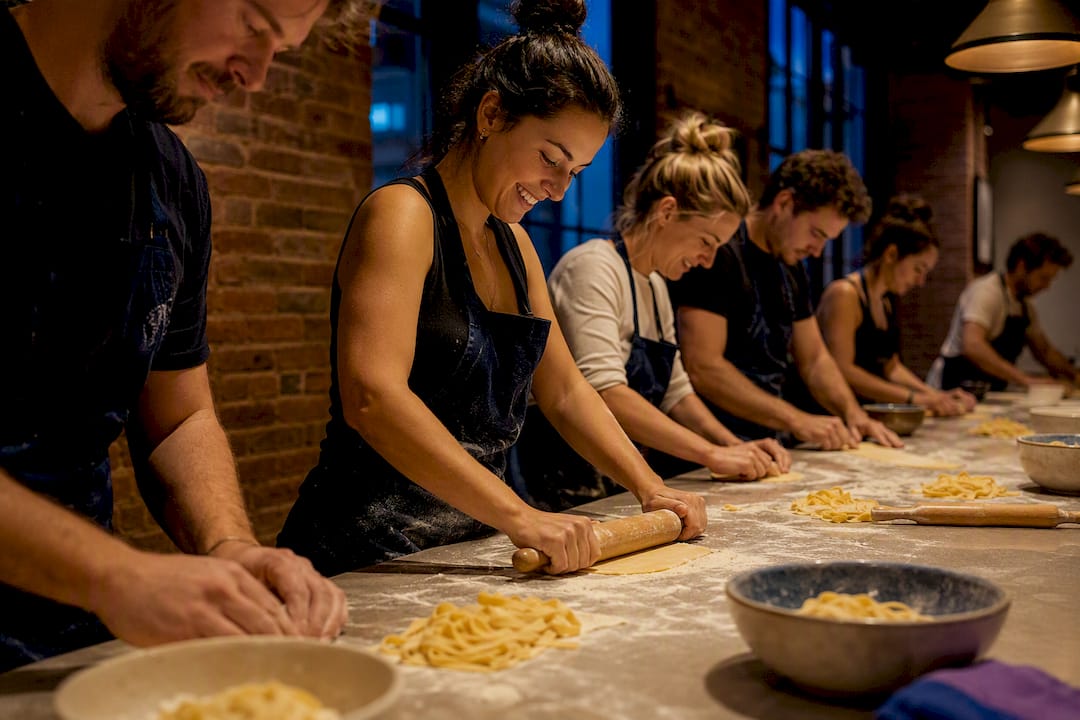
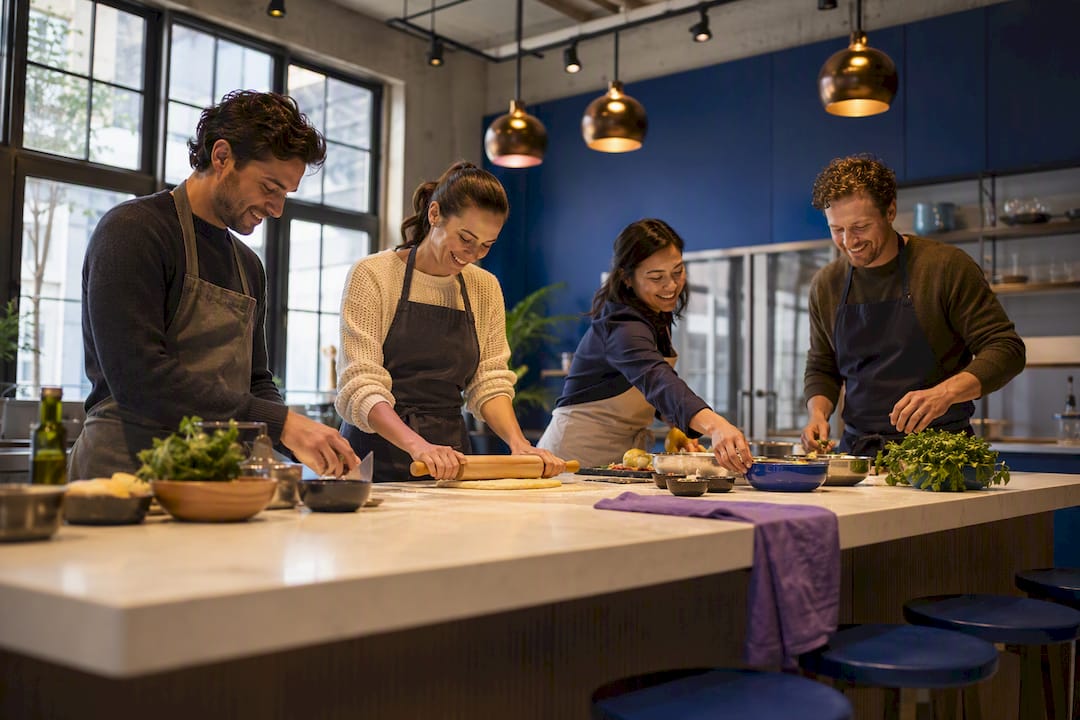
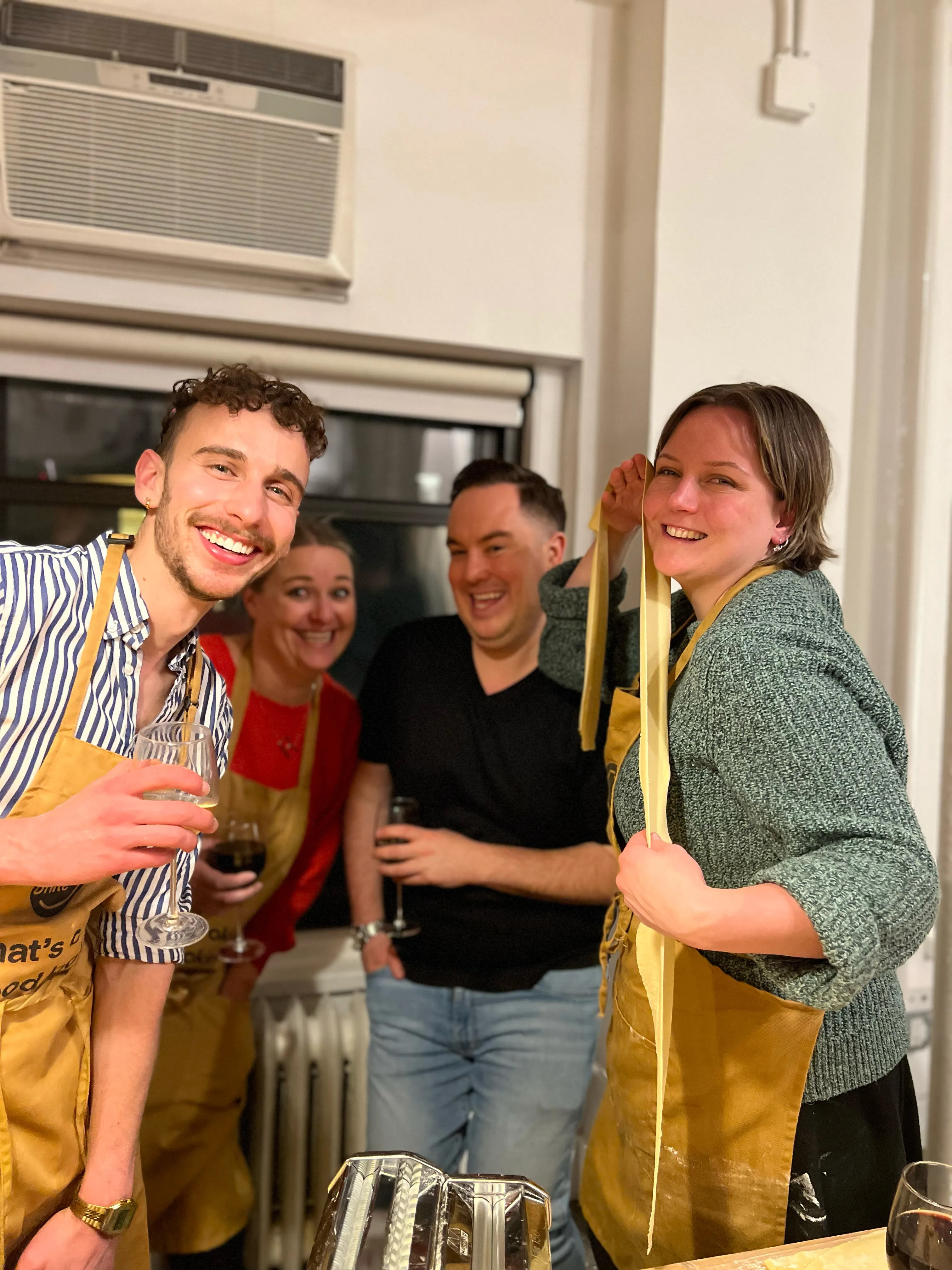
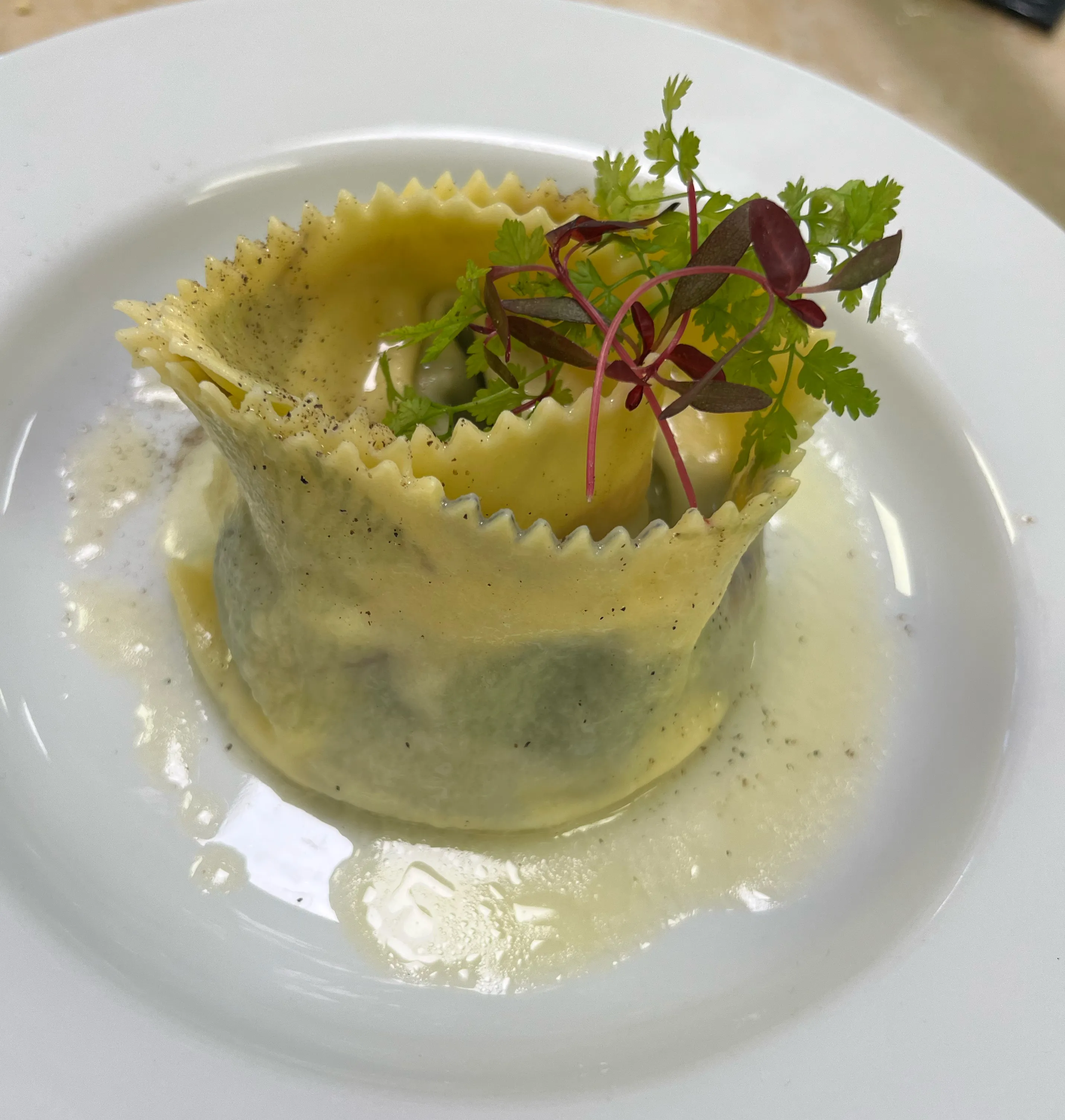
What makes a culinary session land differently from a standard virtual activity is the combination of a skilled facilitator, a shared task, and a tangible result. Your team cooks together, eats together (or shares photos of what they made), and walks away with a story. Biteunite’s online format ships ingredient kits or provides detailed prep lists so everyone is working with the same ingredients in real time. The chef handles the facilitation, the pacing, and the energy, so you show up as a participant, not a logistics coordinator. For teams in major cities, in-person group cooking classes in Manhattan and San Francisco add a venue and a full kitchen to the experience. As culinary experiences research from Wild Foodz shows, the sensory and social elements of cooking together create the kind of shared memory that sticks long after the event ends.
To book a session or check available dates for your team, visit Biteunite’s group classes page and choose the format that fits your team size and location.
Sources
- 25 top virtual team-building activities | Achievers
- Team building activities when working remote | Harvest
- Virtual Team Building Activities for Remote Teams | TriviaMaker
- Virtual team building tips | Zoom







































.webp)