Online Holiday Party Ideas That Remote Teams Actually Enjoy
Run these four activities and your online holiday party will work: holiday trivia, a virtual scavenger hunt, Secret Santa, and an ugly sweater contest. Add one multisensory layer, a shipped kit or a hosted class, and you’ll see far higher participation than a screen-only lineup delivers.
Here’s the quick breakdown:
- Holiday trivia (team vs. team): 20 to 30 minutes, works for any group size, easy to run in breakout rooms.
- Virtual scavenger hunt: 15 to 25 minutes, best for teams of 8 or more so scoring stays lively.
- Secret Santa: runs the whole event as a background thread, works for any size, but needs a 2 to 3 week lead time for shipping.
- Ugly sweater contest: 10 minutes for judging, zero setup, works on camera for any group.
- One hosted extra: a 45 to 60 minute chef-led cooking class or a shipped cookie-decorating kit. This is the piece that turns “another Zoom call” into something people actually look forward to.
That fifth element matters more than organizers usually expect, and the research backs it up. We’ll get to why in a moment, but first, the full menu of virtual holiday party activities, sorted so you can build your own agenda in minutes.
Key Takeaways
Pairing quick digital games with one shipped kit or hosted class is what separates a forgettable online holiday party from one people actually remember.
| Point | Details |
|---|---|
| Start with four core activities | Run holiday trivia, a scavenger hunt, Secret Santa, and an ugly sweater contest as your base lineup. |
| Add one multisensory element | A shipped kit or hosted class measurably increases engagement over screen-only games. |
| Assign three distinct roles | Separate host, moderator, and tech support so breakout rooms and AV issues don’t stall the party. |
| Match agenda length to time available | Use the 60, 90, or 120-minute templates rather than improvising pacing on the fly. |
| Book a hosted option for turnkey execution | Biteunite’s chef-led online classes handle the agenda, recipes, and kit shipping so organizers don’t have to. |
Table of Contents
- Online Holiday Party Ideas Sorted by Category
- Why Kits and Hosted Events Outperform Screen-Only Activities
- Your Planning Checklist: Platform, Roles, and Timeline
- Sample Agendas for 60, 90, and 120-Minute Parties
- Keeping It Inclusive as Your Team Grows
- Building Themes Around Culture, Not Just Calendar Dates
- Making Recognition Part of the Celebration
- A Cook’s-Eye View on What Actually Builds Connection Online
- Book a Hosted Culinary Experience With Biteunite
- Frequently Asked Questions
- Sources
Online Holiday Party Ideas Sorted by Category
Good remote holiday celebration ideas fall into five buckets: quick games, competitive team challenges, creative workshops, food and drink experiences, and low-pressure socials. Pulling one or two from each bucket, rather than stacking five games in a row, is what keeps energy up for a full hour or more.
1. Quick games for instant energy
These need almost no setup and work as icebreakers or filler between bigger activities.
- Holiday trivia. Split into teams of 4 to 6, use a shared slide deck or a quiz tool with screen share, and let one person per team type answers into chat. Setup takes ten minutes: write or pull 20 questions, assign a scorekeeper, and test screen share before people join. Skip pop-culture-only questions since not every team member celebrates the same holidays; mix in general winter trivia instead.
- Virtual bingo. Generate custom cards tied to office in-jokes or holiday movie tropes, then call squares over video. Works for groups from 5 to 200 since everyone plays independently. Send digital cards ahead of time so nobody scrambles to print.
- Name that tune. Play 10 second clips of instrumental holiday songs and have people type guesses. Keep the playlist genre-neutral, think classical winter pieces alongside pop standards, so it doesn’t lean entirely on one cultural tradition.
- Holiday charades. Assign categories like “winter activities” or “office moments” instead of religious-specific terms to keep it welcoming for everyone.
2. Competitive and team-based games
These take more coordination but deliver the biggest laughs and the strongest sense of “we did this together.”
- Virtual scavenger hunt (Holiday Rush style). Give teams 15 minutes to find household items matching clues (“something red,” “your ugliest mug”) and race back on camera. Setup: build a clue list, assign breakout groups of 4 to 5, and appoint a timekeeper. Offer a “show a photo instead” option for anyone uncomfortable with camera time.
- Family Feud format. Poll the team beforehand on lighthearted questions (“top guesses for what’s in the office snack drawer”), then run it like the show with two teams buzzing in. Needs a moderator and a simple slide template.
- Team gingerbread or ornament build-offs. Ship basic kits ahead of time (graham crackers, icing, candy work fine if a full kit isn’t in the budget), split into small teams, and judge by category, not just “best,” so more people win something. This pairs naturally with a gingerbread recipe you can send along with instructions.
3. Creative workshops
Workshops slow the pace down, which some teams need after a string of high-energy games.
- Cookie or gingerbread decorating, ideally with a kit shipped in advance so materials match, similar to the format used in BiteUnite’s gingerbread house decorating classes.
- Ornament making with basic craft supplies, good for smaller groups since it needs more one-on-one guidance.
- Origami, cheap to supply (just paper), and surprisingly meditative on a busy work week.
- Virtual photo booth using a green screen app or simple filters, works at any scale and doubles as content for a team newsletter.
4. Food and drink experiences
Food-based activities consistently rank among the most requested Christmas party ideas online, and for good reason: they give people something to do with their hands while they talk.
- Virtual cooking class, chef-led, with recipes and sometimes ingredient kits mailed beforehand.
- Cocktail or mocktail workshop, always with a nonalcoholic track offered by default, not as an afterthought. BiteUnite’s guide to mocktail options for holiday dinners is a useful reference for building that menu.
- Hot cocoa or tea tasting, one of the lowest-cost options since kits are inexpensive to ship internationally.
If you want game ideas built specifically around a shared meal, dinner party games pair well with any of the food-based formats above.
5. Hosted experiences and low-pressure socials
A fully hosted event, led by an outside expert running a structured agenda, takes the planning burden off your team entirely. This is often the difference between an organizer who dreads party season and one who enjoys it.
For lower-key moments, build in a gratitude open mic (two minutes each, optional), a show-and-tell round, or a festive playlist dance party as a closer. These need almost no setup and give quieter team members a comfortable way to participate.
Why Kits and Hosted Events Outperform Screen-Only Activities
Chamber of Commerce](https://www.uschamber.com/co/run/human-resources/remote-holiday-party-ideas). The mechanism is simple: shared materials give people a common outcome to talk about, which digital-only games rarely produce.
When everyone is holding the same cookie kit, or has the same six ingredients on their counter, the conversation writes itself. That shared object does more to spark real talk than any icebreaker question.
Vendors typically offer curated packages, think beer-and-cheese pairings, mixology kits, or cookie and gingerbread decorating sets, built around guided sessions of moderate length. That structure matters as much as the box itself. A hosted class with a clear beginning, middle, and end gives remote employees a reason to stay on camera the whole time, instead of quietly checking email in another tab. It also directly counters what event planners call Zoom fatigue: a hosted activity with a defined outcome (a finished dish, a decorated cookie) feels less like “another meeting” and more like an actual event.
BiteUnite builds its online sessions around exactly this principle. Chef-led instruction gives the group a shared focal point, the format is designed for team dynamics rather than solo cooking, and the shipped-kit option removes the “I don’t have the right ingredients” excuse that kills participation before it starts.
Pro Tip: If budget only allows one upgrade to your holiday party this year, spend it on shipping a physical kit rather than adding another digital game. The tactile element does more for engagement than an extra 30 minutes of screen time.
Your Planning Checklist: Platform, Roles, and Timeline
A smooth event comes down to four decisions made early, not fixed on the fly.
- Pick your platform first. Zoom remains the strongest choice for anything involving breakout rooms, since its rotation and re-grouping tools are more reliable than most alternatives. Google Meet works fine for a simple, single-room gathering with no breakouts planned.
- Assign three distinct roles. A host runs the agenda and keeps energy up. A co-host or moderator manages games, chat questions, and prize tracking. A dedicated tech support person, separate from the host, handles breakout room assignments, admits latecomers, and troubleshoots audio or screen-share issues. Skipping this third role is the single most common reason virtual parties stall out mid-event.
- Build your shipping timeline backward from party day. Ship kits with enough lead time, generally longer for international addresses than domestic ones, to guarantee arrival before the event. Set your Secret Santa gift deadline at least a few days before the party so nothing arrives late.
- Run a tech rehearsal 48 hours out. Test breakout room creation, confirm screen-share and audio-sharing permissions are enabled for presenters, and have a backup dial-in number ready in case the platform has an outage.
Pro Tip: Give your tech support person a written runbook, not just a mental checklist. When something breaks mid-party (and something usually does), a runbook means they fix it in seconds instead of scrambling.
Sample Agendas for 60, 90, and 120-Minute Parties
Matching your activity list to the actual time you have is what separates a tight, well-paced event from one that drags. These templates work whether you’re a five-person team or a five-hundred-person company.
60-minute party (best for small teams or a quick midday break):
- Welcome and housekeeping (5 minutes)
- Icebreaker question, one per person (10 minutes)
- One main game, like holiday trivia (35 minutes)
- Awards and closing (10 minutes)
90-minute party (the sweet spot for most remote teams):
- Welcome (10 minutes)
- Two activities with a breakout rotation, or one 45-minute hosted class
- Social breakout in small groups (15 minutes)
- Awards and wrap-up (10 minutes)
120-minute party (for larger teams or an all-company celebration):
- Hosted workshop or tasting experience (60 minutes)
- Two shorter games or breakout sessions
- Open social hour to close
| Duration | Best For | Core Structure |
|---|---|---|
| 60 minutes | Small teams, quick breaks | Icebreaker + one main game |
| 90 minutes | Most remote teams | Hosted activity + breakout social |
| 120 minutes | Large or all-company events | Hosted workshop + games + open social |
Keep transitions short. A single sentence like “Let’s move into breakout rooms, back here in 15” does more for pacing than a long explanation. Save prize announcements for the very end so people stay through the close instead of dropping off early, a detail borrowed from the breakout-room rotation approach that keeps interaction high throughout longer events.
Keeping It Inclusive as Your Team Grows
Not everyone on your team celebrates the same holiday, and assuming otherwise is the fastest way to make part of your team feel like an afterthought. A “winter celebration” or “year-end gathering” theme works better than a Christmas-only frame for teams with varied backgrounds, and it costs nothing to rename your invite.
- Offer alcohol-free versions of every drink-based kit by default, not as a special request.
- List every ingredient clearly on food and drink kits so people with allergies or dietary restrictions can opt into a substitute ahead of time, a standard now common in holiday meal planning guidance.
- Build in multiple ways to participate: camera-on for those comfortable with it, chat-based answers for those who aren’t.
- For large or global teams, run staggered sessions across time zones rather than forcing one 6 a.m. call for half the company.
- Split big groups into multiple breakout rooms of 8 to 10 for anything competitive, so no one gets lost in a 50-person call.
- Make gifting and contests asynchronous where possible, submissions due by a date, winners announced live, so time zones don’t lock anyone out.
Building Themes Around Culture, Not Just Calendar Dates
The strongest virtual holiday themes skip the assumption that everyone grew up with the same traditions. A “global winter traditions” theme, where team members briefly share a food, song, or custom from their own background, tends to land better than a single culturally specific theme imposed top-down. It also doubles as a built-in icebreaker.

If your team spans multiple countries, consider a rotating spotlight: each session, one or two people share a two-minute story about a winter tradition from home. This works especially well paired with a food activity, since food is often the easiest entry point into a cultural tradition. A cooking-based session that lets people bring their own regional ingredient to a shared recipe, rather than dictating one national dish, respects that diversity without turning the activity into a research project.
Language matters too. Ditch phrases like “Christmas party” in official invites if your team isn’t uniformly Christian, and default to “holiday gathering” or “winter celebration” instead. Small wording choices like this signal, quietly, that the event was actually planned with the whole team in mind.
Dietary inclusivity deserves the same care as cultural inclusivity. If you’re shipping food or drink kits, build in vegetarian, vegan, and alcohol-free versions from the start rather than scrambling to accommodate a late request. A theme succeeds when the widest possible slice of your team can join fully, not just watch from the sidelines.
Making Recognition Part of the Celebration
A holiday party is one of the few times all year your whole remote team is in the same virtual room, which makes it a natural moment to fold in recognition without turning the event into a formal review.
Keep awards playful rather than performance-based. Categories like “most creative Zoom background,” “best ugly sweater,” or “most enthusiastic trivia team captain” let you highlight people without it feeling like a ranked evaluation. Save the more meaningful recognition, a shoutout for someone’s project work that year, for a slightly more sincere moment mid-event rather than saving everything for the end.
Timing matters as much as content. Announce awards at natural breaks, after a game wraps or right before a transition, rather than stacking them all into a rushed final five minutes. That pacing also gives the moment room to land instead of feeling like a formality squeezed in before everyone logs off.
If your team already runs a peer recognition program, this is a good moment to surface a few of the year’s standout nominations live, giving the written praise a spoken, public moment to match. Keep the tone warm rather than corporate: a quick, specific reason why someone is being recognized beats a generic “great job this year” every time.
A Cook’s-Eye View on What Actually Builds Connection Online
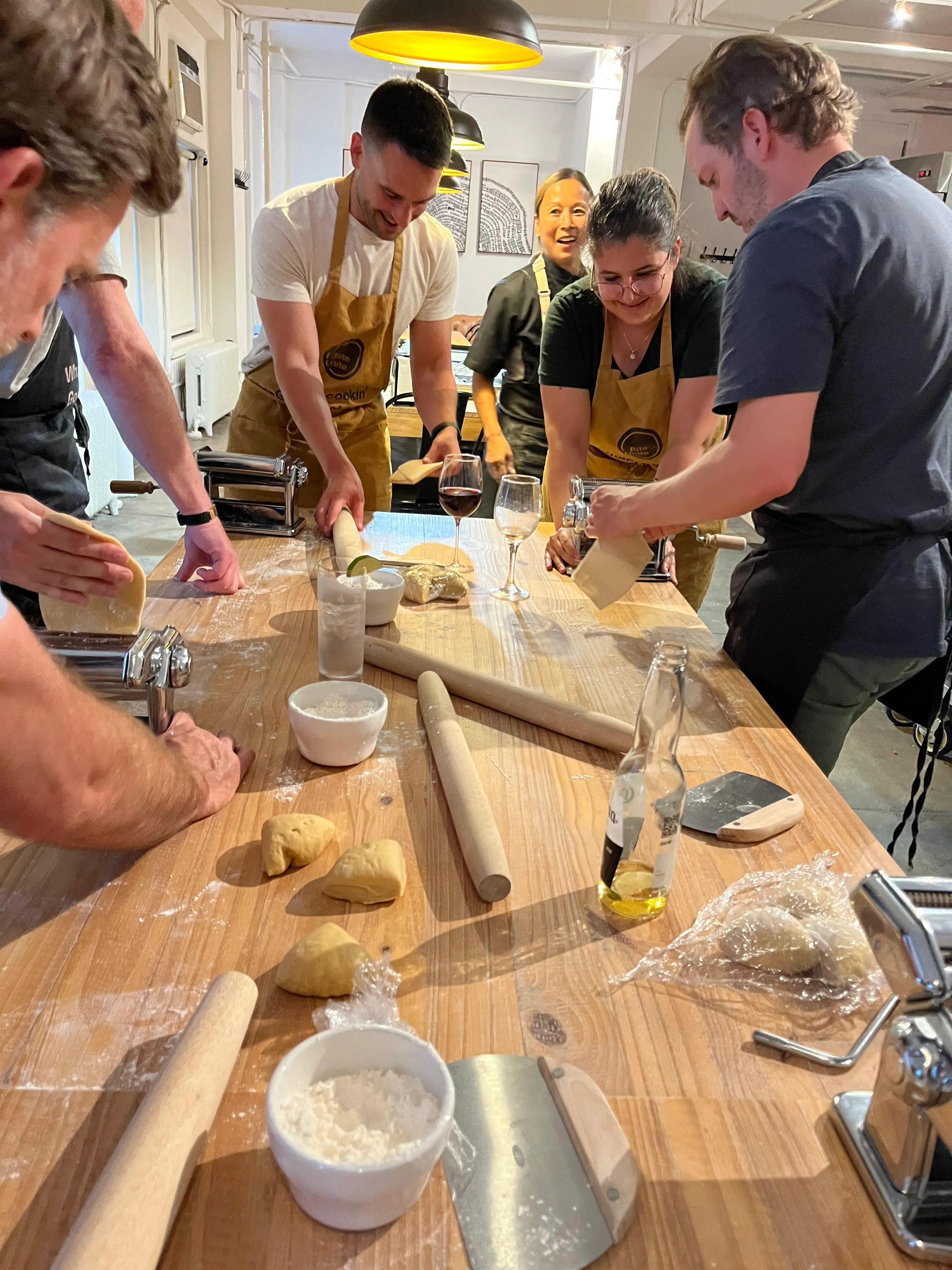
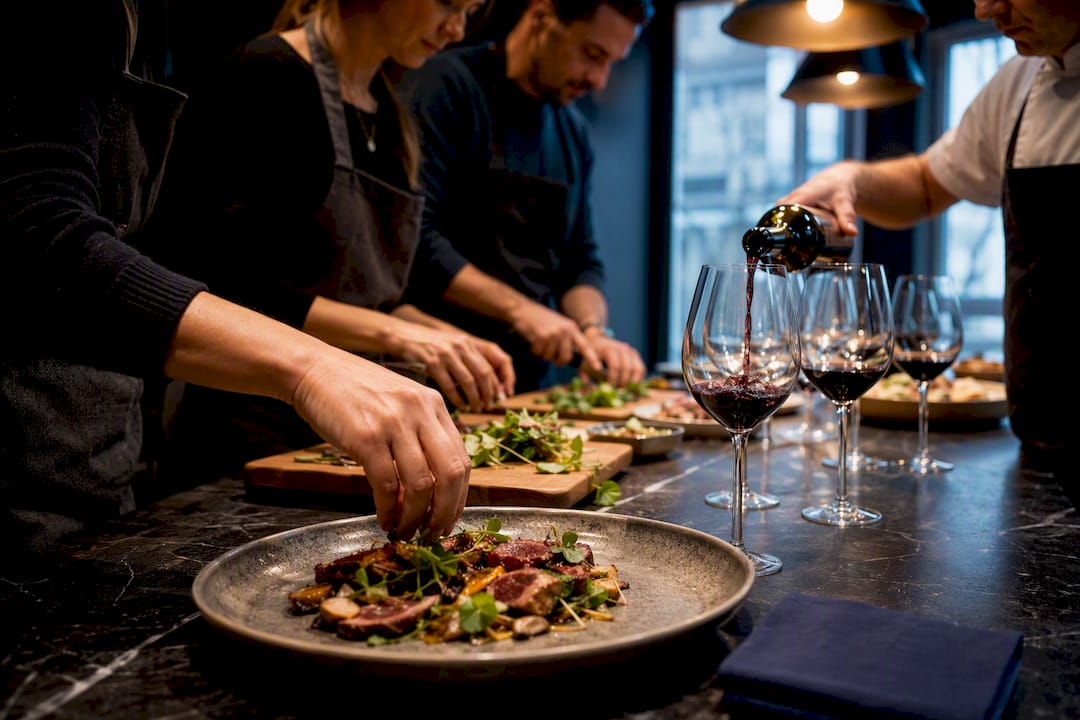
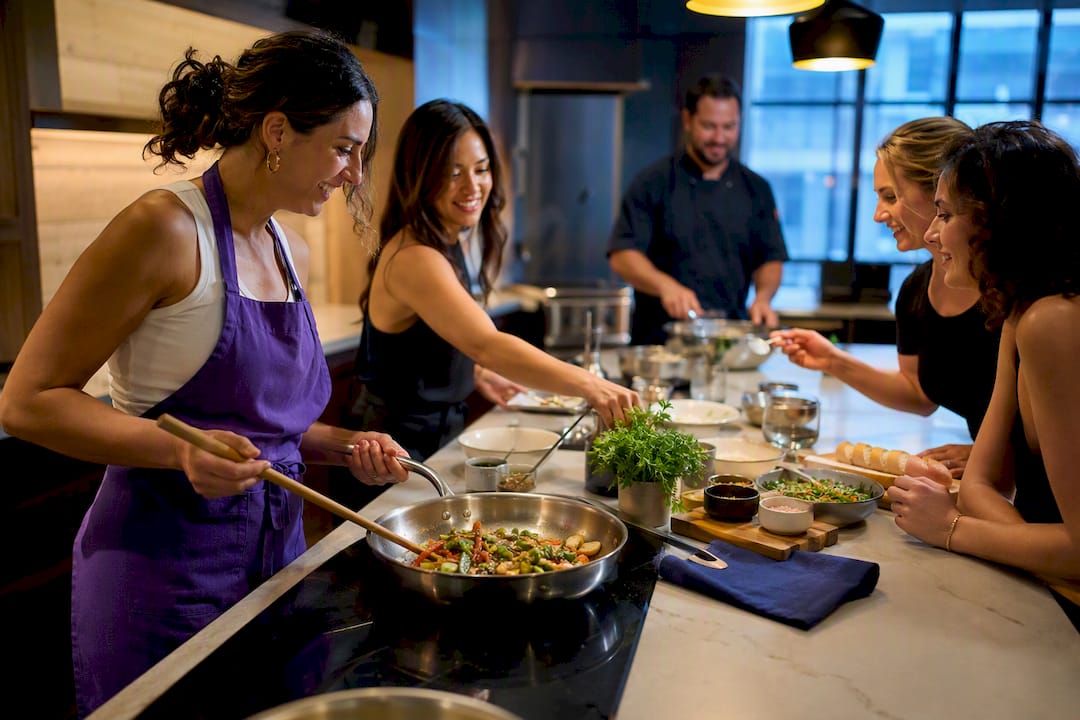
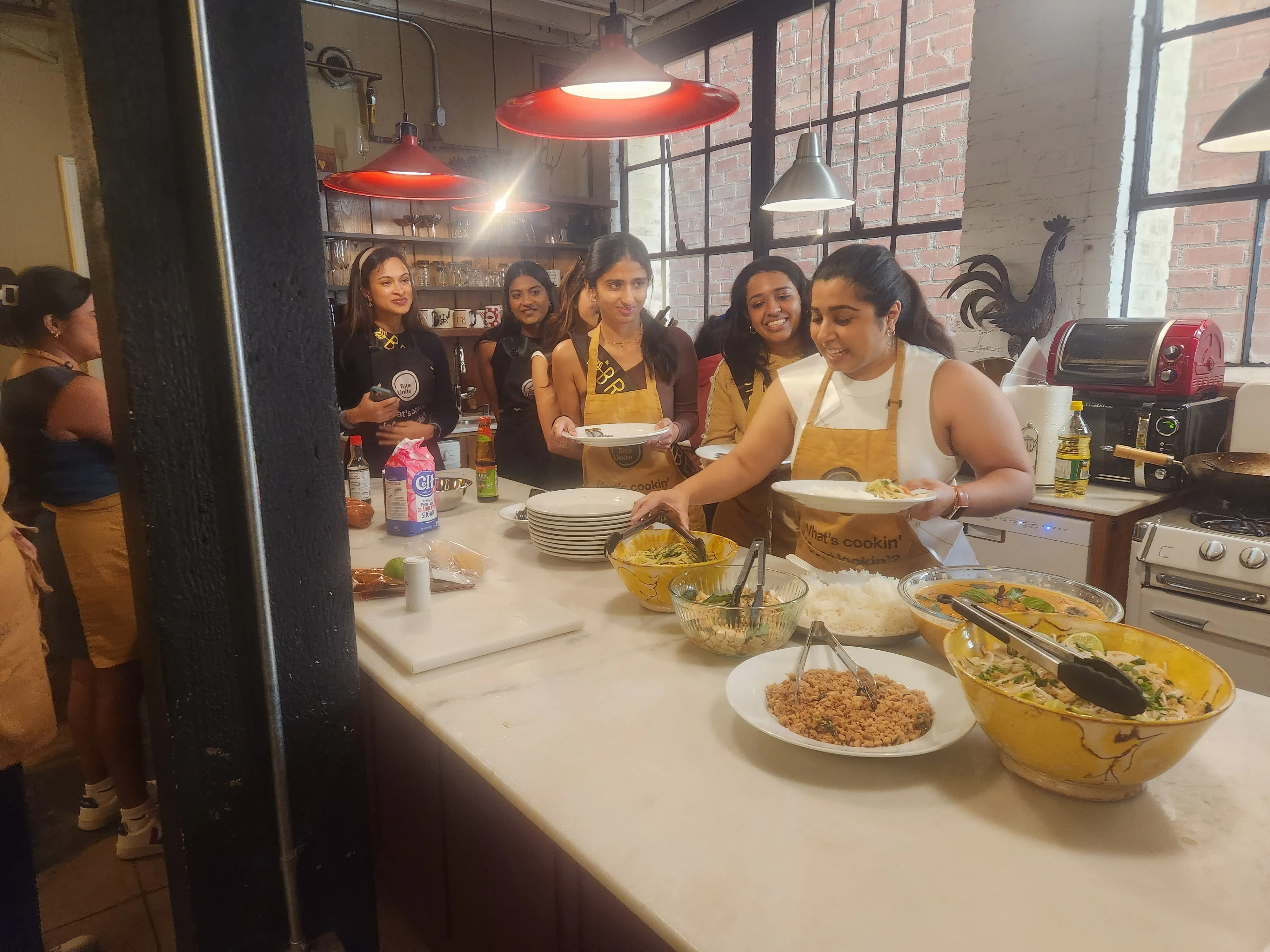
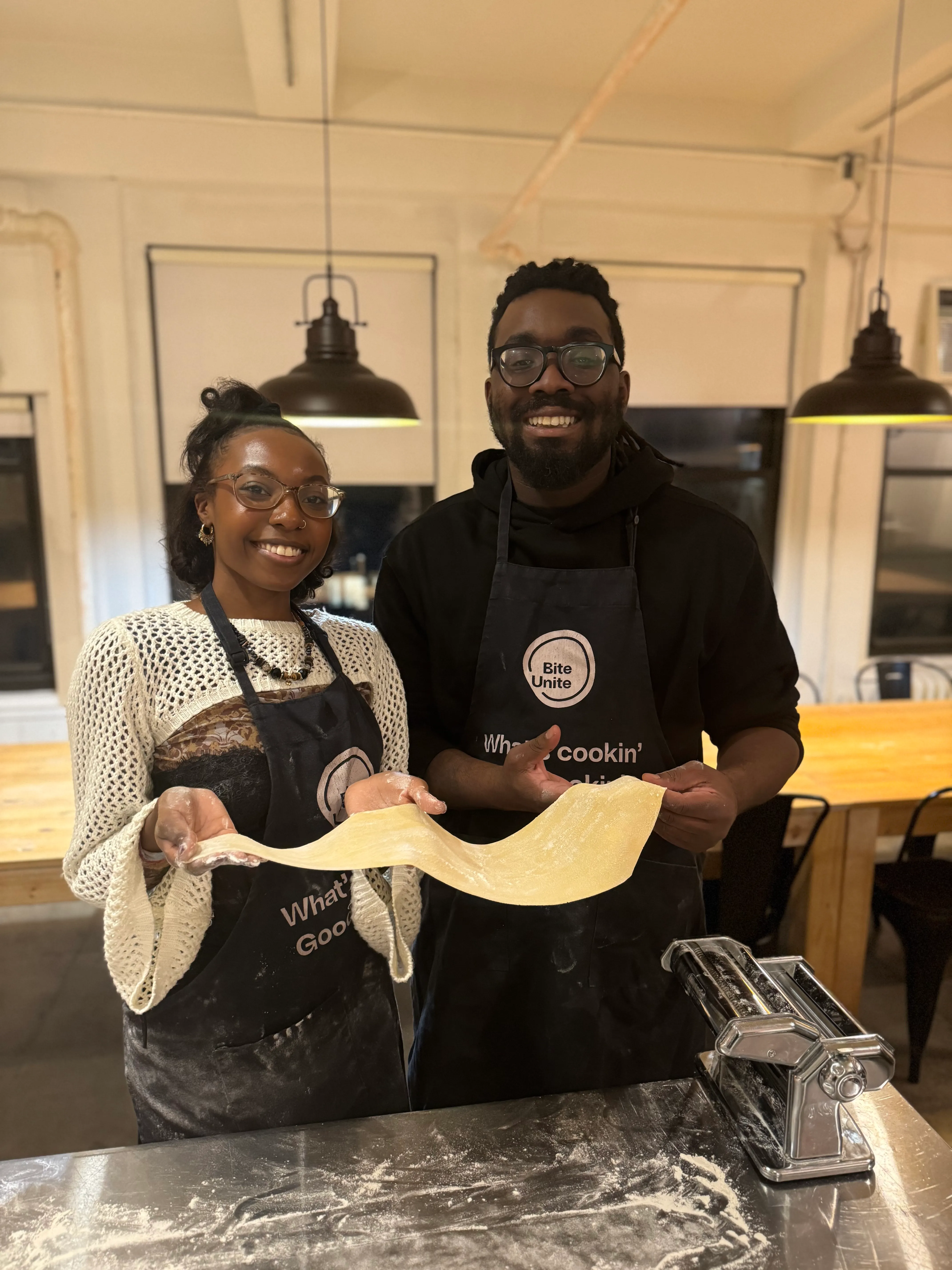
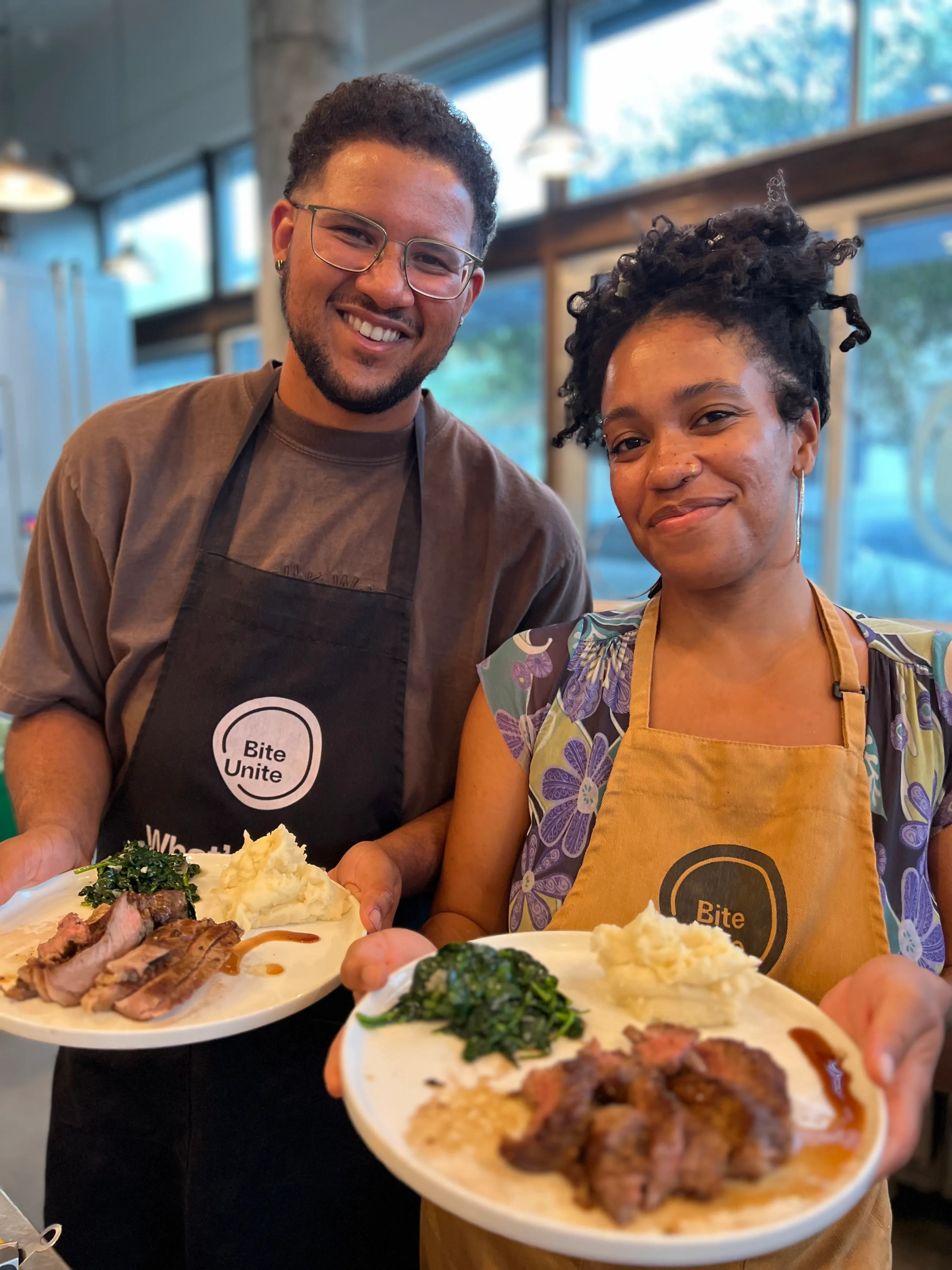
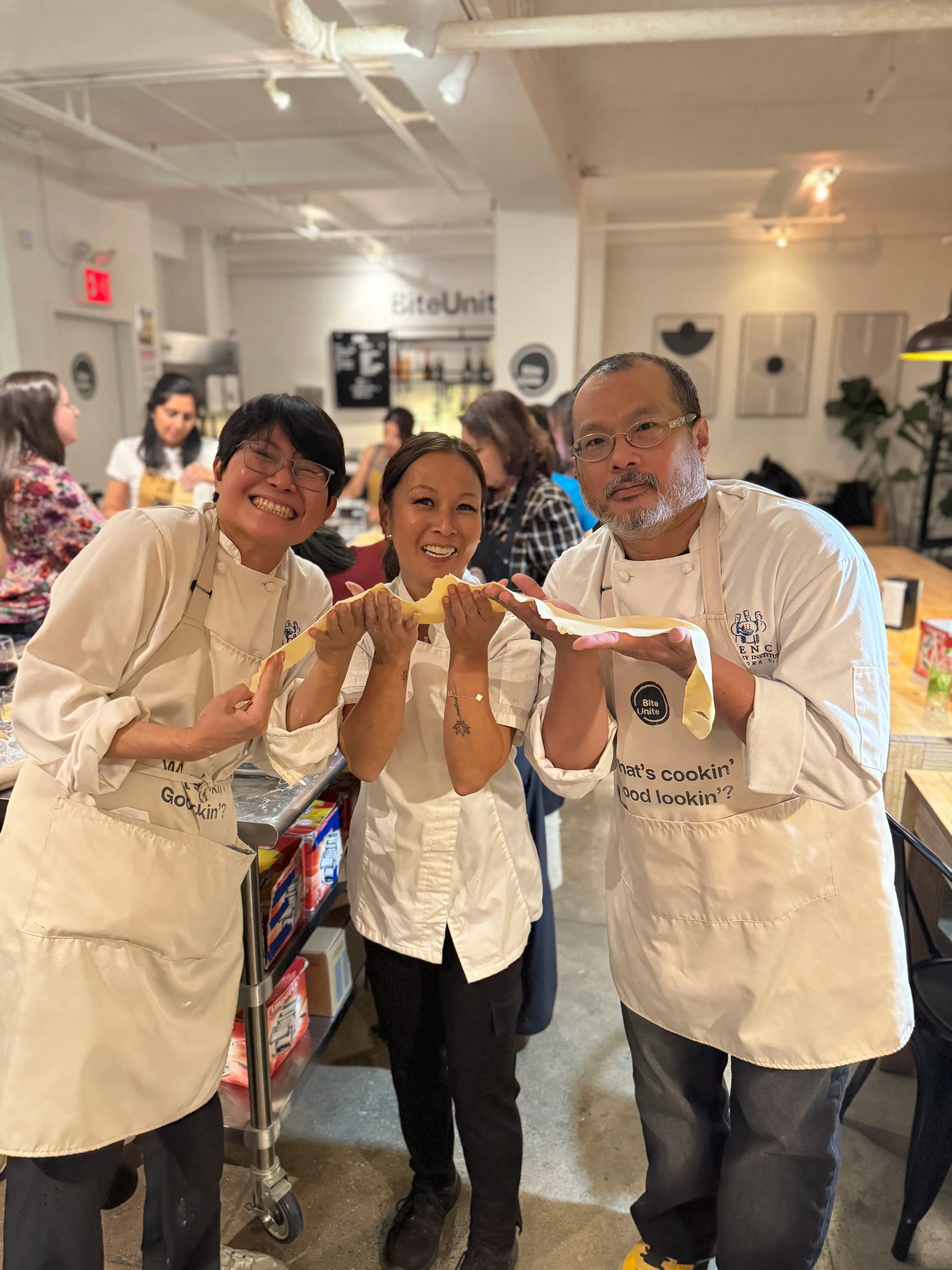
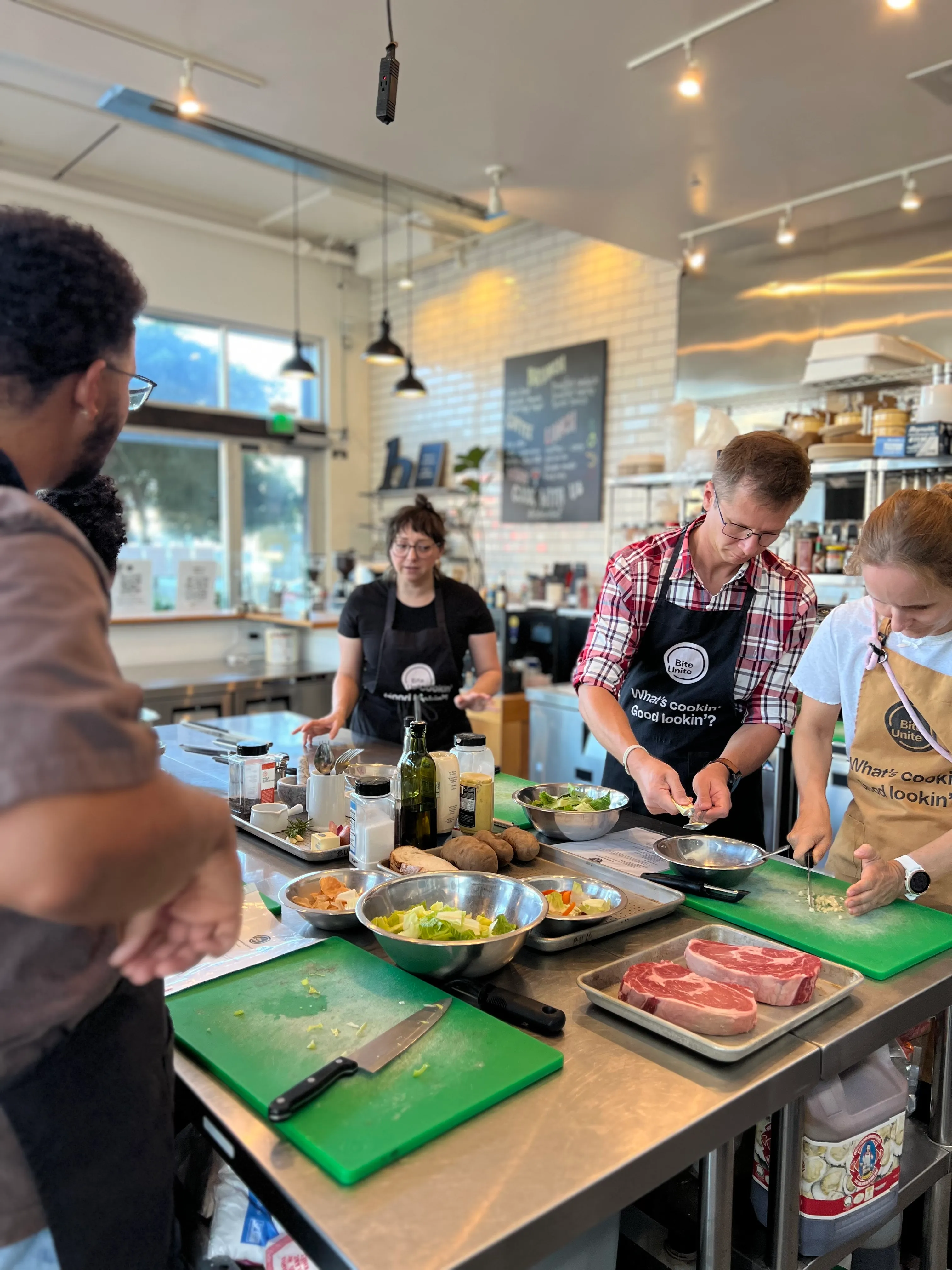
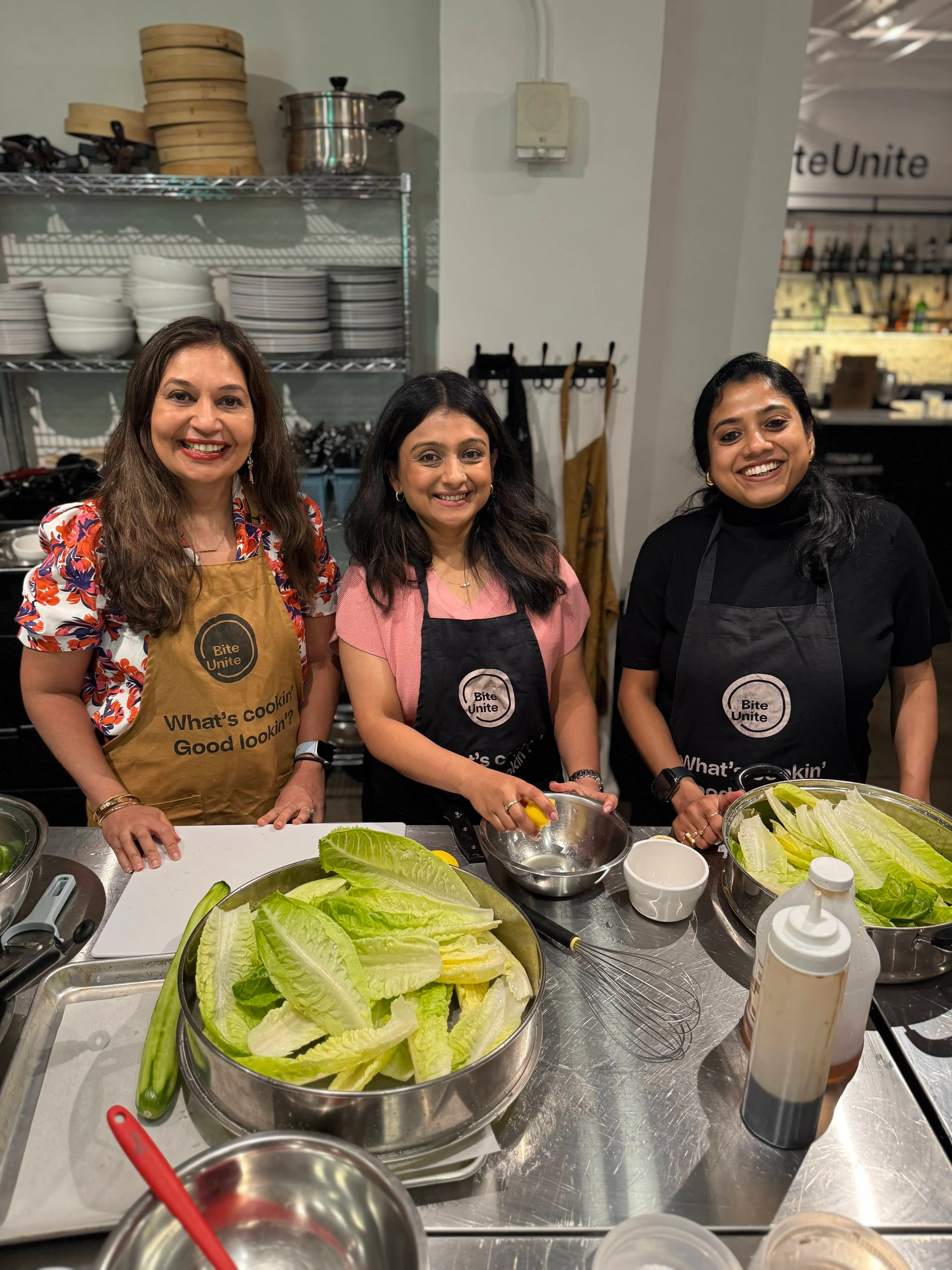
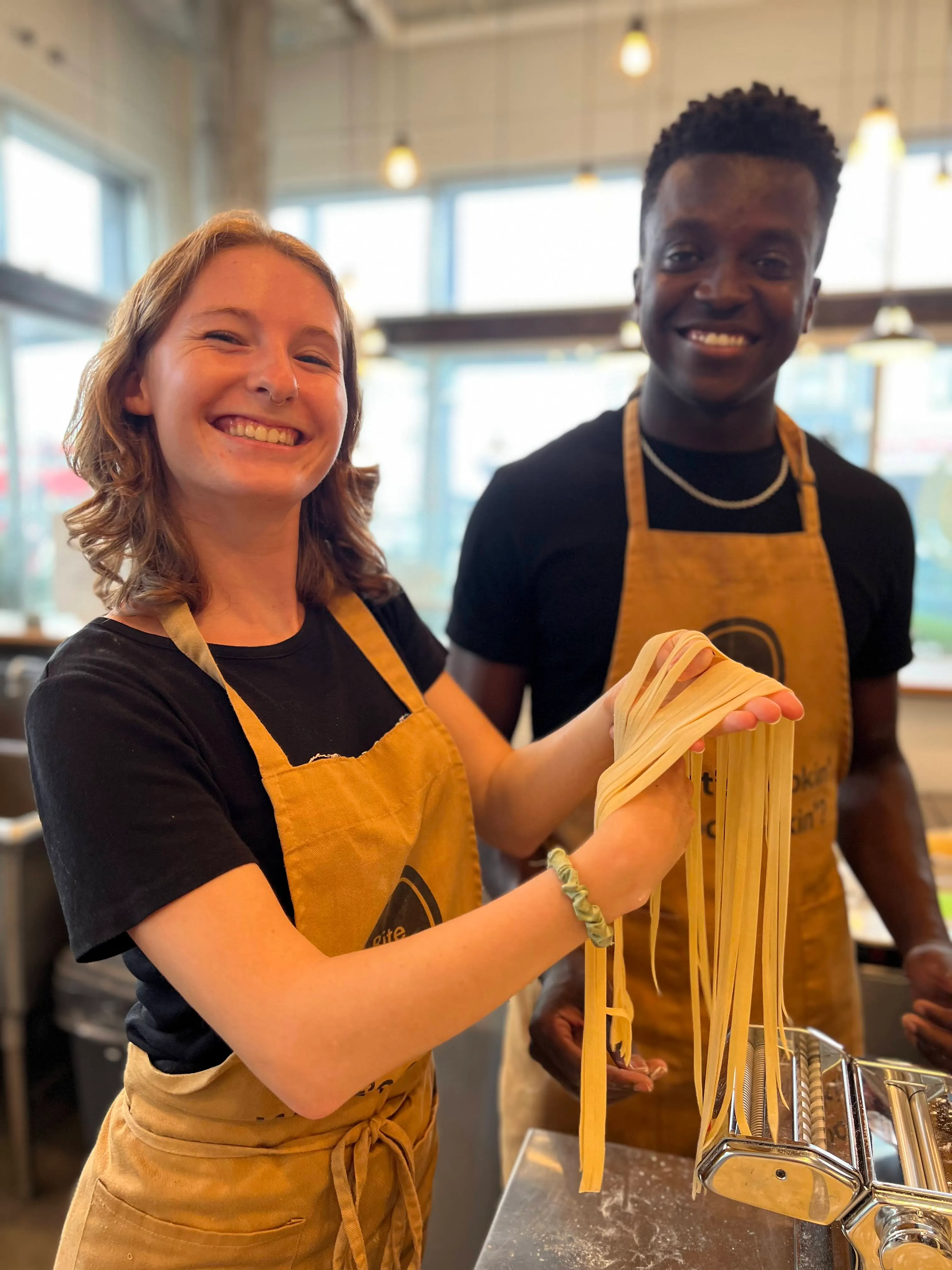
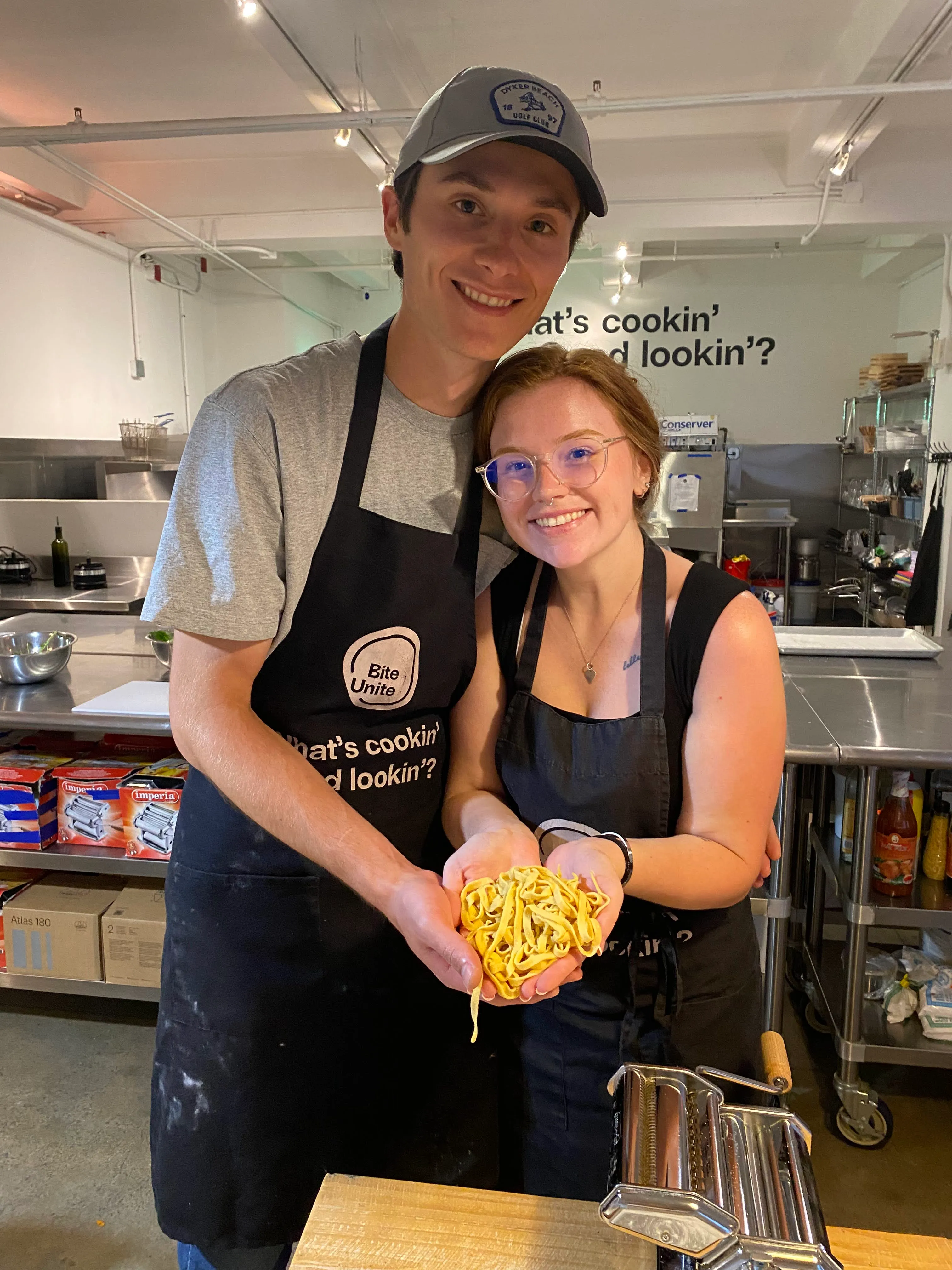
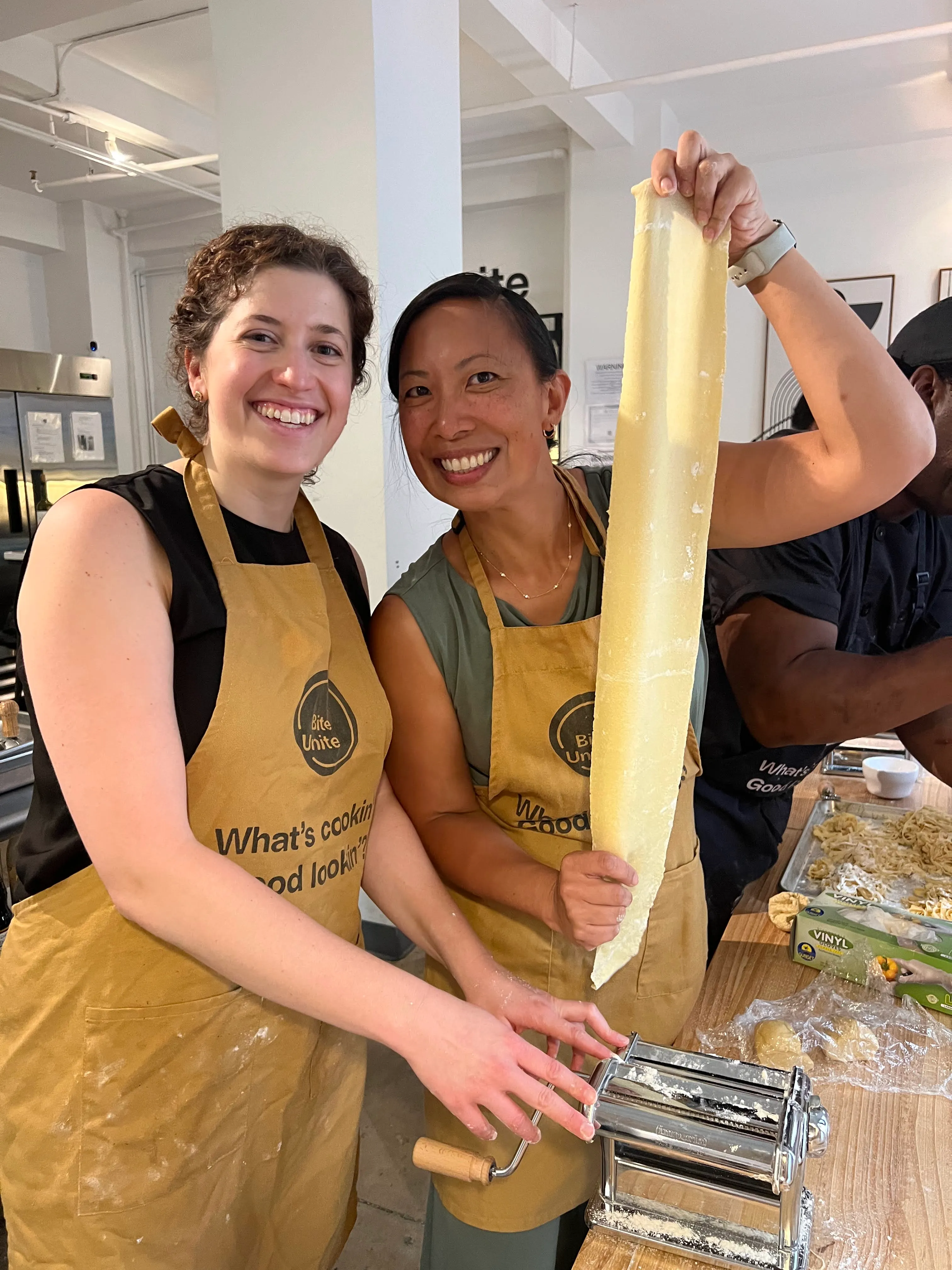
. What stands out, watching remote teams cook, decorate, or mix drinks together on a screen, is how quickly the conversation shifts away from work the moment everyone’s hands are busy. People stop performing for the camera and start actually talking, which is the opposite of what usually happens on a standard video call.
If you’re weighing whether a hosted culinary session is worth the extra planning versus a simple game night, my honest read is: it’s worth it for any team larger than a handful of people, precisely because it gives everyone something to do with their hands while they talk.
Book a Hosted Culinary Experience With Biteunite
Biteunite is the direct answer for organizers who want the multisensory lift a shipped kit provides without building the session themselves. A chef leads the class live, recipes and instructions are handled in advance, and ingredient kits can ship straight to every team member’s door, so nobody shows up without the right supplies.
This format works well for HR teams and social committees running an annual celebration, and for hybrid companies trying to give remote employees the same quality of event their in-office counterparts get. Sessions are built around team dynamics rather than solo cooking, which is exactly the difference between “watching a video” and actually participating.
Booking takes a few steps: pick a date, choose a class format, and confirm headcount so kits can ship on time. Teams in the New York area can check available sessions through the New York group classes page, including options specific to Manhattan, while distributed teams with members in Asia can look at the Hong Kong group classes page for regional availability. If you’re not sure which format fits, start at the Biteunite homepage to compare options and get a quote for your team’s size.
Frequently Asked Questions
What are the best online holiday party ideas for a remote team? Holiday trivia, a virtual scavenger hunt, Secret Santa, and an ugly sweater contest cover most teams well. Adding one hosted experience or shipped kit on top of those four typically boosts participation the most.
How long should a virtual holiday party run? Sixty minutes works for a quick team break, ninety minutes suits most standard celebrations, and one hundred twenty minutes fits a full hosted workshop plus games and social time.
How far in advance should we send party kits? Ship domestic kits with enough buffer to allow for delays, and add extra lead time for international shipping so kits arrive before the event, not after.
How do we keep a large or global team engaged during a virtual party? Split into multiple breakout rooms for anything competitive, stagger start times across time zones, and make gifting or contest entries asynchronous where possible.
Are hosted virtual cooking classes worth it for a company holiday party? For teams larger than a handful of people, yes. A hosted class gives everyone a shared task and a finished result to talk about, which does more for connection than a standalone game.
Sources
- 32 Best Virtual Holiday Party Ideas, Games & Activities — TeamBuilding

























































.webp)