Three buckets for hybrid team building that include remote staff
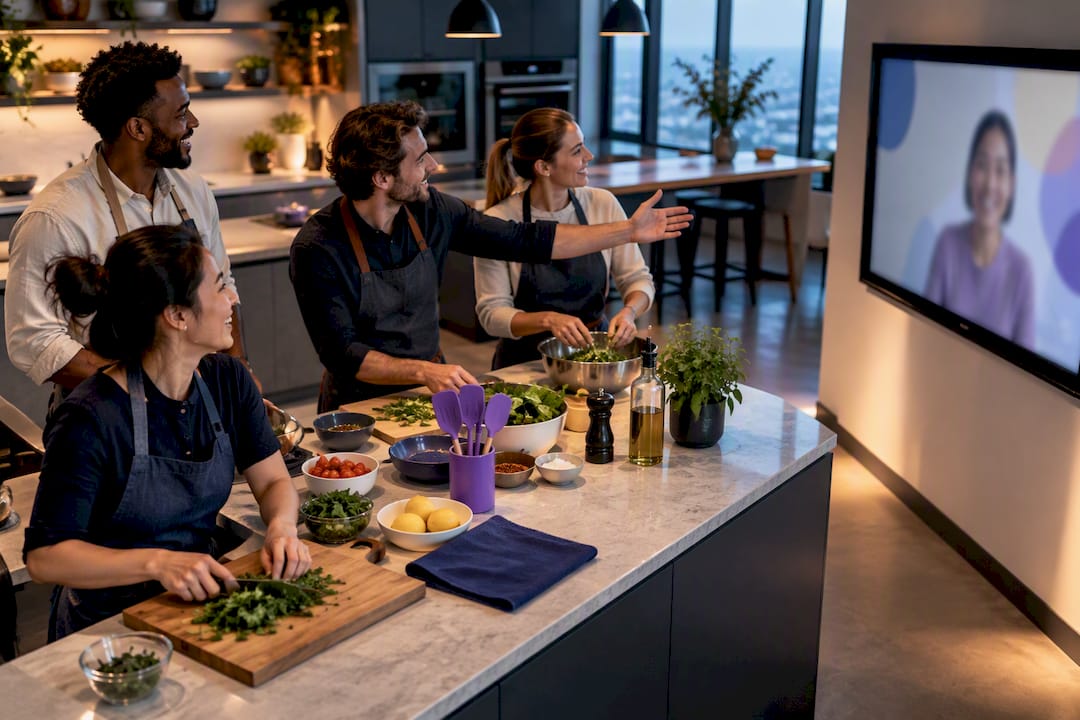
Design your hybrid team building event remote-first: pick activities where everyone shares the same digital surface, timebox every segment tightly, and put a dedicated remote host in charge of pacing. Skip anything that gives the room an edge, like a shared whiteboard only in-person folks can reach. Favor formats like a virtual escape room, a hybrid show-and-tell, or a coordinated cook-along with kits shipped to every location.
TL;DR:
- Remote-first activities, such as virtual escape rooms and hybrid cook-alongs with shipped kits, ensure equal participation for all team members.
- Proper planning, including role assignments, attendee audits, and early kit shipping, is crucial in the two weeks before the event for engagement success.
- Technology needs to include breakout rooms, shared digital surfaces, dependable audio-visual setups, and a dedicated remote host to maintain pacing.
- Keep groups small, under 20, with clear timeboxes and rapid transitions, to maximize interaction and participation from all attendees.
- Post-event surveys and participation data help measure inclusion, engagement, and long-term impact of the hybrid team building activities.
Table of Contents
- What Makes a Hybrid Team Building Event Actually Work?
- How Do You Plan a Hybrid Team Building Event Step by Step?
- What Technology Do You Need for a Hybrid Event?
- Sample Agendas You Can Copy for Your Next Session
- How Do You Keep a Hybrid Event Inclusive and Psychologically Safe?
- How Do You Know if Your Hybrid Event Actually Worked?
- What Chefs Running Hybrid Cooking Sessions Actually Notice
- Book a Hybrid Team Building Event With a Real Chef Behind It
- Where This Guide’s Findings Came From
- Sources
- FAQ
What Makes a Hybrid Team Building Event Actually Work?
The single biggest planning mistake is designing for the room and bolting remote employees on afterward. Flip that. When you treat the digital surface as the primary one, everyone, including people sitting ten feet from each other in the office, interacts through the same screen, the same chat, the same shared document. Nobody has a side conversation nobody else can hear.
The cleanest way to sort activity options is a three-bucket framework: all-remote, hybrid-native, or skip it entirely.
- All-remote activities, run entirely on video regardless of who is physically together, like a trivia game played individually on personal devices. These work because location stops mattering the moment everyone is looking at their own screen.
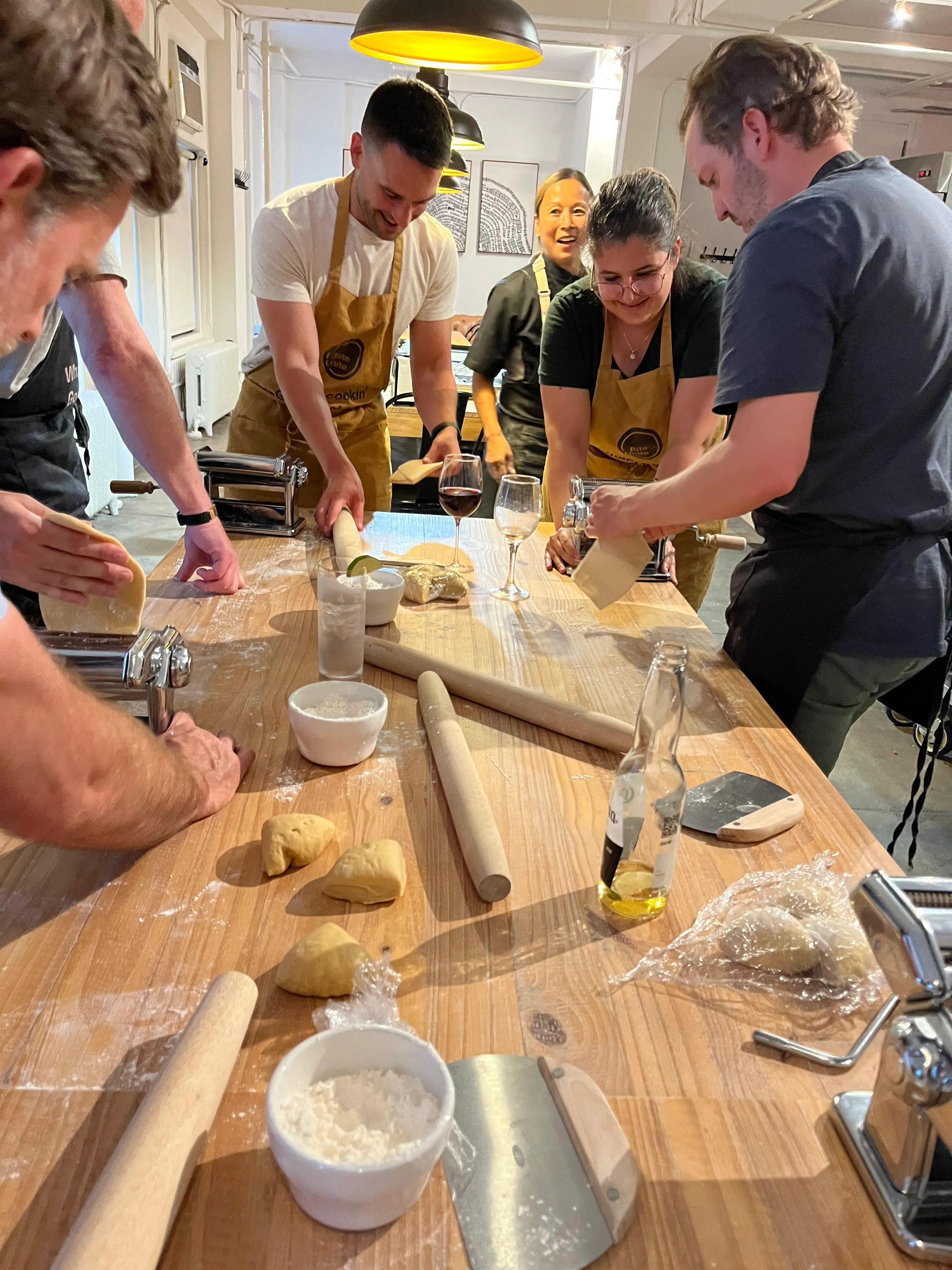
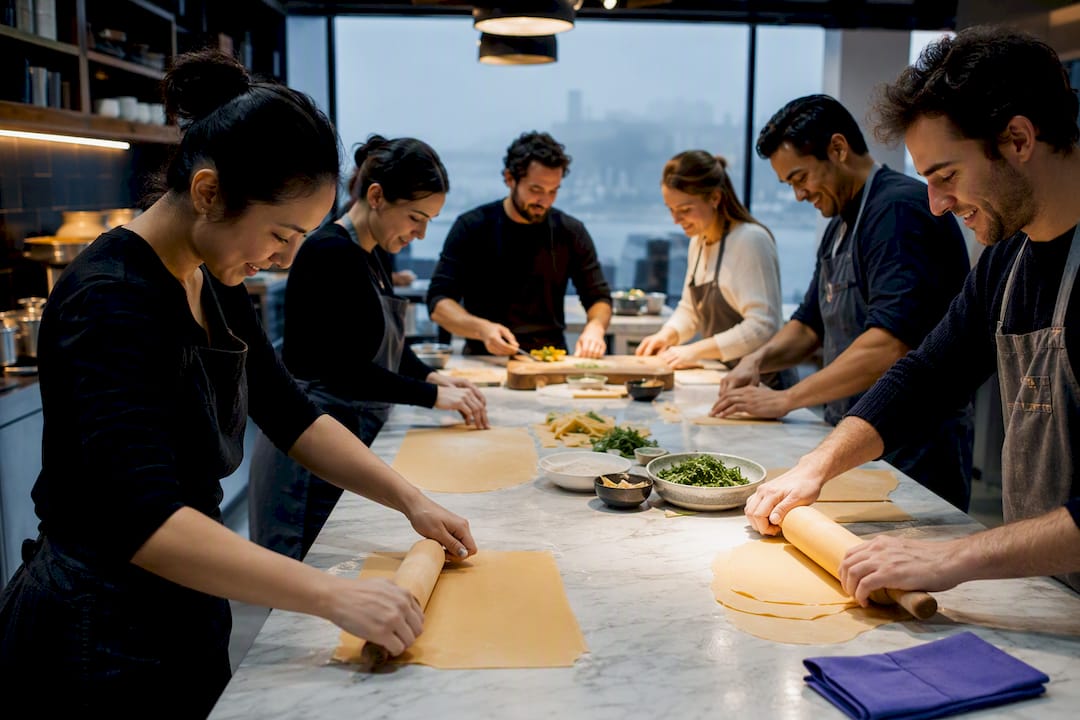
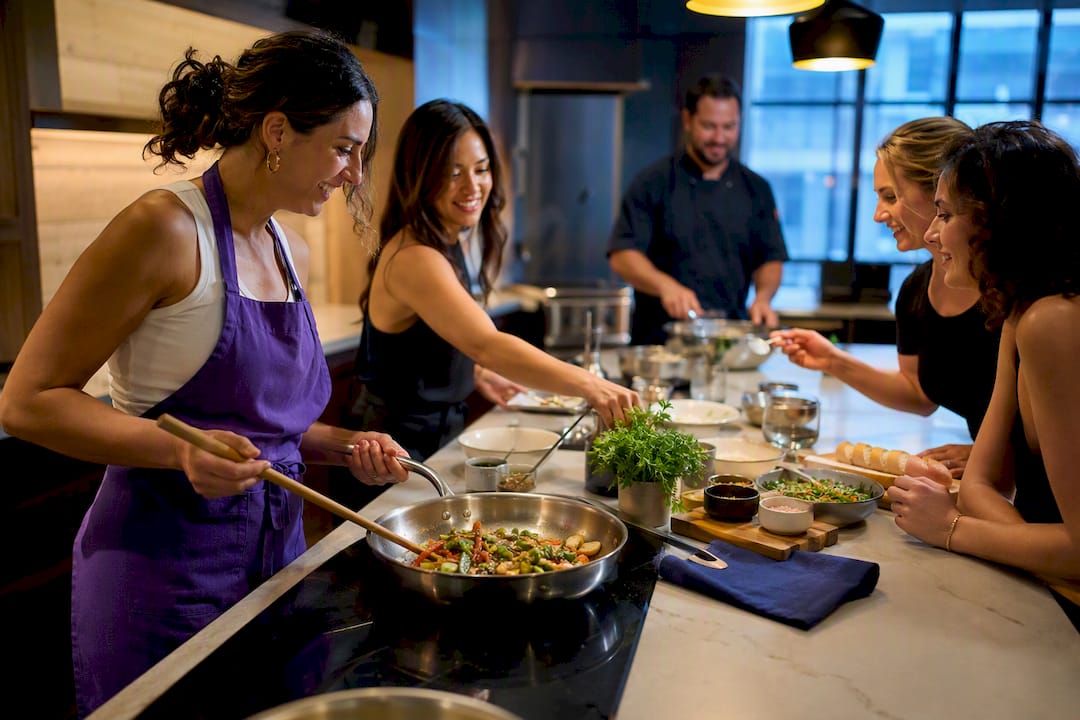
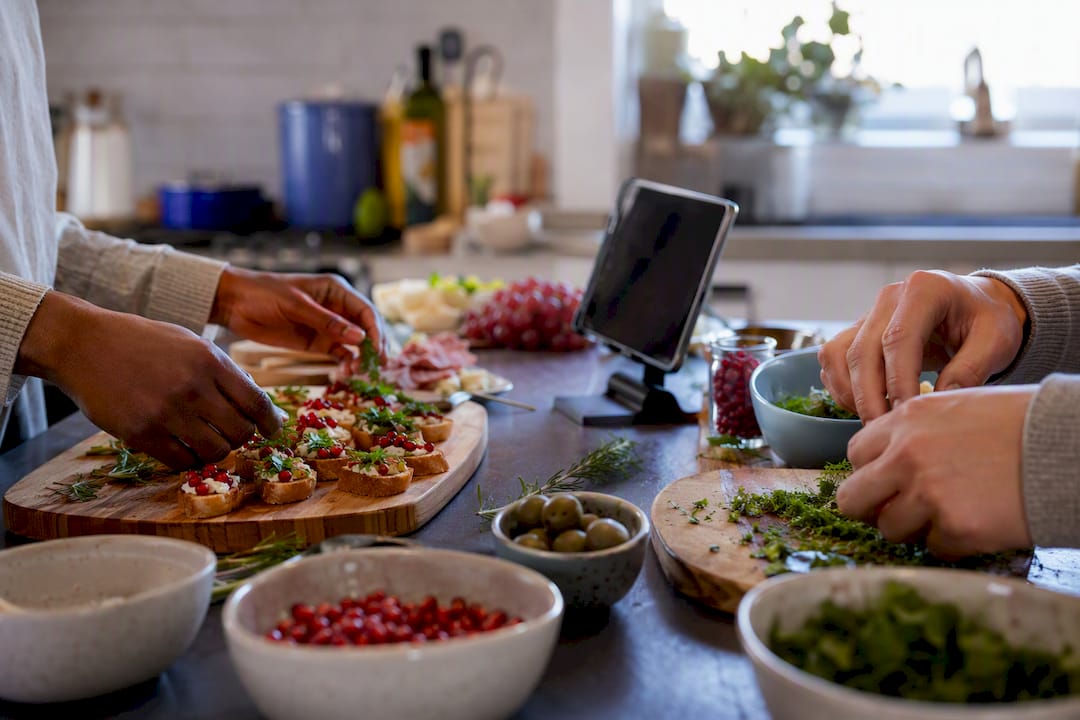
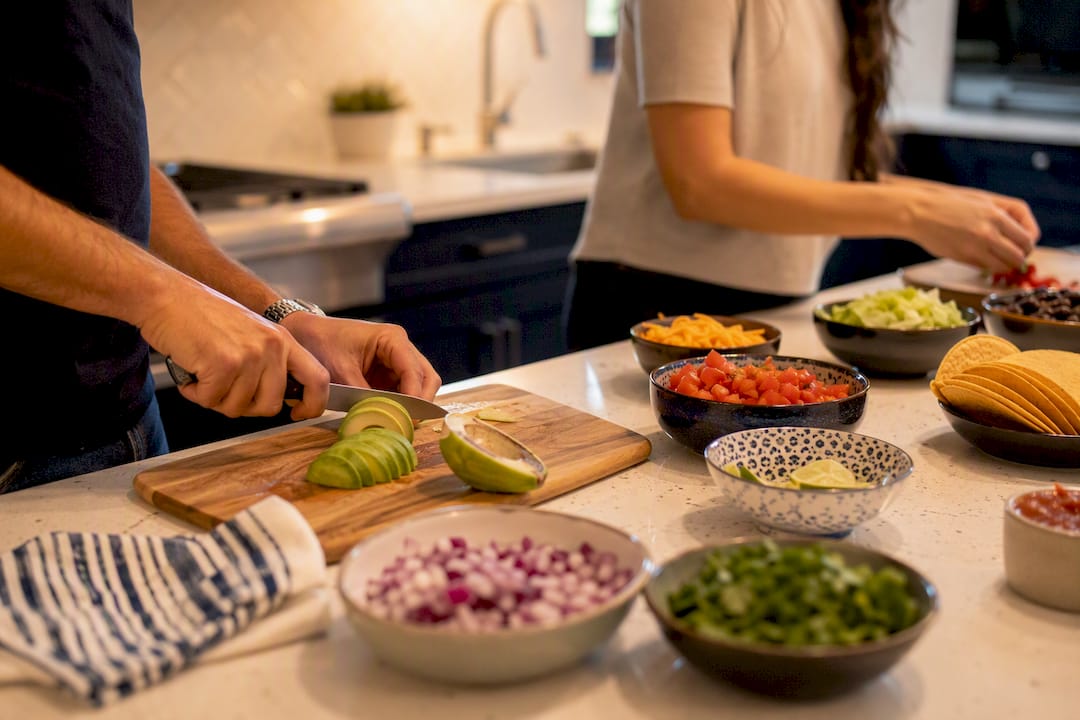
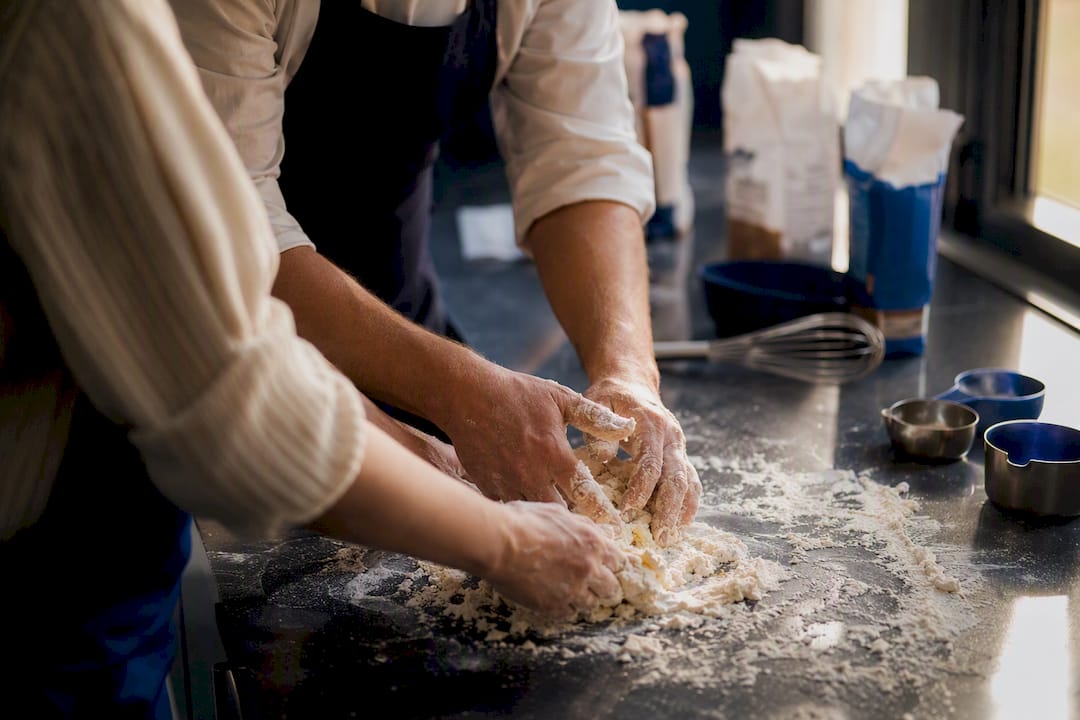
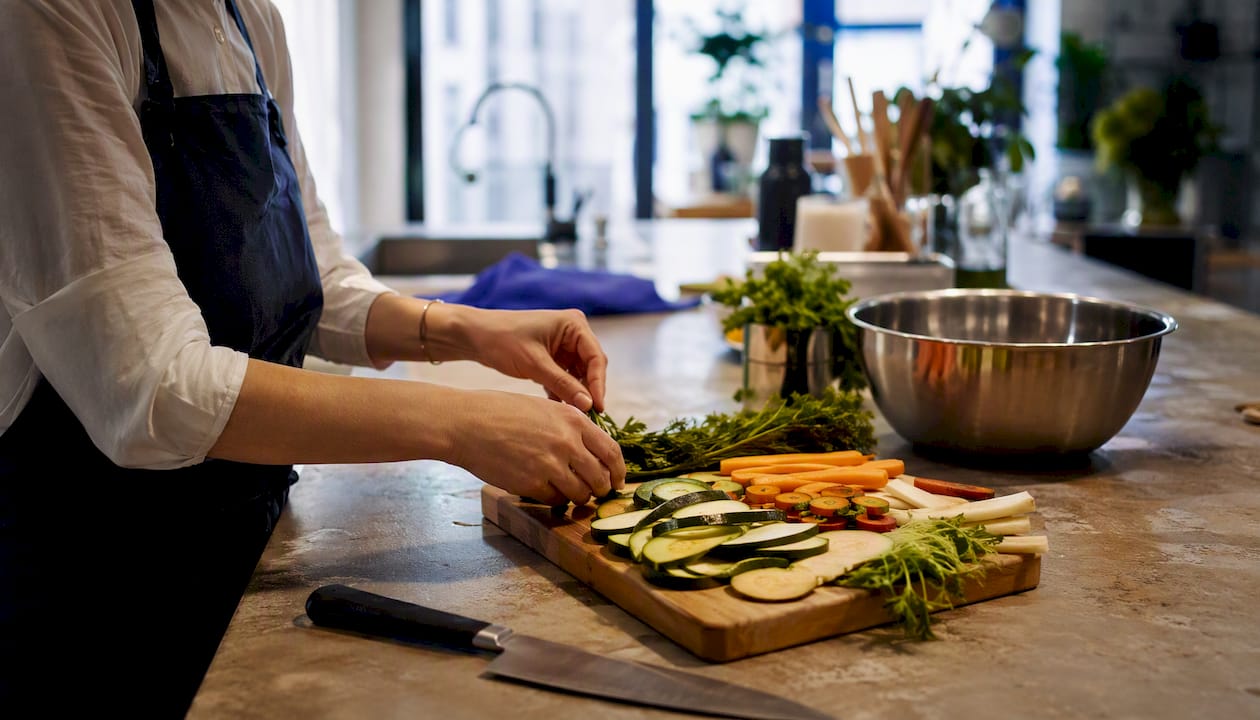
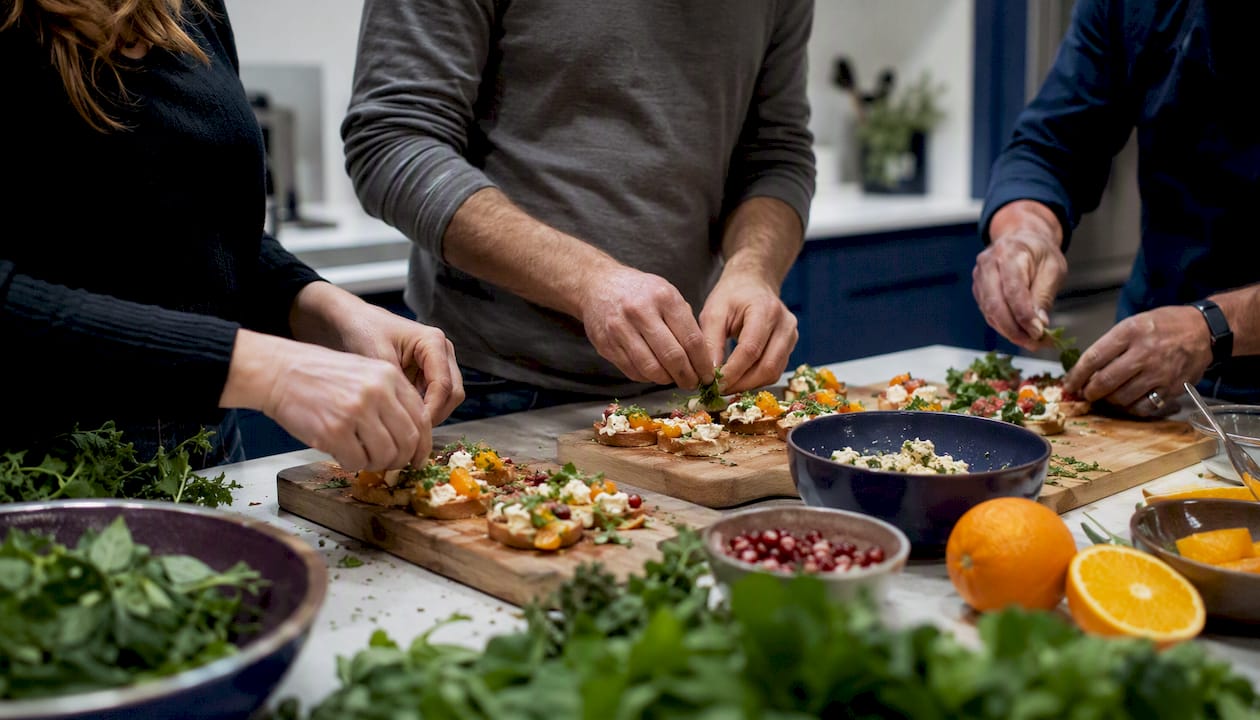
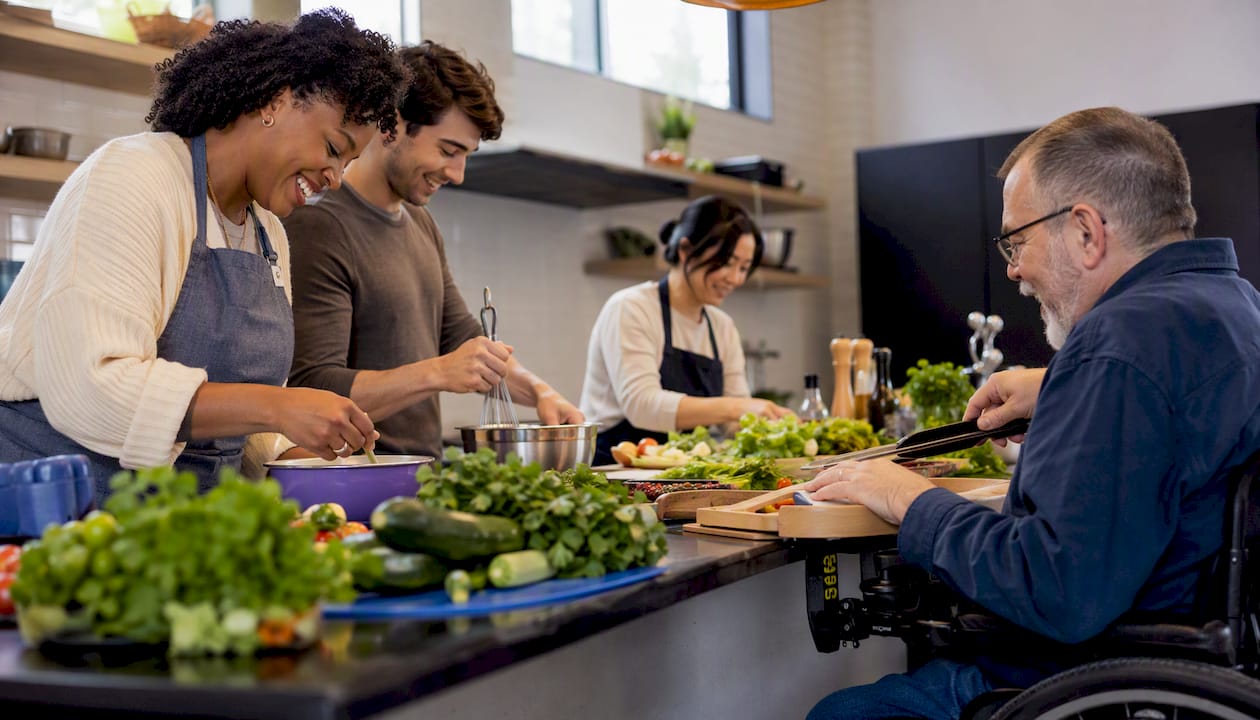
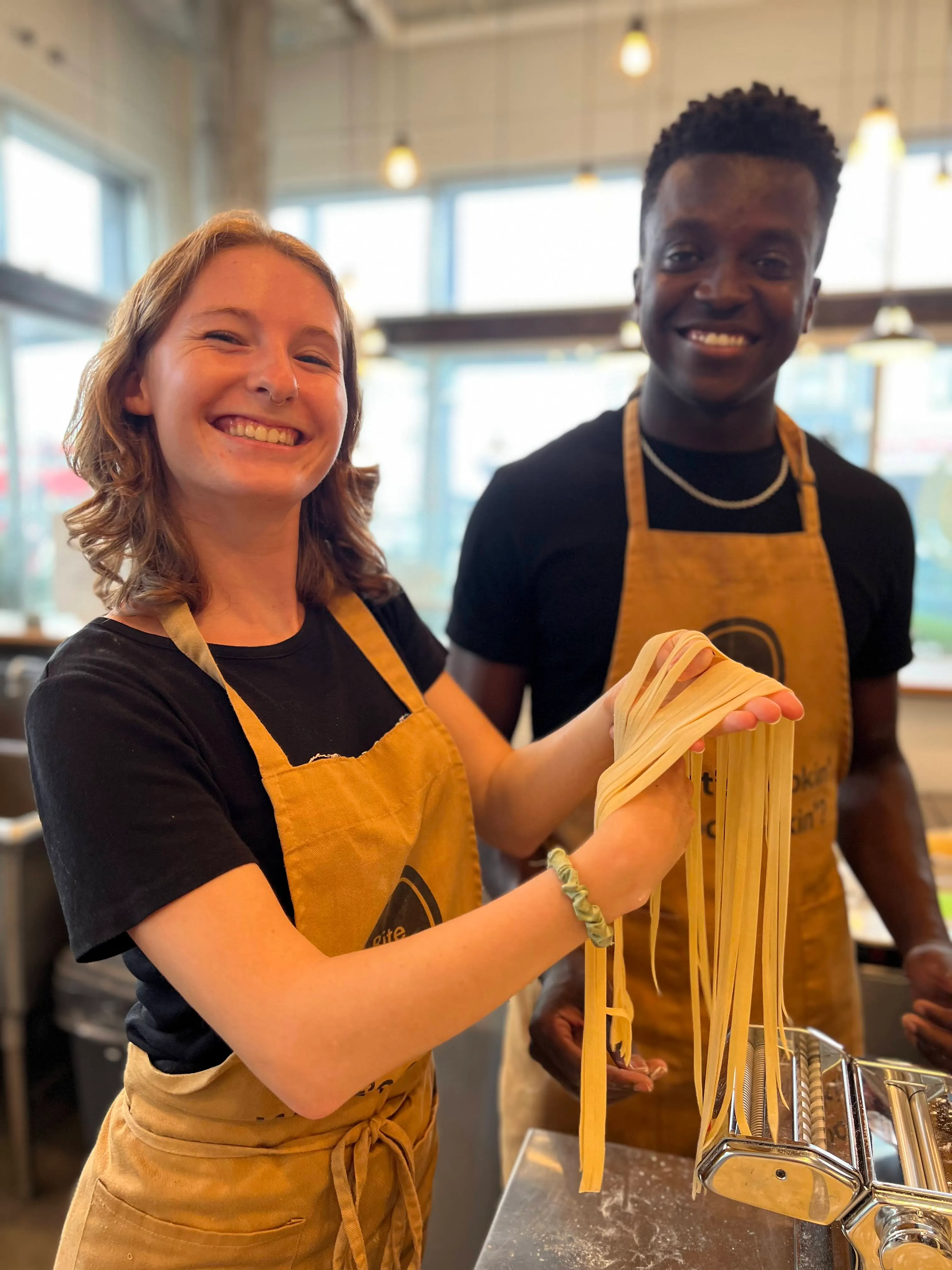
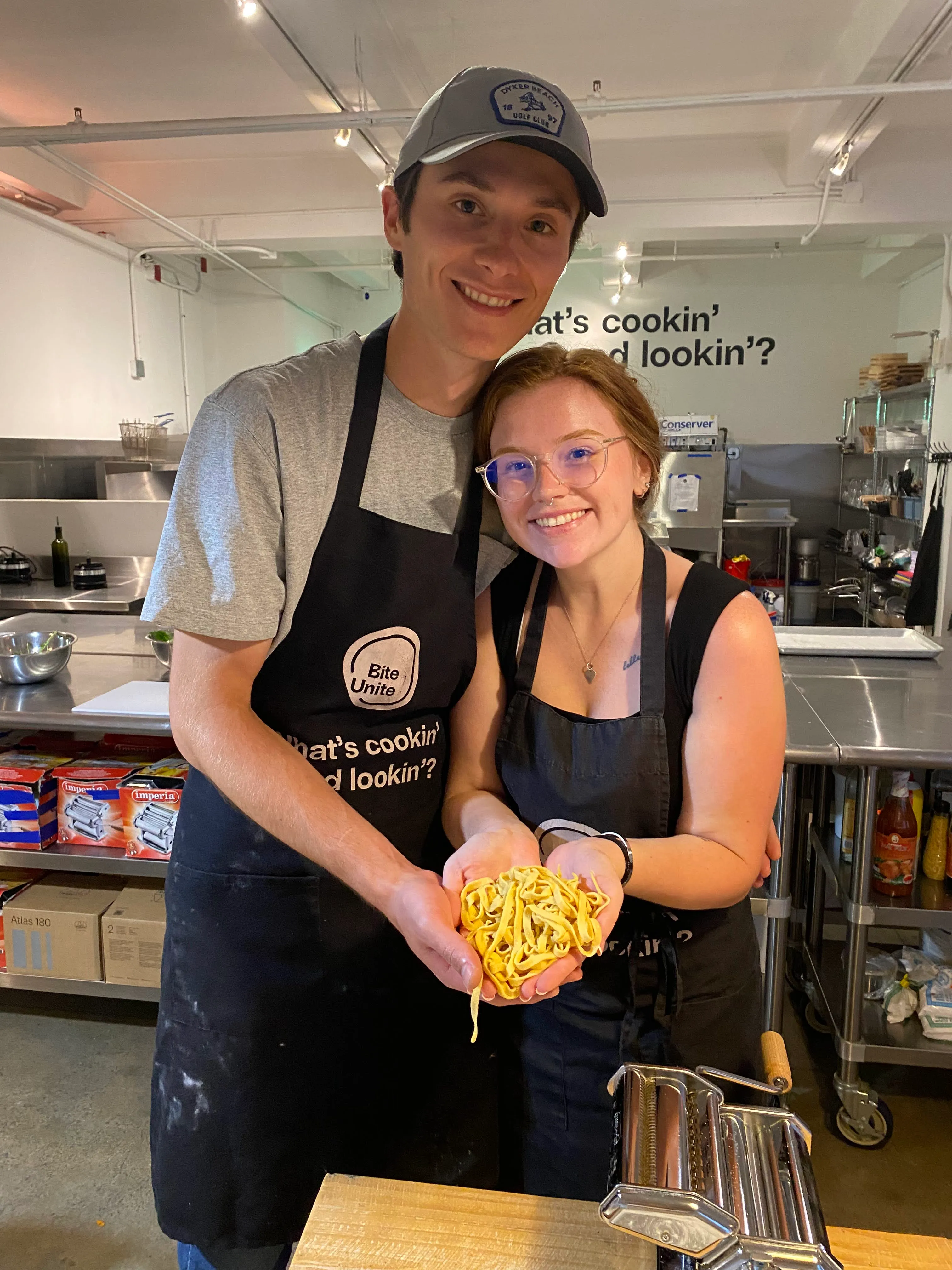
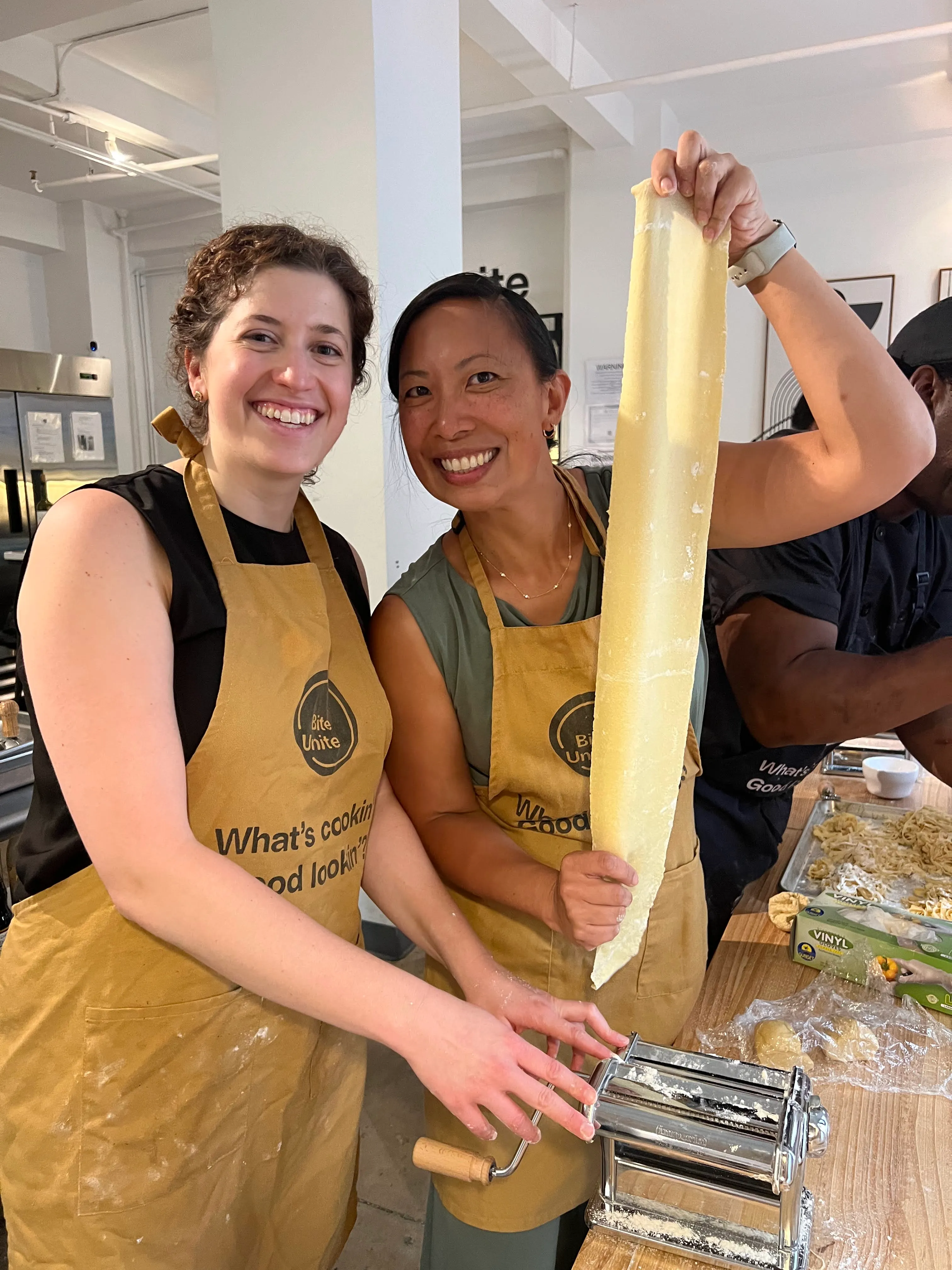
- Hybrid-native activities, built from the ground up so remote and in-person people have equal jobs to do, like a coordinated cook-along where every location gets the same ingredient kit and follows a chef over video. Everyone chops, everyone plates, everyone talks through the same recipe.
- Skip-it activities are anything that hands the room a structural advantage, like a physical scavenger hunt through the office or a whiteboard brainstorm only visible to people standing in front of it.
Other reliable picks include a rotating two-truths-and-a-lie played entirely in chat, a shared-screen Pictionary using a digital canvas, a virtual escape room with sub-teams split by breakout room rather than location, and a “show us your workspace” round where remote and in-office employees each get 90 seconds on camera. If you are ever unsure whether an idea belongs in hybrid-native or skip-it, ask one question: does the primary interaction happen on a screen everyone can see equally? If not, cut it.
How Do You Plan a Hybrid Team Building Event Step by Step?
Good hybrid events are won or lost in the two weeks before the event, not during it. Work through these steps in order.
- Set your goal and a way to measure it. Decide if you are trying to build cross-team familiarity, improve psychological safety, or just give people a reason to laugh together. Pick the activity after the goal, not before.
- Audit your attendee list. Note time zones, dietary restrictions, accessibility needs, and who is likely on a weak home internet connection. This list shapes everything downstream.
- Assign four roles. You need an event lead (owns the agenda), a facilitator (runs the activity), a dedicated remote host (watches chat and calls on remote hands), and a tech lead (owns the platform and troubleshooting). Skipping the remote host is the single most common reason remote participants turn into spectators.
- Decide group size. Keep total attendance under roughly 20 for the most engaged sessions, and split breakout groups into clusters of three to six people. Anything larger and quieter voices disappear.
- Lock materials and shipping deadlines. If the activity uses a kit, ingredients, or props, build in a buffer. Shipping delays are the top reason cook-along and craft-based sessions fall apart.
- Run a dry run. Test the platform, check camera framing, balance audio levels between the room mic and individual laptops, and walk through the host’s opening script out loud.
Pro Tip: Do your dry run at the same time of day as the real event. Lighting, Wi-Fi congestion, and background noise all shift between a 10 a.m. test and a 2 p.m. session.
What Technology Do You Need for a Hybrid Event?
Your platform needs breakout rooms, dependable screen sharing, live chat, and a recording option for anyone who drops off. Beyond software, the room itself needs attention: a wide-angle camera so remote attendees see the whole table, at least two microphones to avoid the dead-zone effect where half the room goes unheard, and a pre-event echo and volume check.
- Use a shared digital surface everyone can edit at once, such as Miro, Google Docs, or FigJam, for any brainstorming or scoreboard component.
- Build in a low-bandwidth fallback, like a phone dial-in option, and turn on live captioning for accessibility.
- If in-person employees are gathered in the same room, have each person join from their own laptop rather than clustering around one shared screen. It sounds redundant at first, but you soon see how much it equalizes eye contact and turn-taking.
- Assign one person, ideally your tech lead, to a five-minute pre-event checklist covering login access, breakout room assignments, and backup links.
Sample Agendas You Can Copy for Your Next Session
Three timeboxed templates cover most corporate calendars, from a quick culture touch to a half-day deep dive.
- 10 to 15 minute opener, for the start of a regular meeting: two minutes of welcome and participation ground rules, then a quick icebreaker like a one-word check-in from every attendee, remote first.
- 45 minute collaborative session, the standard hybrid team building event format: five minutes of framing, 25 minutes in breakout rooms of three to six people, ten minutes of report-back where each group shares one takeaway, and five minutes of debrief.
- Half-day session, for quarterly offsites: open with a 15 minute all-hands framing, run two or three rotating breakout activities with a real shared deliverable at the end (a group recipe card, a presentation, a team charter), and build in two proper 10 minute breaks. Momentum dies fast in hybrid formats without them.
Keep transitions crisp. Whoever is facilitating should verbally signal every shift, “we’re moving to breakouts now,” and the remote host should be the one who calls time and says “let’s wrap” so the cue doesn’t get missed by people only half-watching the room.
How Do You Keep a Hybrid Event Inclusive and Psychologically Safe?
The core rule is the same one that runs through the whole playbook: make the digital surface primary so no one’s physical location grants them an advantage. Beyond that structural choice, a few smaller habits matter just as much.
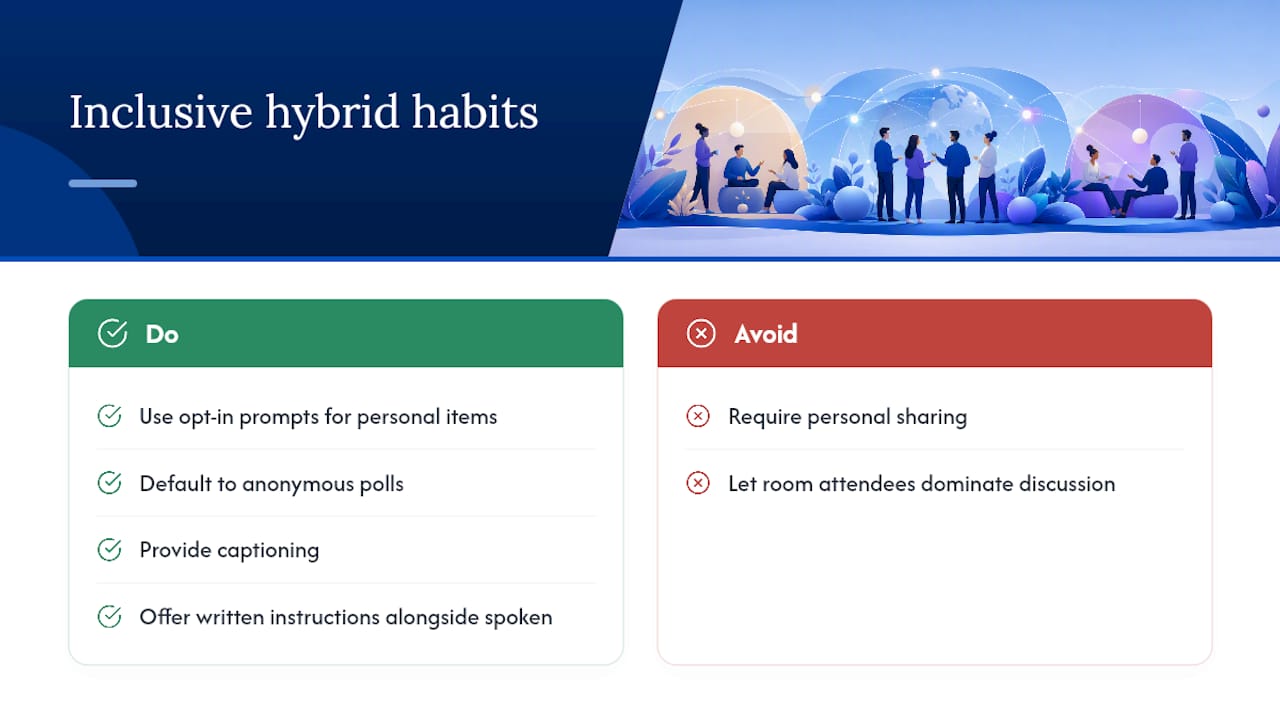
Use opt-in prompts for anything personal, and default to anonymous polls when you want honest feedback rather than performed enthusiasm. Build in captioning and alternate formats (a written version of instructions alongside the spoken one) so accessibility isn’t an afterthought. For airtime, call on remote attendees first before opening the floor to the room, rotate who facilitates each session, and hand a specific role, like notetaker or timekeeper, to your quieter participants so they have a built-in reason to speak.
How Do You Know if Your Hybrid Event Actually Worked?
A three-to-five question survey sent right after the event tells you most of what you need: did people feel included, did they feel heard, would they opt into another one. Pair that with hard participation data.
- Track breakout attendance and rough speaking turns per person, even informally, to catch sessions where remote voices went quiet.
- Watch for behavioral follow-through, like a cross-team project that started from a breakout conversation or two people from different offices choosing to pair up voluntarily afterward.
- On cadence, short weekly touchpoints paired with a monthly or quarterly longer session beat one big annual event by a wide margin for sustained connection.
What Chefs Running Hybrid Cooking Sessions Actually Notice
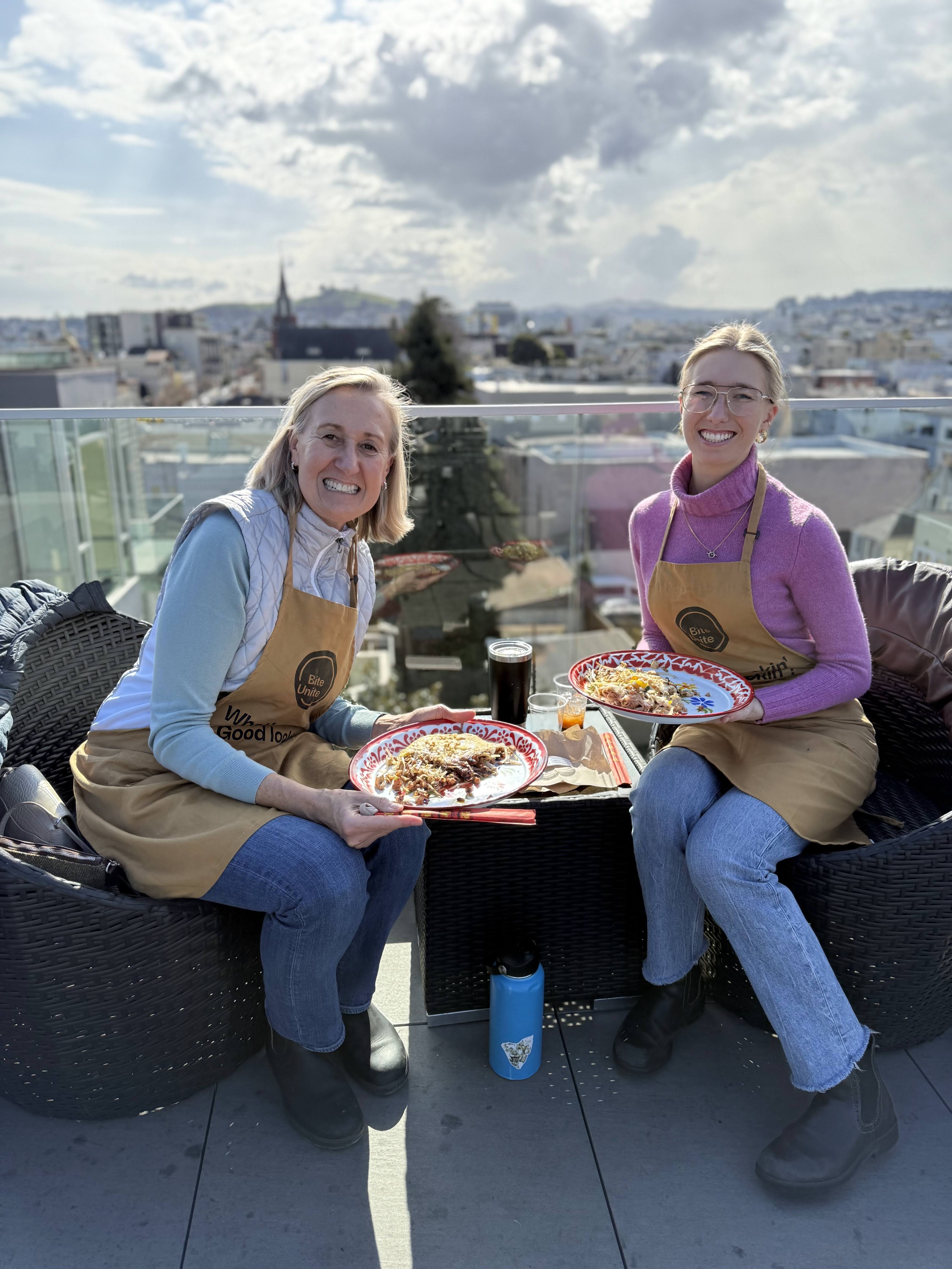
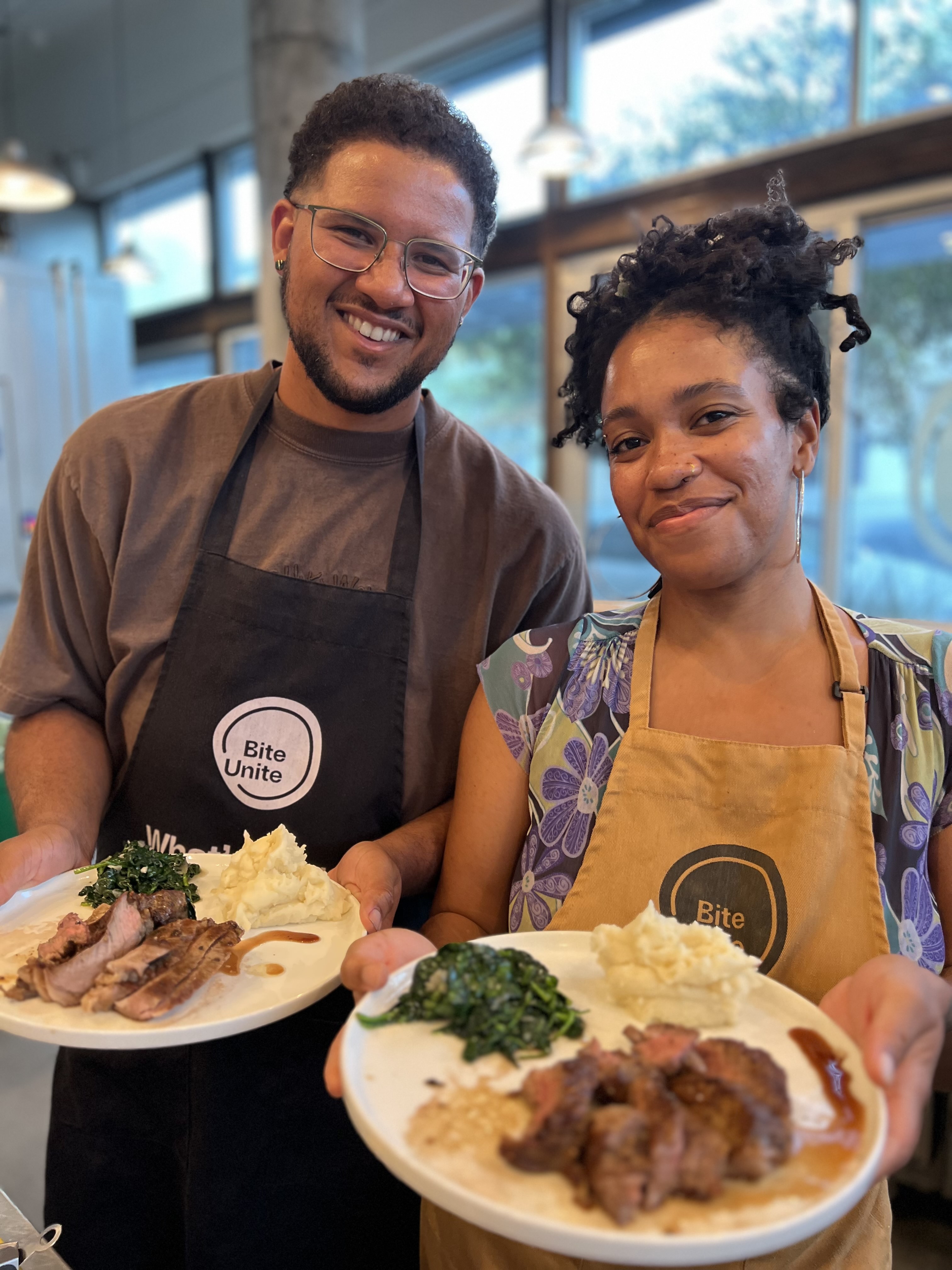
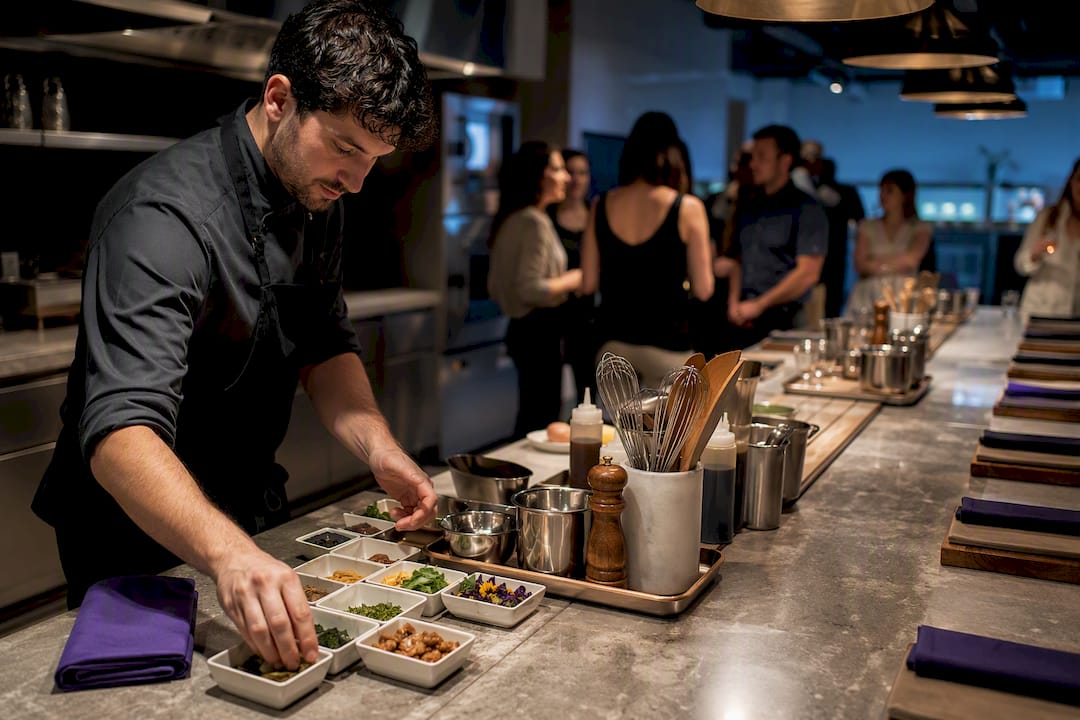
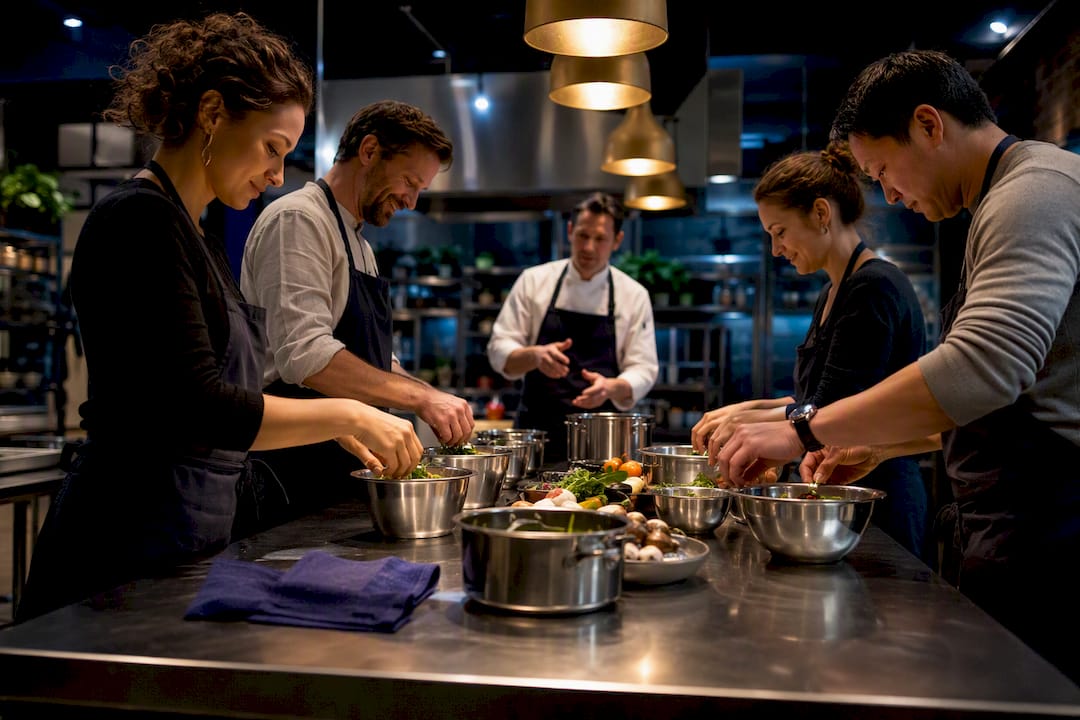
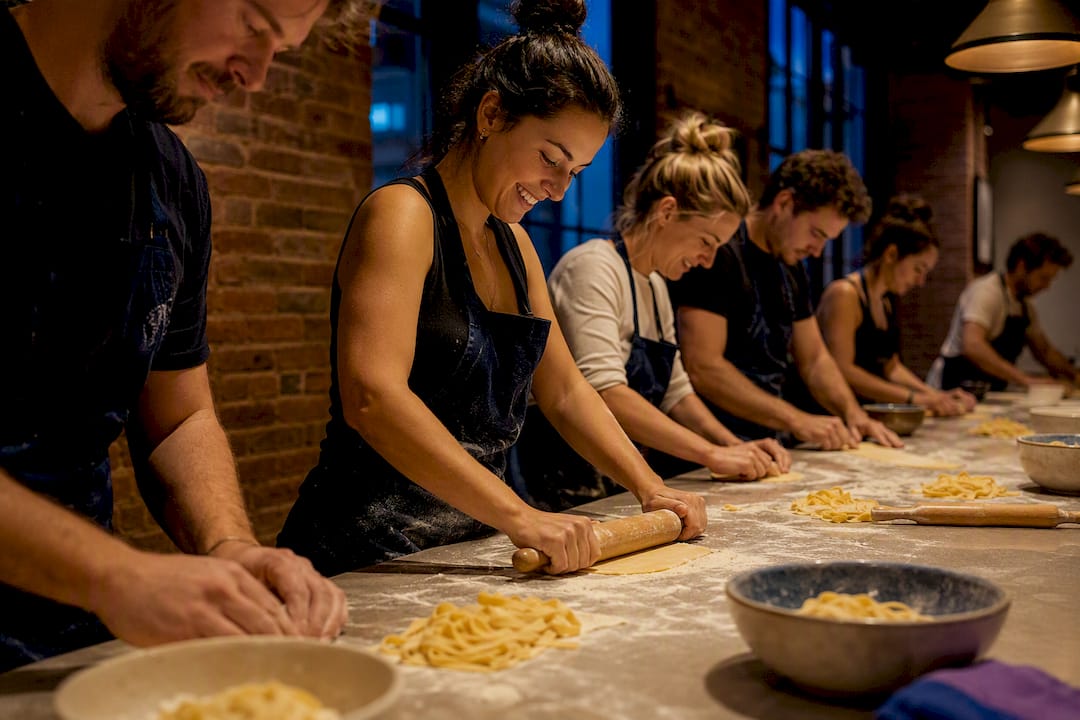
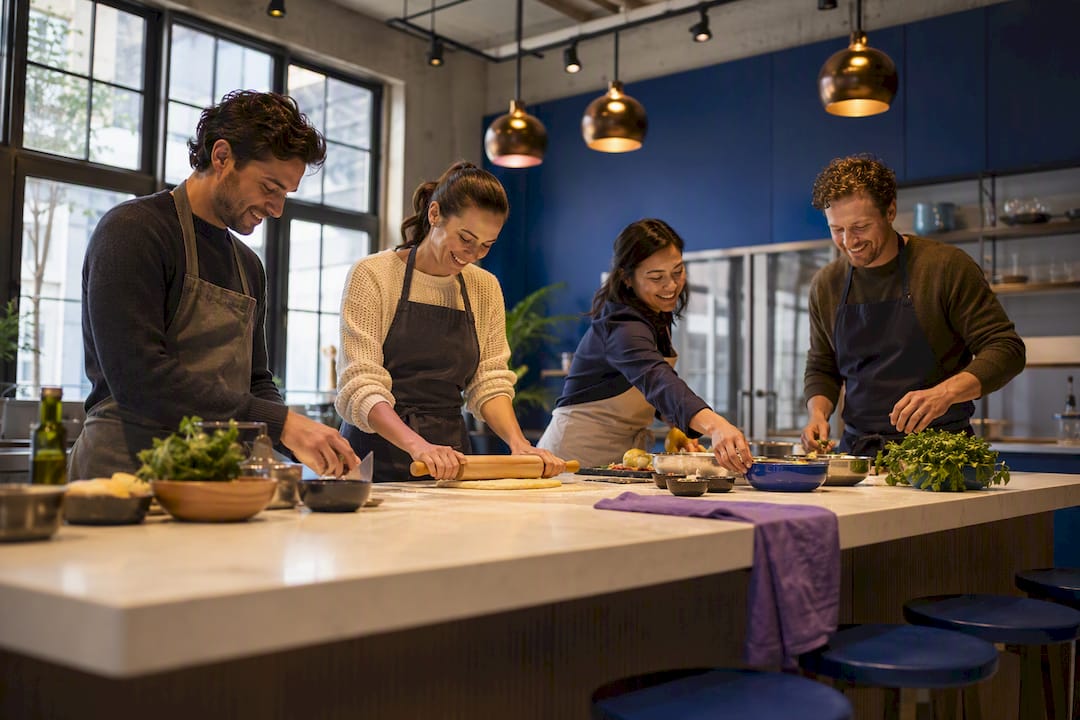
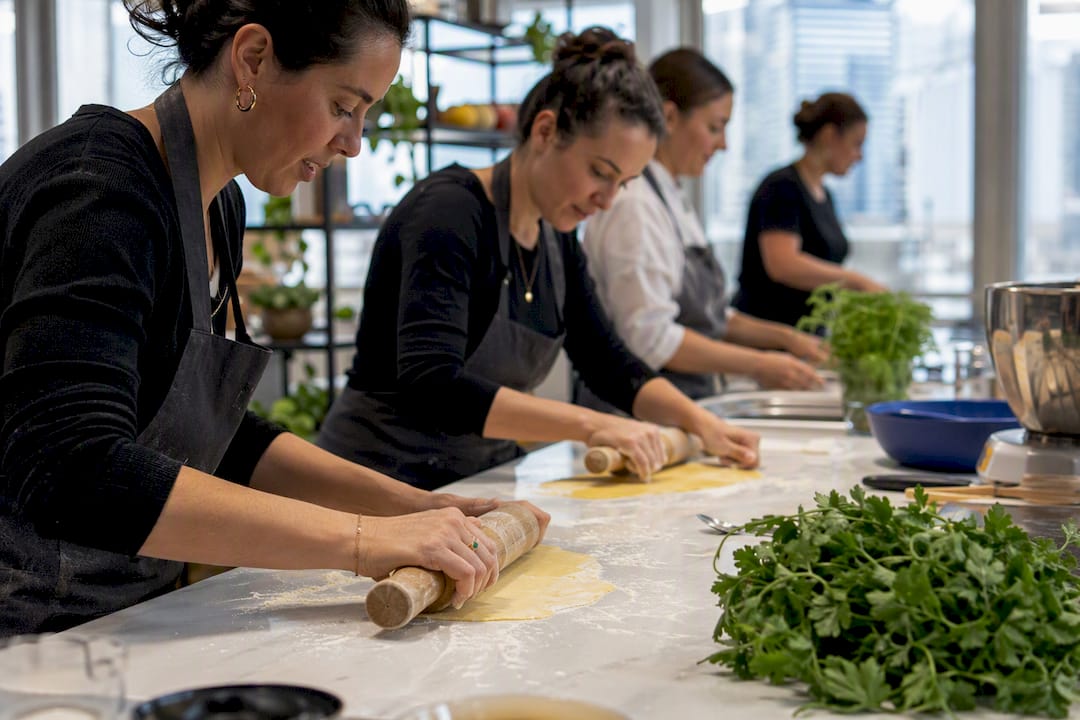
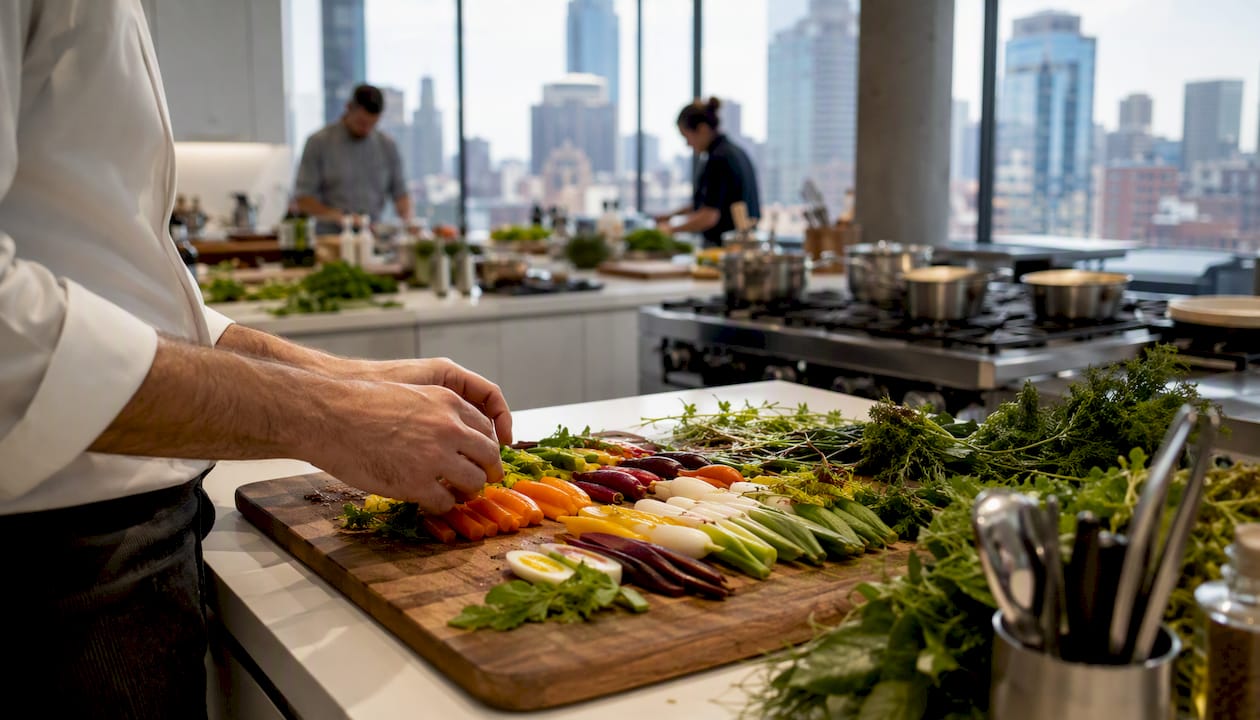
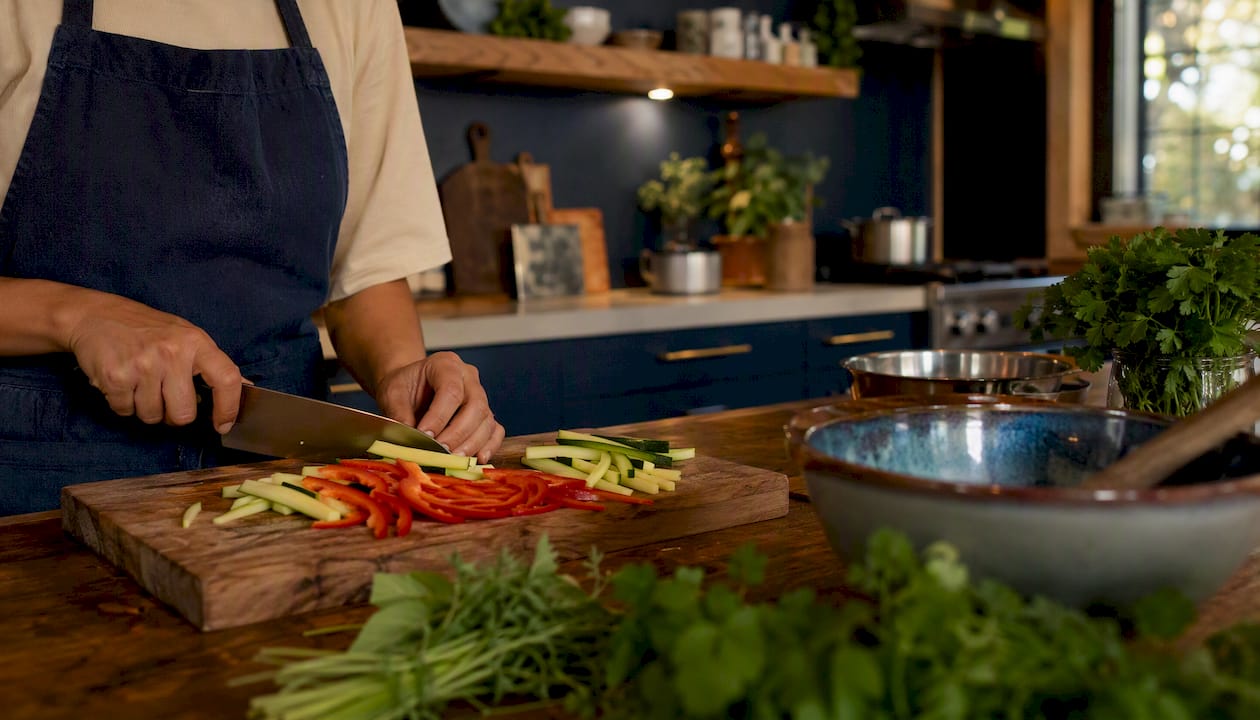
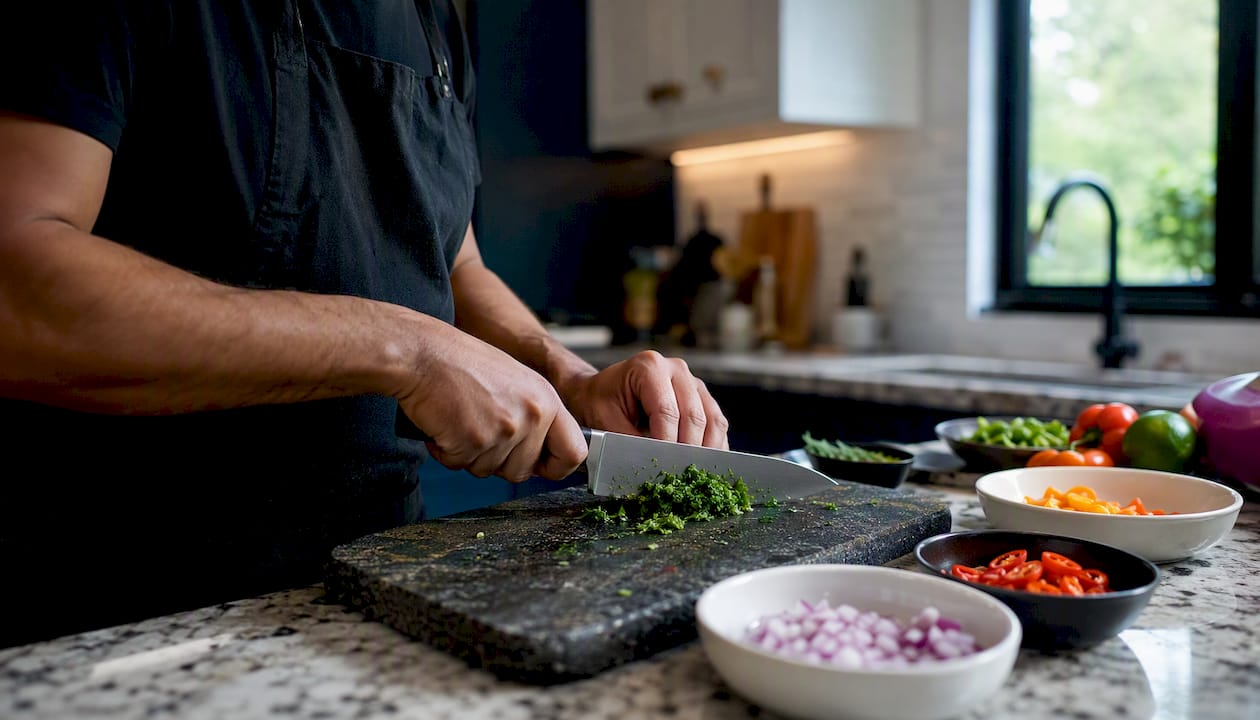
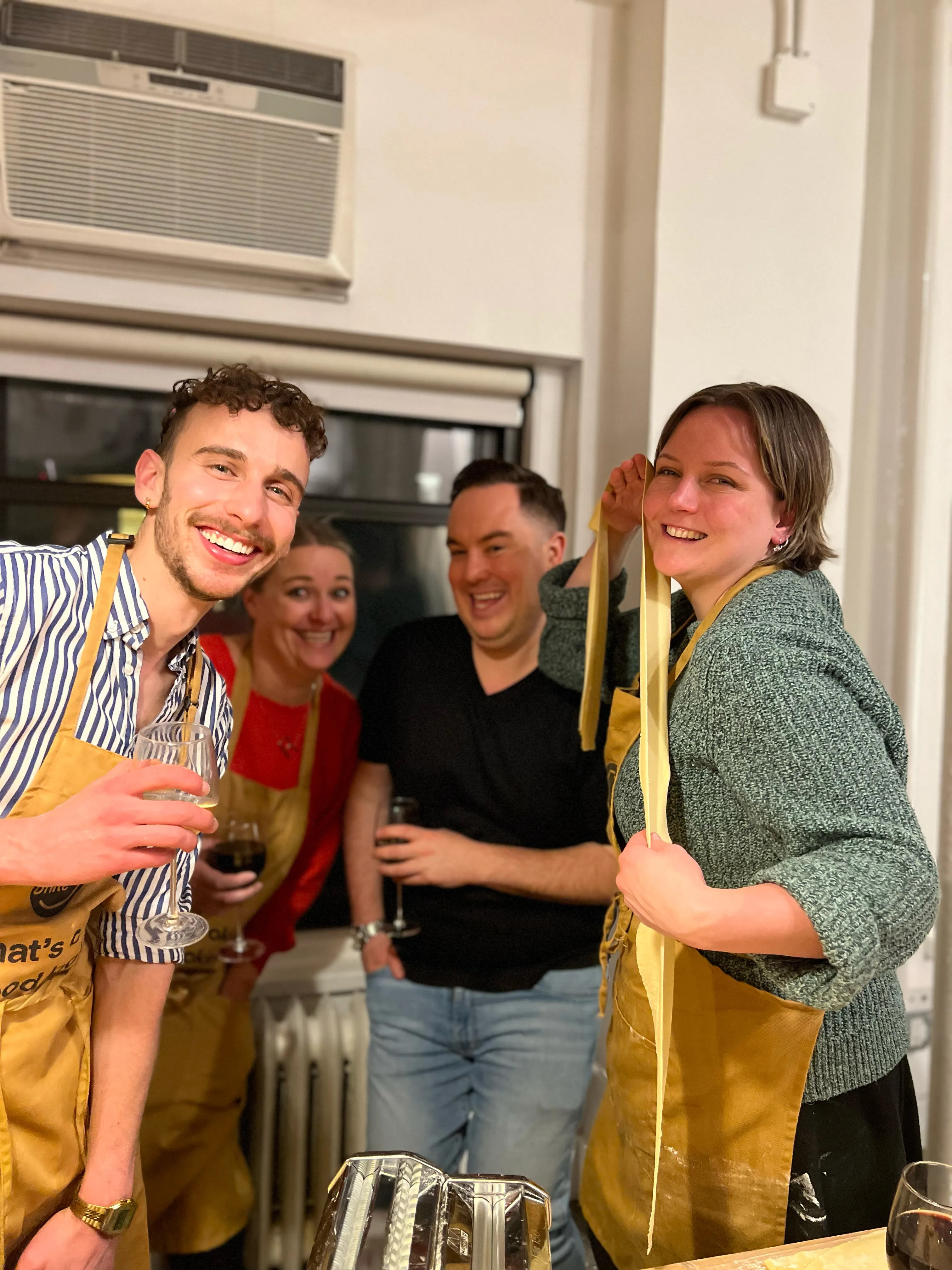
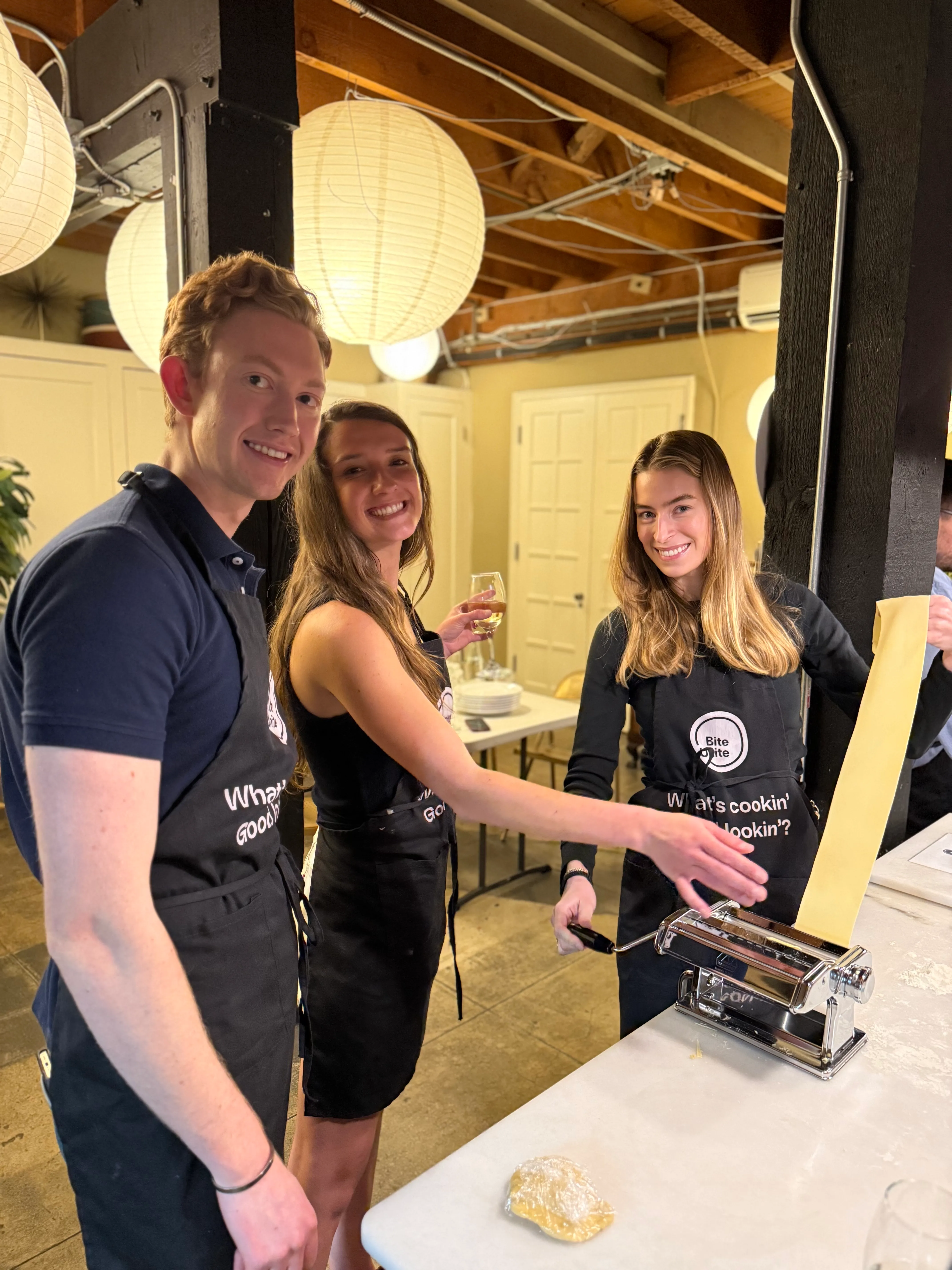
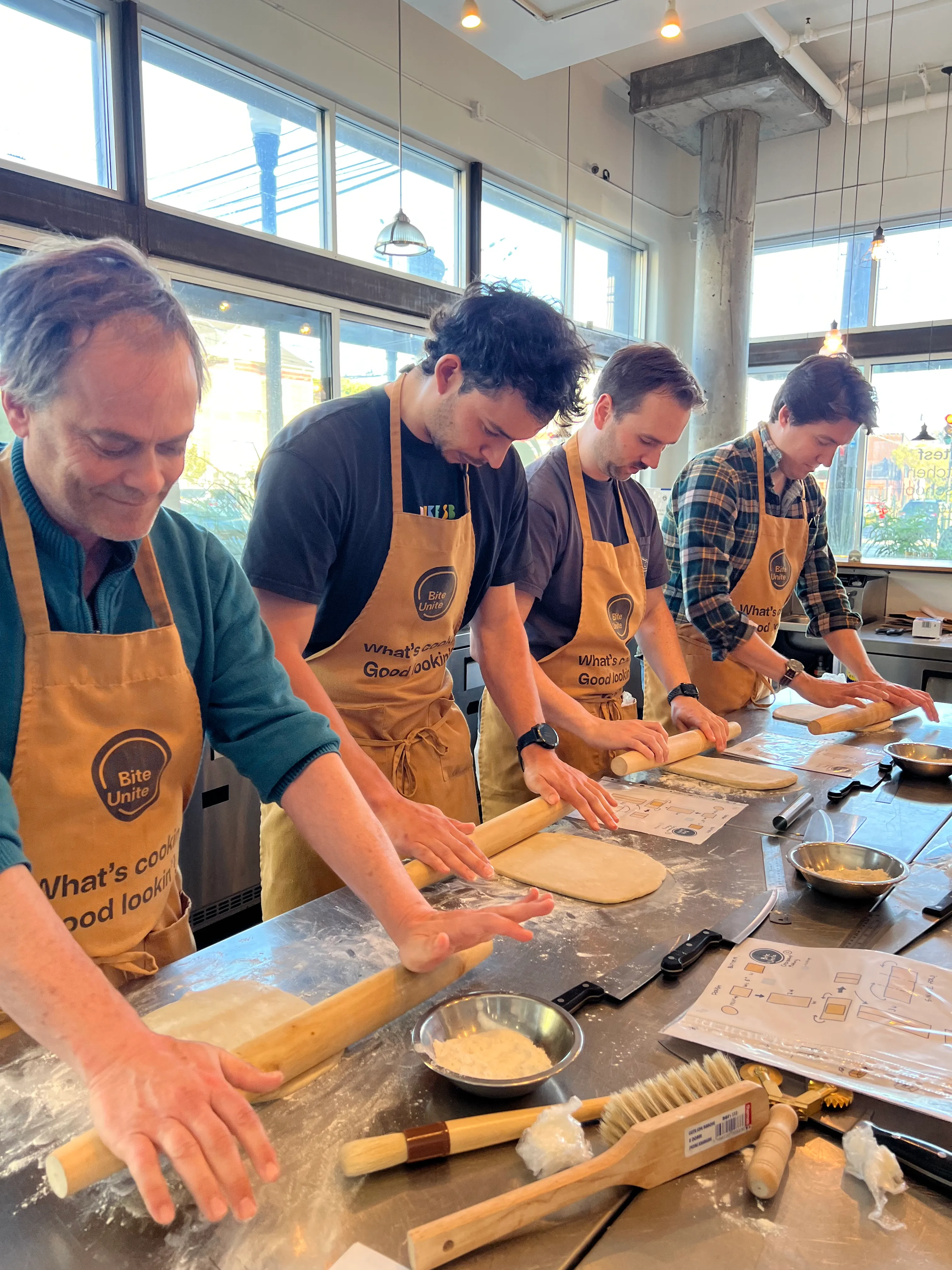
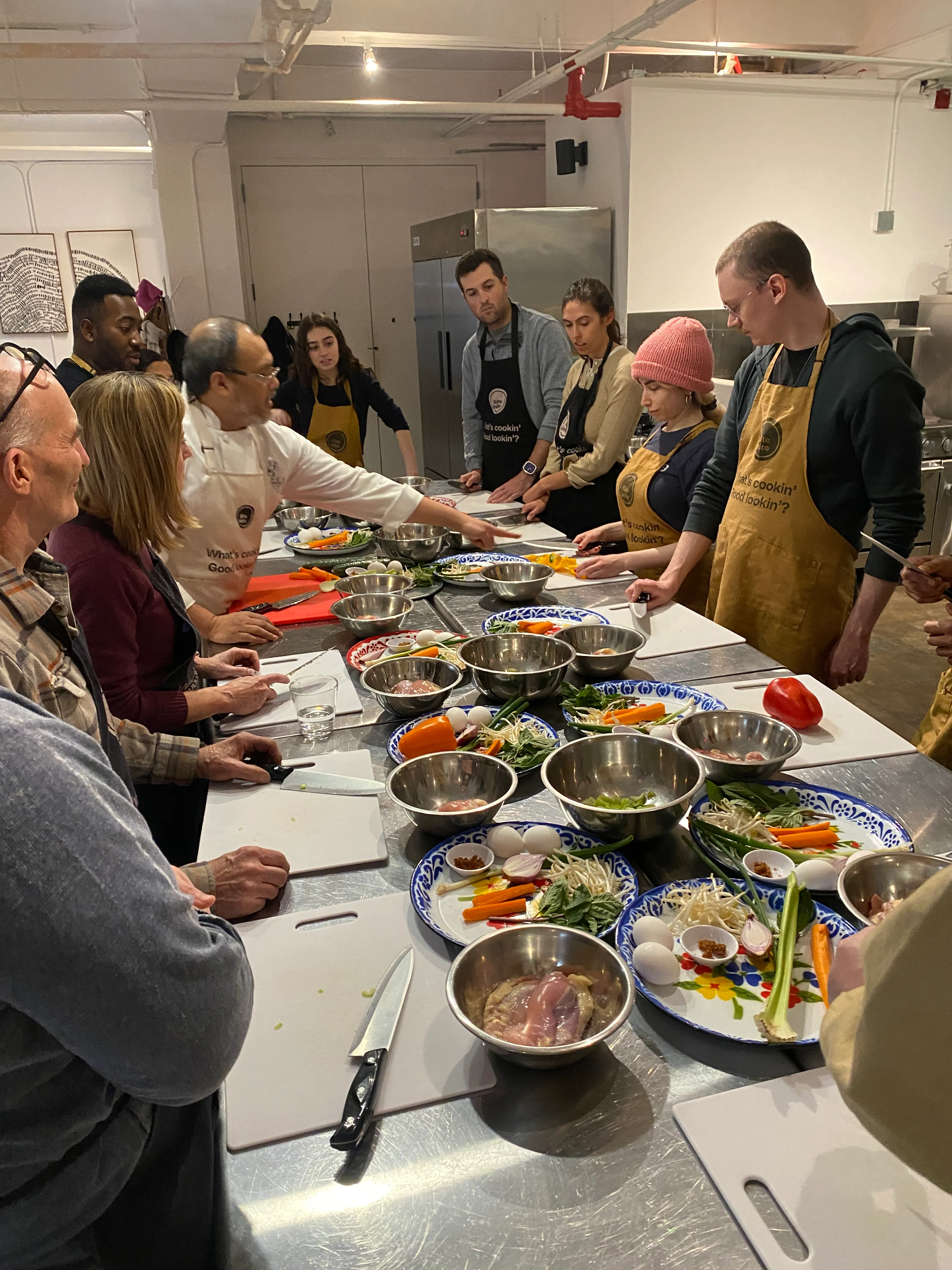
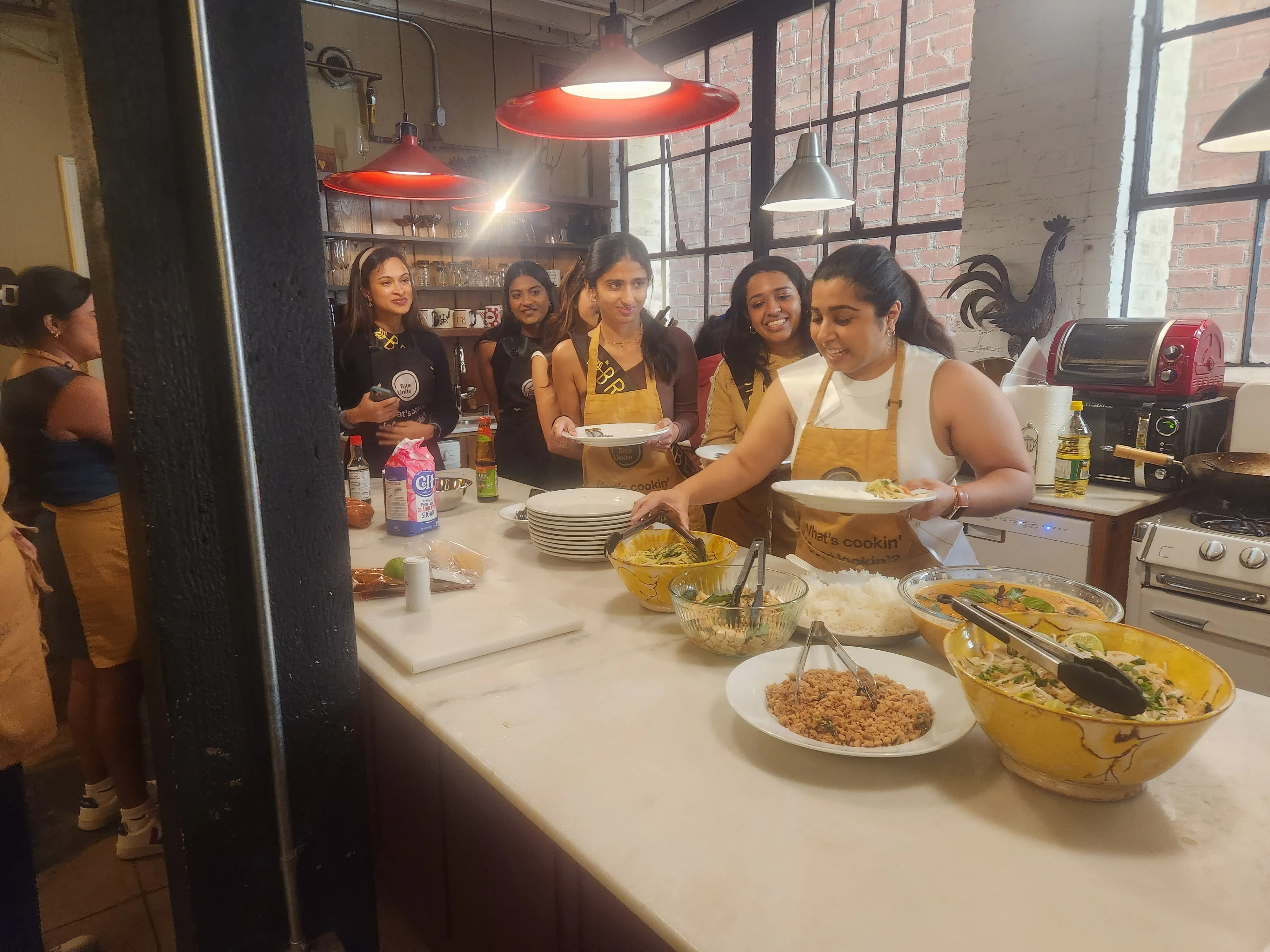
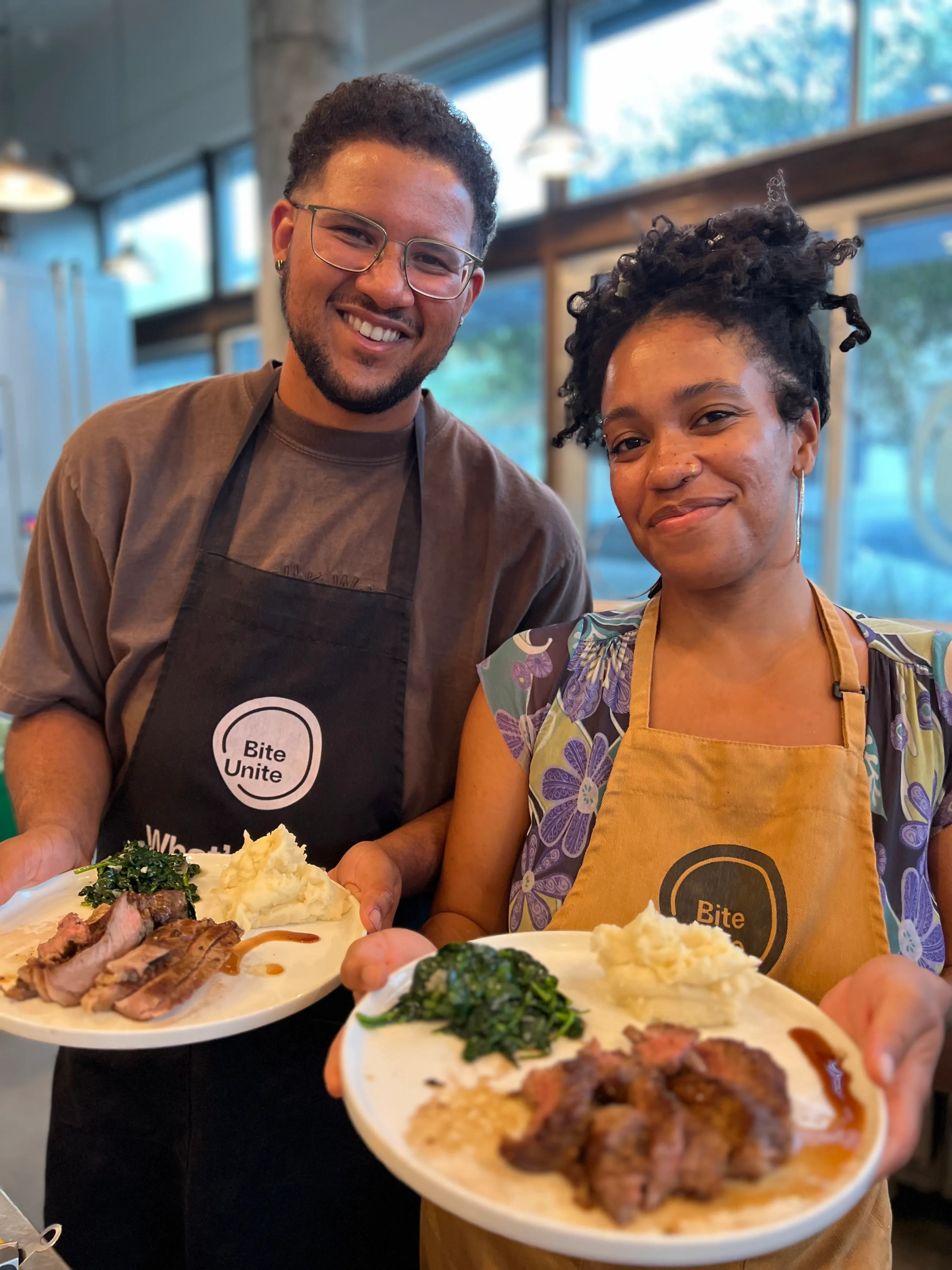
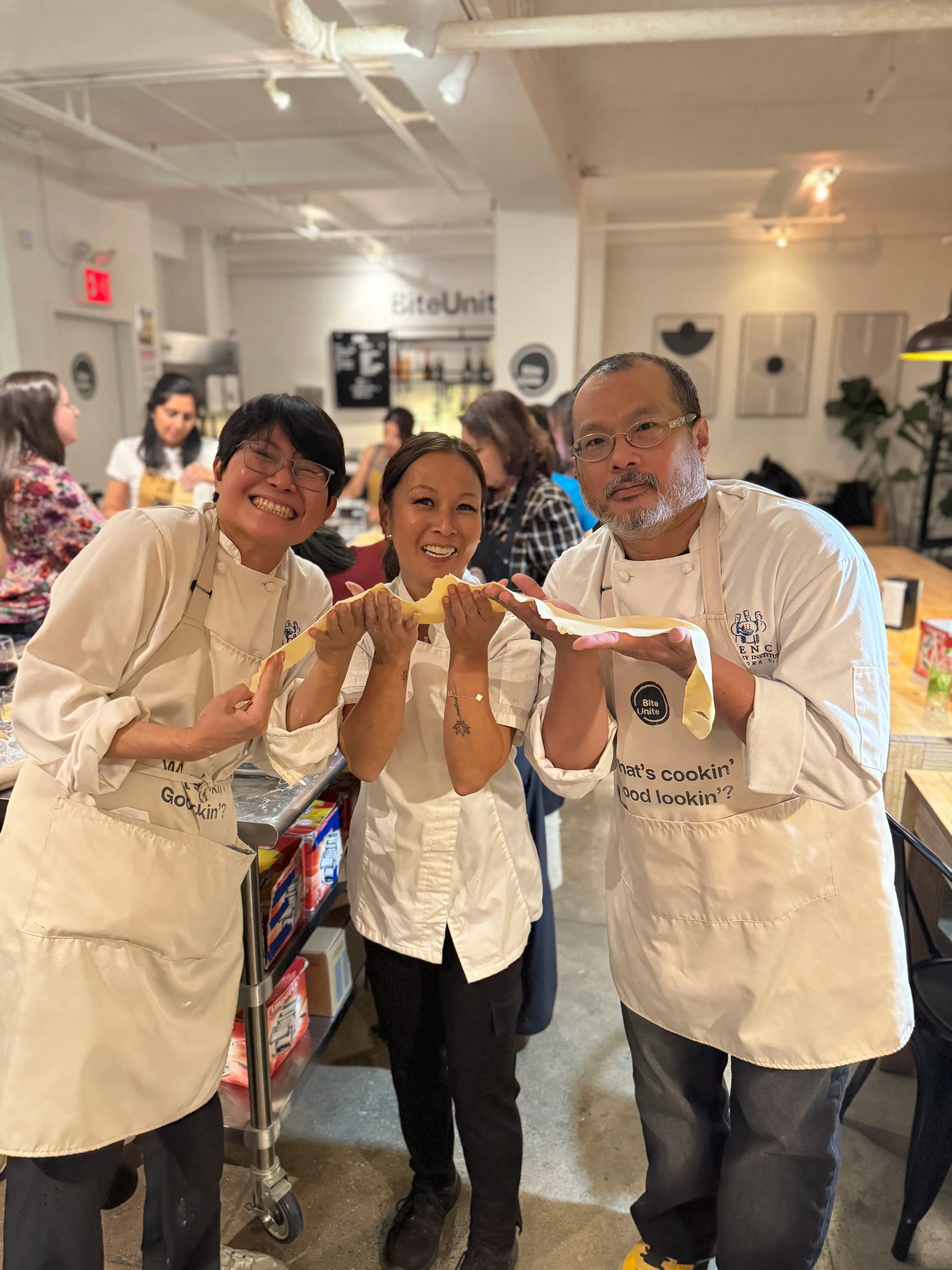
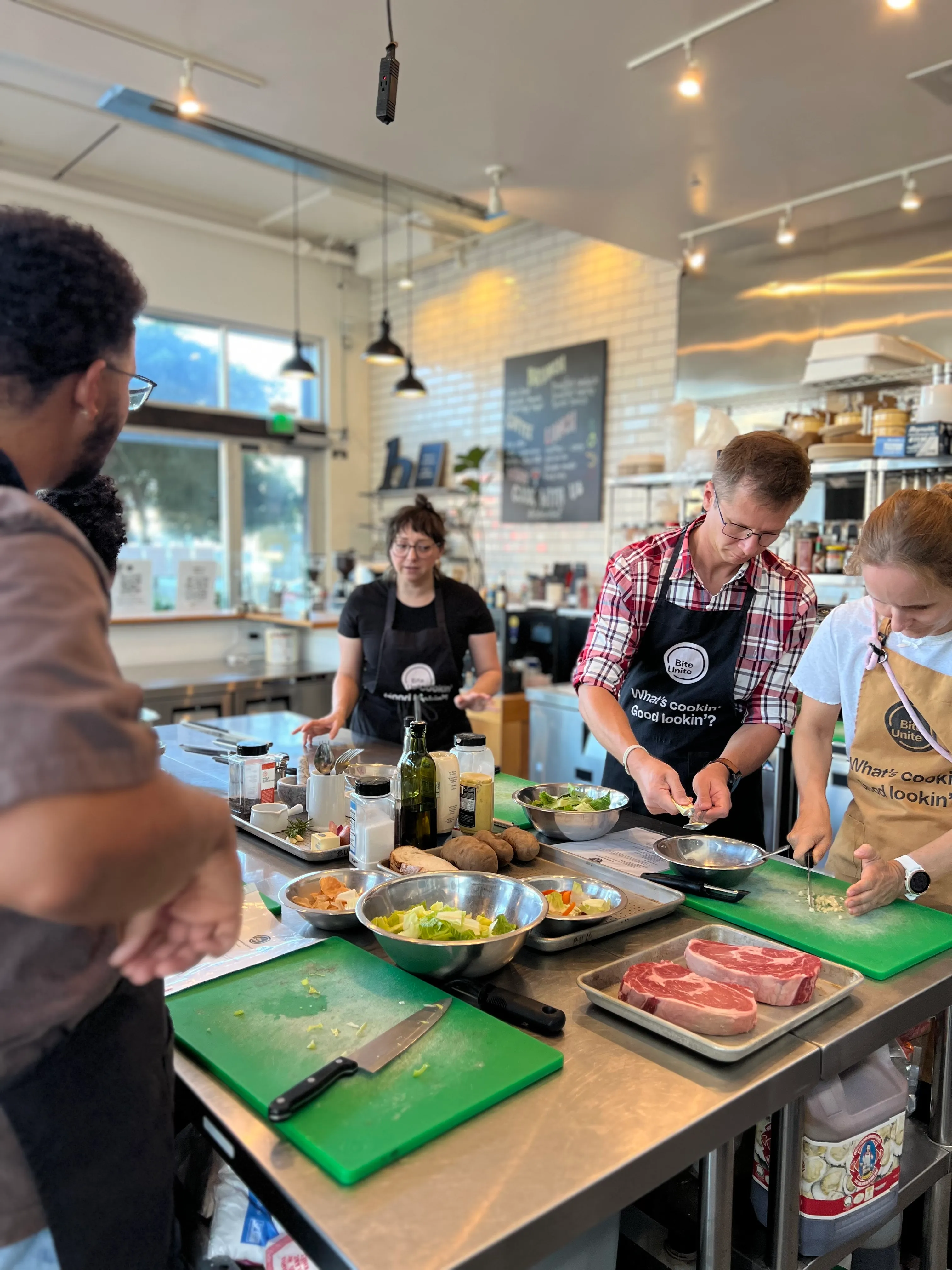
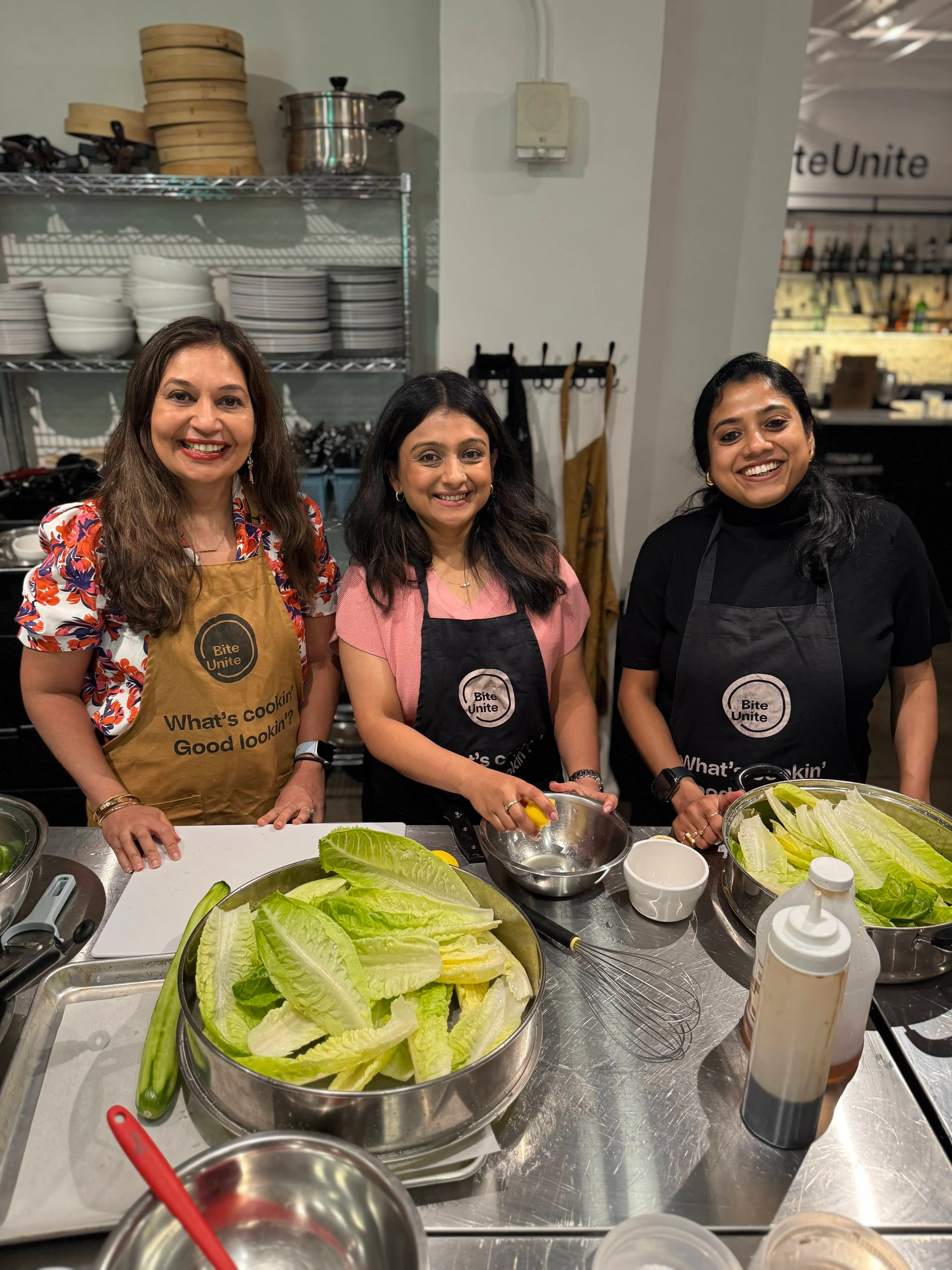
The lessons repeat every time: ship ingredient kits early, give the remote host real authority over pacing, and keep breakout groups small enough that quieter cooks still get a knife in their hand. Teams that go through a hybrid cook-along tend to report the same thing afterward, that the shared task gave them something to talk about besides work, which is really the whole point of the exercise.
— Patta
Book a Hybrid Team Building Event With a Real Chef Behind It
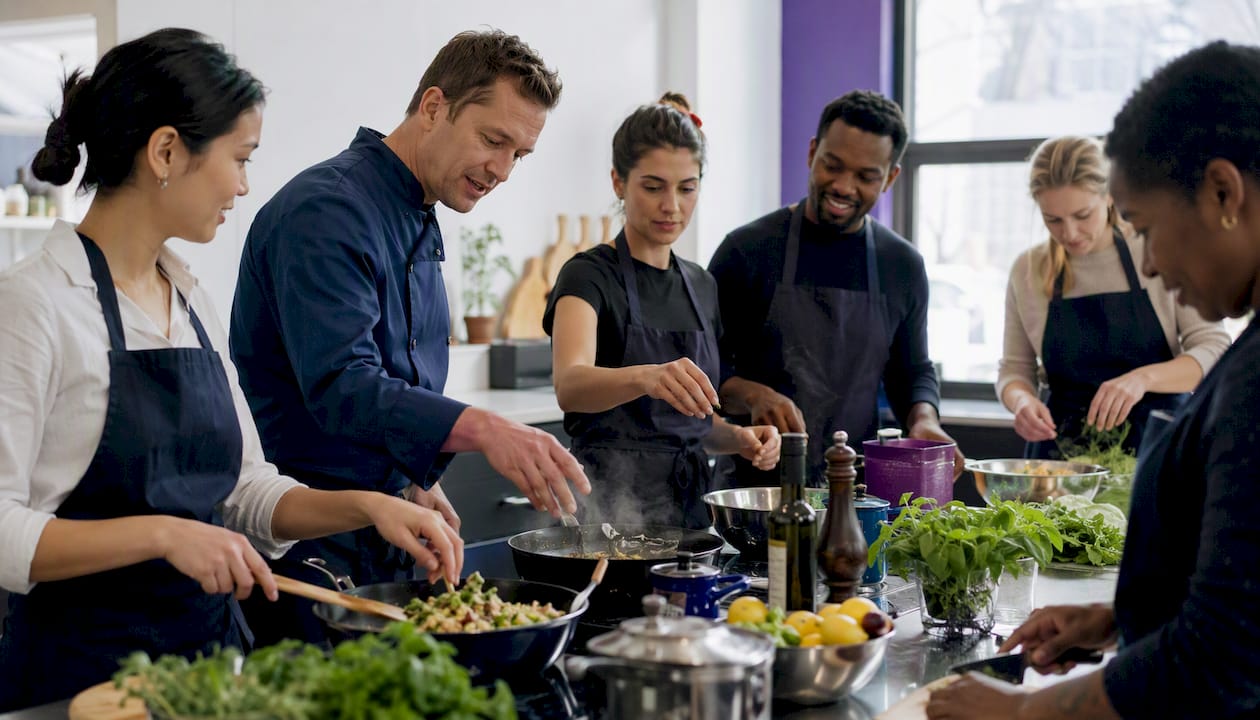
Hybrid team building works best with a live chef leading the session, ingredient kits sent to every location, and remote employees cooking alongside the in-person group instead of watching them. That is the hybrid-native format done right, without you having to source a platform, a facilitator, and a recipe separately.
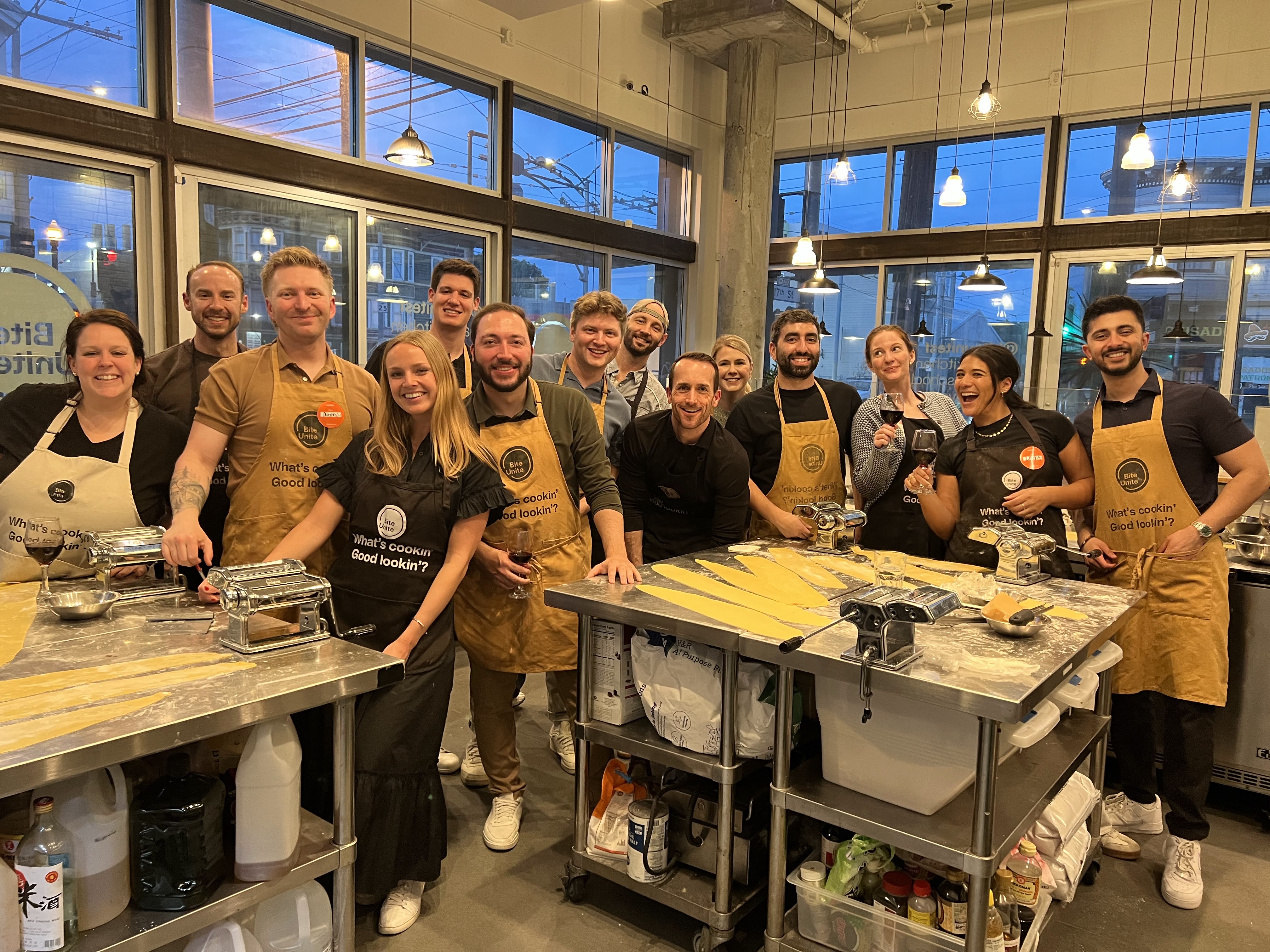
If your team is spread across offices or fully remote, online cooking classes put everyone on the same virtual surface from the start, following along with an instructor in real time. For teams that want an in-person anchor point, Biteunite can host groups of up to 100 or 150 guests with a private chef leading the room while remote colleagues join by video. Reach out through the corporate cooking page for a proposal, tell the team your headcount and locations, and get a plan built around the group size math this article already covered, breakouts of three to six, dedicated hosts, and a kit deadline that actually holds.
Where This Guide’s Findings Came From
- QuestWorks: the remote-first design rule and the three-bucket activity framework.
- CHRO Strategy: timeboxing, role assignments, and cadence recommendations.
- Offsiteio Learn: cooking and culinary formats as hybrid-native activities.
- Wild Foodz: what makes a shared culinary experience work as a group activity.
Sources
- Team Building for Hybrid Teams: 12 Activities That Work | QuestWorks
- Hybrid team building activities that truly engage on site and remote employees
- 15 Unique Team Building Activities for Hybrid Teams in 2026 | Offsiteio Learn
FAQ
What Is the Ideal Group Size for a Hybrid Team Building Event?
Keep total attendance under about 20 people for the strongest engagement, and split into breakout groups of three to six. Larger groups tend to let quieter voices, especially remote ones, disappear entirely.
How Long Should a Hybrid Team Building Session Run?
Fast icebreakers work well at 10 to 15 minutes, while a full collaborative session runs best at 45 minutes with clear timeboxed segments. Half-day formats work for quarterly offsites but need built-in breaks to hold energy.
What if the Technology Fails Mid-Event?
Have a dial-in phone backup and a second device ready before the session starts, and assign your tech lead to own troubleshooting so the facilitator can keep the activity moving. A quick dry run at the same time of day as the real event catches most failure points in advance.
How Much Does a Hybrid Team Building Event With Biteunite Cost?
Biteunite lists hosting for up to 100 guests at 11610 USD per year and up to 150 guests at 16447.50 USD per year for corporate cooking programs. Online classes and private chef sessions have current pricing available directly on the booking pages.
What Kind of Activity Works Best for a Mixed Remote and Office Team?
Hybrid-native formats built around a shared task, like a coordinated cook-along with kits shipped to every location, tend to outperform activities designed only for the room. They give remote and in-person employees an identical job to do at the same time, which is what actually closes the participation gap.











































.webp)